


Cost / License
- Freemium
- Proprietary
Platforms
- Mac


Apps similar to Taskline include CherryTree, which is free and open source. Other options are Todoist, Trilium Notes, Habitica and Cryptee. You're spoiled for choice with Todo List Managers like Taskline: we list more than 100 alternatives for iPhone, Windows, Mac, the web and Android.

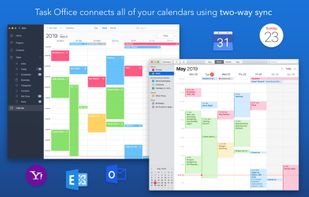
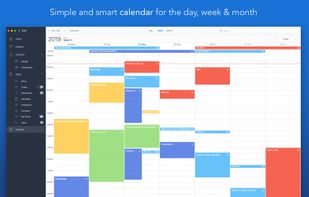
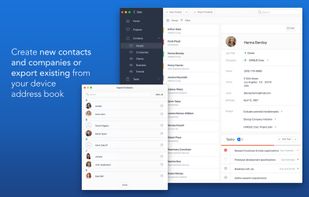
Task Office - existing GTD, to do lists, projects and contacts management apps. Designed to make business planning, scheduling and getting things done more efficient. Task Office makes your plans clear and achievable.



Actiontext is a very simple and basic universal app for managing your tasks. It uses the todo.txt file format. You can then synchronise the file with your cloud provider of choice.
 United States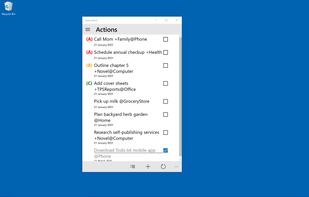
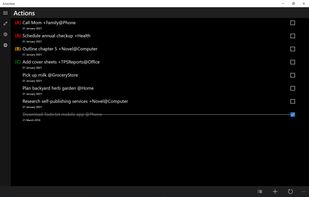


DayTasks lets you easily manage adding new tasks, removing tasks, marking tasks complete, archiving completed tasks to your done.txt file, and even filtering and searching through tasks in a simple way that lets you find certain projects or contexts easily.



TeamTodoList is like a giant whiteboard in the sky. It lets everyone see what everyone else is working on. It's free.
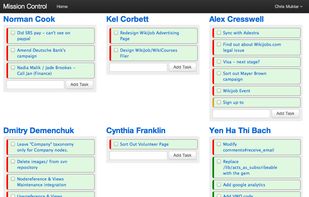
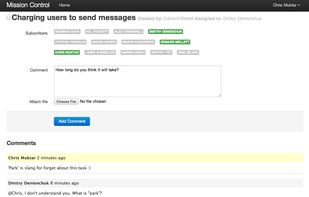

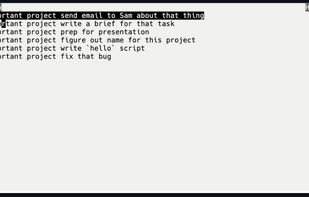
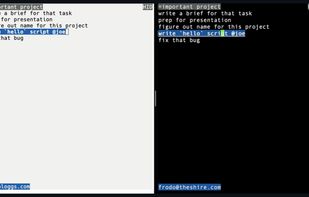
Terminal-based, hyper-fast, CRDT-backed, collaborative note-taking tool Simple, powerful, extremely fast search. fzn is local-first; remote-second. It acts on local in-memory data, meaning no expensive I/O and native speeds.
 Sweden
 EU
EU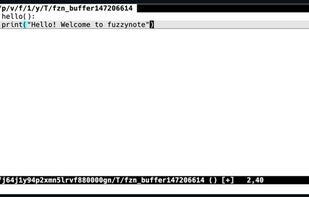

With Timeliness you plan your tasks inside your existing calendar. This has the advantage that you can not only see easily when you should to start working on the next task, but it also means you get to move things around just as you already do with normal events.


Deleting social networking, news or chat apps does not have to be the solution for you to keep you focused on your work. When you need to get a task done, open the Donut Dog App, select how long you want to focus and start being productive.
 GermanyEU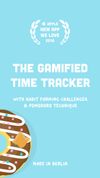




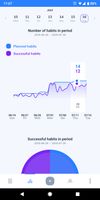
Powerfull habit tracker. More than 300 detailed descriptions of new habit ideas. App includes habits of 60 Famous people.




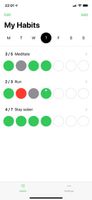
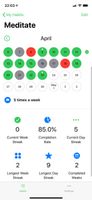
Hapit is a minimalist habit tracker without account registration and annoying self-help notifications. We believe in keeping it simple with no unnecessary features or distractions. Just clear feedback of your progress towards a better life.

 United States




Beatiful and intelligent reminders for your Android device. Free reminder apps will help you not to forget important dates.


