


Hides the taskbar completely when the Start Menu is not open. Save space on your screen by permanently hiding the taskbar when it's not needed.
Cost / License
- Free
- Open Source (MIT)
Platforms
- Windows


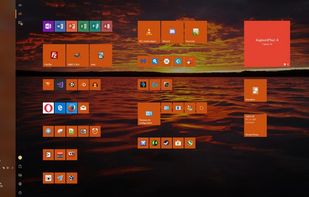


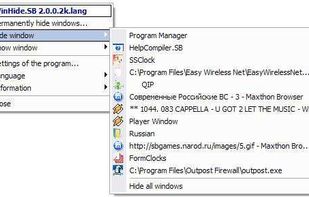
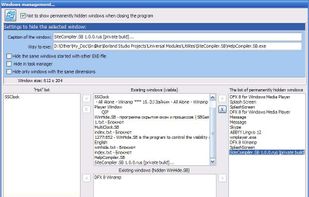
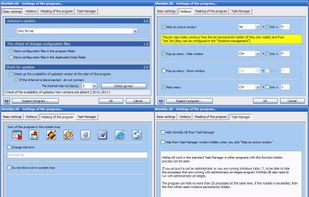
Taskbar Hide is described as 'Eusing Software - Taskbar Hide - hide windows program: hide applications,hide window,hide programs,auto max window,hide taskbar' and is an app. There are nine alternatives to Taskbar Hide for Windows. The best Taskbar Hide alternative is Buttery Taskbar, which is both free and Open Source. Other great apps like Taskbar Hide are task-homie, SnapAway, Hide Taskbar and Anti Boss Key.
Hides the taskbar completely when the Start Menu is not open. Save space on your screen by permanently hiding the taskbar when it's not needed.

Windows 10 includes an auto-hide feature for the taskbar that unfortunately still displays a few pixels when hidden. task-homie hides even those pixels and also disables the unhiding of the taskbar when the mouse hits the screen edges.


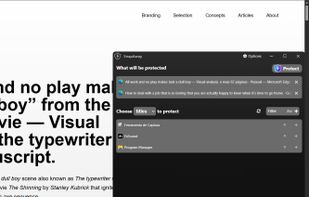
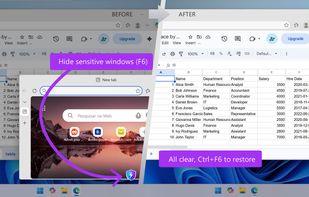
SnapAway is a lightweight privacy utility for Windows that instantly hides selected apps and windows using a secret keyboard shortcut. Hidden apps continue running normally in the background while disappearing from the screen, taskbar, desktop, and Alt+Tab view.



Hide Taskbar is freeware that lets you hide only the taskbar and not the Start Button, with click of a hotkey shortcut. Simply download and run the app.


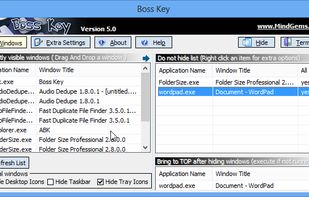
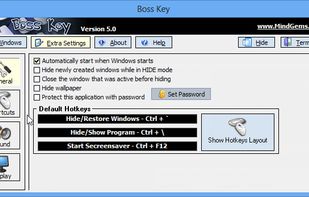
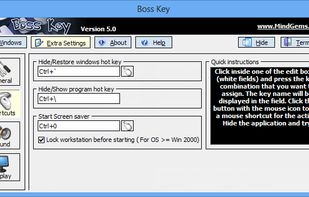
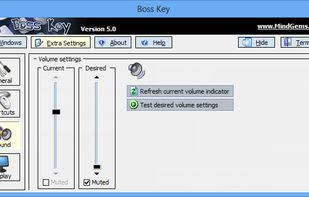
Boss Key will hide the windows (programs) from the screen with the press of a hotkey or a mouse shortcut. It will cover all the tracks of the running programs by hiding them also from the task bar and the system tray.


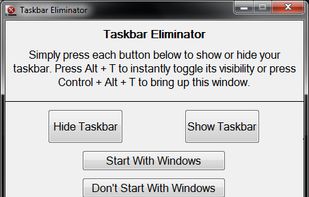
Aviassin Taskbar Eliminator is a great utility which will simply and efficiently remove the taskbar from Windows XP, Windows Vista, or Windows 7 & 8.


WinRAP ( Windows Running Applications Protector ) is a utility which allows you to hide windows application, and hide programs which are running on your screen. It will instantly hide all or certain programs on your screen with a key press.
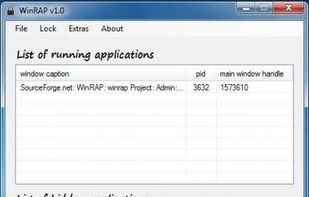


It conceals the windows of visible programs of your own choice (including from the taskbar).


 Brazil


 India
India


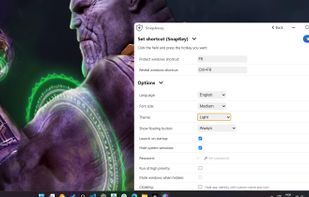
SnapAway feels more modern and intuitive than Taskbar Hide. The interface is much cleaner, easier to understand, and less cluttered overall.
Taskbar Hide is lightweight, but I experienced some freezes and inconsistent behavior at times. SnapAway feels smoother to use, and features like the optional floating button make quick hiding/restoring more convenient.