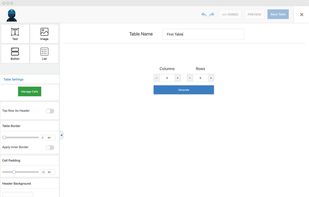
WP Table Builder is a drag-and-drop WordPress table plugin that makes table creation insanely easier. It has 7 elements - Text, Image, List, Button, Star Rating, Custom HTML, and Shortcode.
Cost / License
- Pay once
- Proprietary
Since
- Since 2020


Apps similar to Table maker include WP Table Builder. It's paid, but TablePress and WordPress Tables are free. Other options are Ninja Tables, wpDataTables, Data Tables Generator by Supsystic and PriceFast. In total there are nine apps like Table maker for self-hosting and the web.
WP Table Builder is a drag-and-drop WordPress table plugin that makes table creation insanely easier. It has 7 elements - Text, Image, List, Button, Star Rating, Custom HTML, and Shortcode.

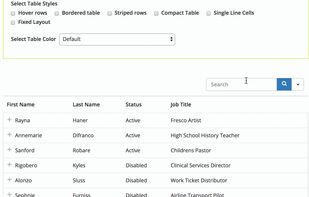

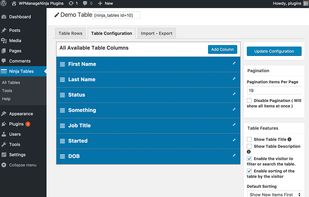
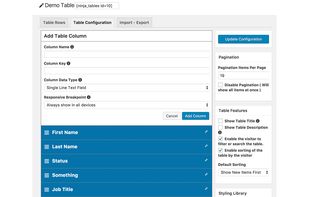


Effortlessly manage, visualize, and customize data in WordPress with a top-rated tool trusted by over 30,000 clients, offering responsive tables, advanced filtering, and chart integration from various data sources like Excel and Google Sheets.
 Serbia
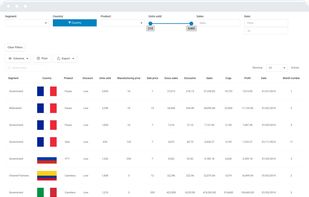
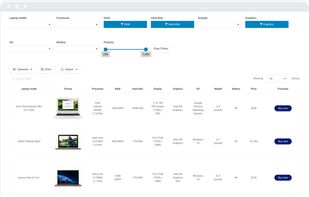
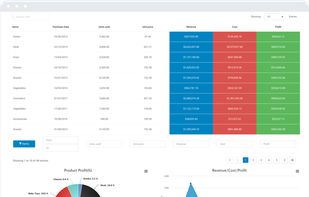
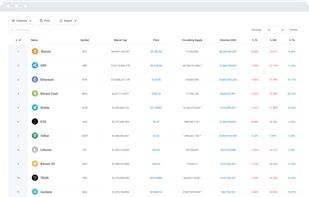


Create and manage tables from admin panel quick, easy and effective. Make data table responsive with interactive charts and graphs, sorting, pagination, filtering and more. Data Tables by Supsystic plugin features:
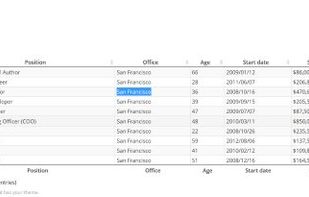
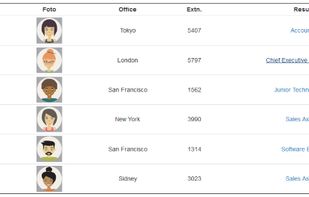
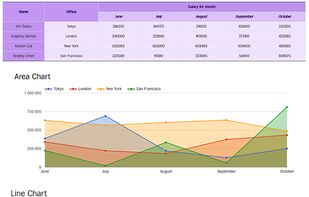


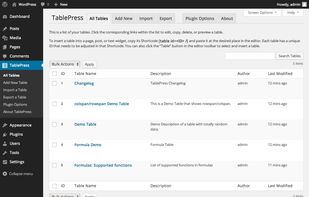
TablePress allows you to easily create and manage beautiful tables. You can embed the tables into posts, pages, or text widgets with a simple Shortcode. Table data can be edited in a speadsheet-like interface, so no coding is necessary.


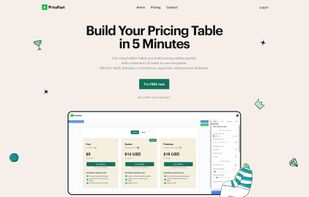
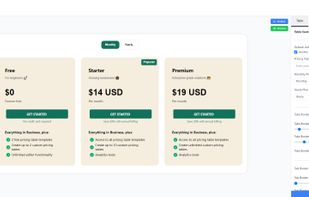
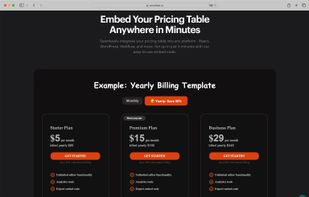
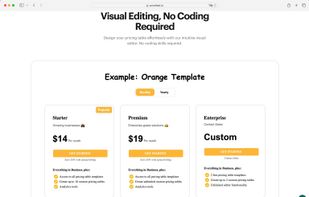
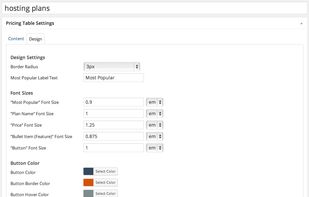
Easily build and customize your pricing table without any coding using our visual editor. Simply copy and paste to embed it on your website. Plus, use our analytics tools to optimize your conversion rates.


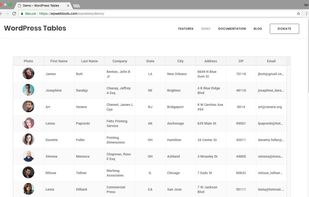
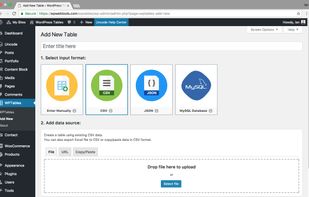
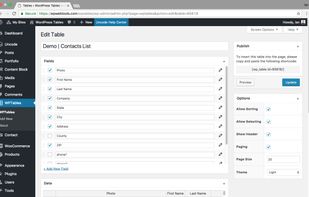
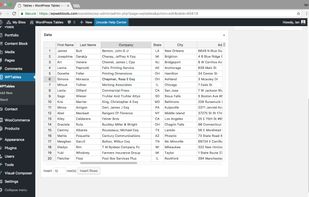
Need to insert a table into your page or post? WordPress Tables plugin will take your data in CSV/JSON format or directly from MySQL table and create an interactive data table.


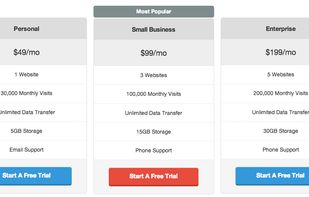
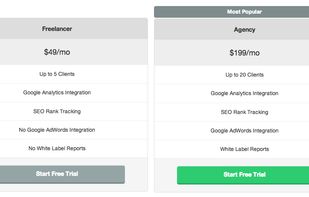
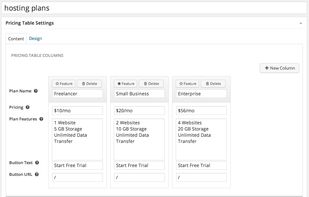
The Easy Pricing Tables WordPress Plugin makes it easy to create and publish beautiful pricing tables and comparison tables on your WordPress site. You will be able to set up and publish your pricing table in no time.


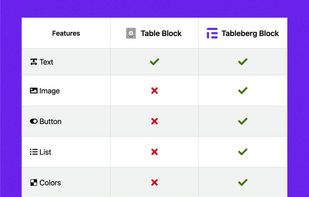
Tableberg offers an advanced, user-friendly solution for creating and managing tables within the block editor. With features like drag-and-drop functionality and customizable sub-blocks, users can easily design tables for various needs without coding skills.
 United States