SystemExplorer Alternatives
SystemExplorer has been discontinued. Similar apps include Process Explorer, which is free. Other options are htop, System Informer, Mission Center and Glances. You're spoiled for choice with Process Monitoring Tools like SystemExplorer: we list more than 50 alternatives for Windows, Linux, Mac, Android and iPhone.
Alternatives list

A free and portable process database on your Windows computer that helps you find portable applications run from anywhere.
Cost / License
- Free
- Open Source
Application type
Platforms
- Windows


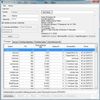
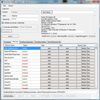
Remote Process Explorer - short RPE - is a small tool for all the admins outside with the need to manage clients immediately within one or more domains. With RPE the admin is able to view all the running processes on a client and of course kill them.
Cost / License
- Free
- Open Source
Platforms
- Windows

 68 iPulse alternatives
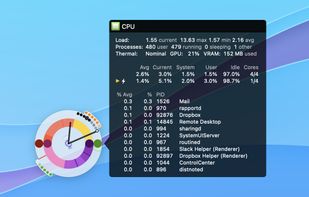
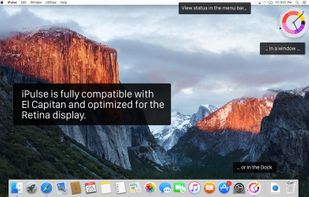
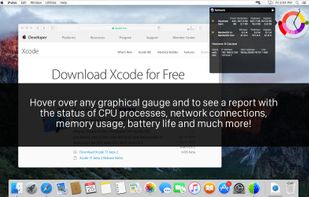
Visualizes live CPU, memory, network, disk, battery, and wireless usage on macOS using a compact, customizable interface, blending data graphically and textually on desktop, menu bar, or Dock, with Retina support, hotkeys, and minimal system impact.
Cost / License
- Paid
- Proprietary
Platforms
- Mac
 United States
 +2
+2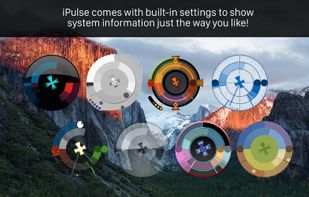

 53 Kiwi application monitor alternatives
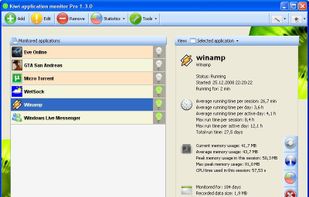
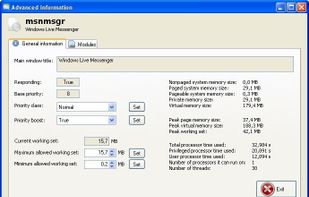
Kiwi application monitor is a small program which lets you monitor your applications/processes, Windows and User activity...
Cost / License
- Freemium
- Proprietary
Platforms
- Windows

 +7
+7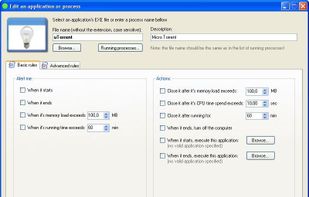


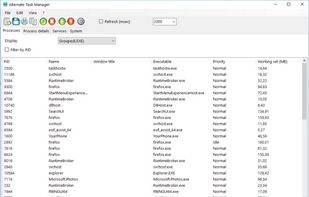
This program shows a list of all running processes of the current system, which may be refreshed by a customizable interval.
Cost / License
- Free
- Proprietary
Application type
Platforms
- Windows
- Self-Hosted
 Germany
 EU
EU


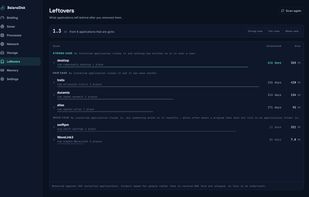
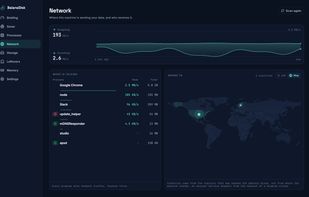
Sees what your machine is really doing — processes, memory, disk and outgoing network traffic in one live radar, explained in plain language.
Cost / License
- Freemium
- Proprietary
Application typeApplication types
Platforms
- Mac
- Windows
- Germany
- EU

 +3
+3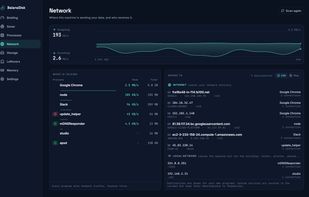


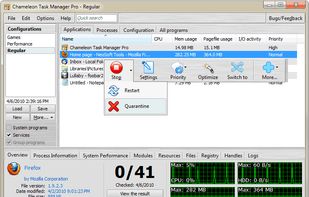
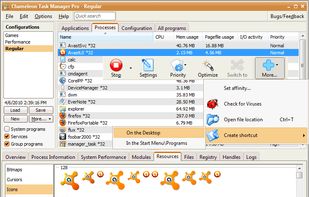
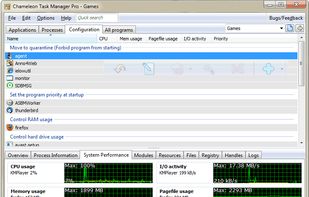
Chameleon Task Manager is Windows task manager that enables the complete control of processes running on a computer optimizing the performance of Windows. It also provides more detailed information about programs.
Cost / License
- Freemium
- Proprietary
Application type
Platforms
- Windows
 Russia
 +3
+3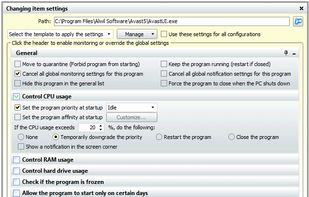


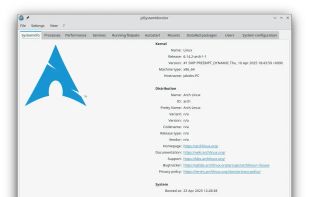
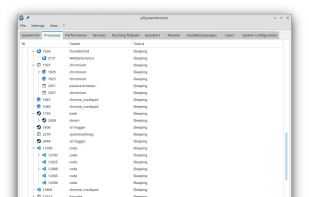
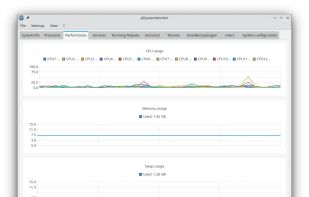
jdSystemMonitor is an advanced, desktop-independent system monitor for Linux. Its goal is to provide as much information about your system as possible, with a focus on process management.
Cost / License
- Free
- Open Source (GPL-3.0)
Application typeApplication types
Platforms
- Linux
- Flathub
- Flatpak
- Germany
- EU
 +6
+6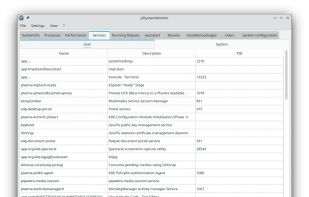

 48 Security Process Explorer alternatives
Security Process Explorer
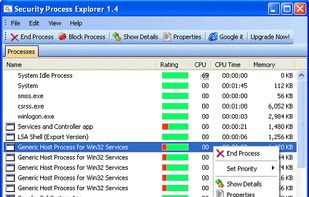
Give you detailed information about each and every process.
Indicate whether a process is safe or not.
Allow you to terminate process with a single click.
Let you block any unwanted processes or malware.
Simpl.
Cost / License
- Free
- Proprietary
Alerts
- Discontinued
Platforms
- Windows
 China
China



 France