


A color analytics mobile applications suite used by graphic designers, artists, professionals and anyone who loves colors in development and production. We are all colors nerds.
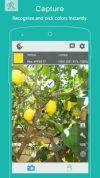




System Color Picker is described as 'Pick colors from anywhere using the built-in color picker' and is a Color Picker tool in the photos & graphics category. There are more than 50 alternatives to System Color Picker for a variety of platforms, including Windows, Mac, Web-based, Linux and Google Chrome apps. The best System Color Picker alternative is Coloraccy, which is free. Other great apps like System Color Picker are gpick, Just Color Picker, Realtime Colors and Sip.
A color analytics mobile applications suite used by graphic designers, artists, professionals and anyone who loves colors in development and production. We are all colors nerds.

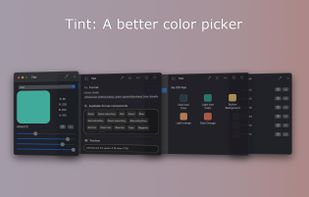
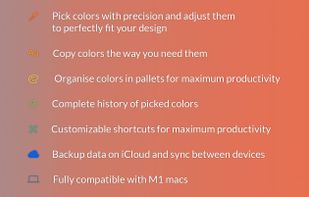
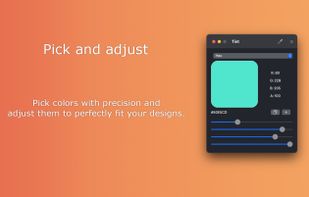


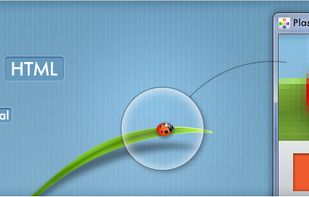
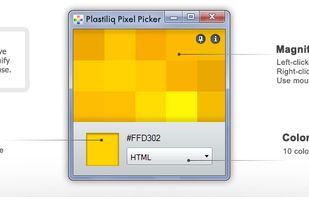
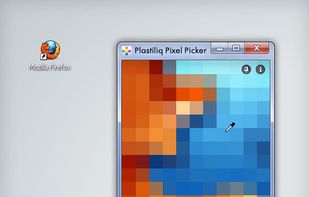
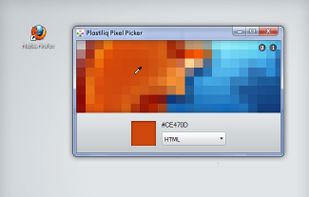
Plastiliq PixelPicker is a useful color picker tool that gets the pixels color under your mouse pointer on the screen and translates it into a number of different color formats.


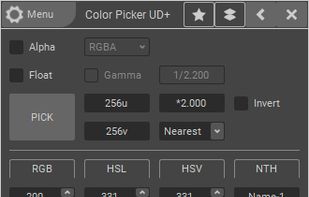
ColorPicker is a professional color creator and picker which has advanced features for artists and designers. It is written with C++ and Qt for the best performance and flexibility.


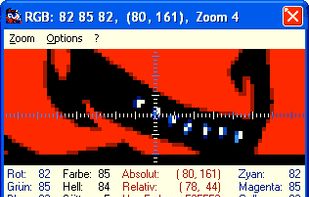

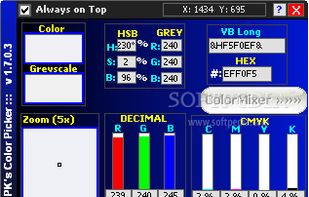
PK's Color Picker is a lightweight freebie application that allows you to pick any color from the desktop screen and get the RGB values.


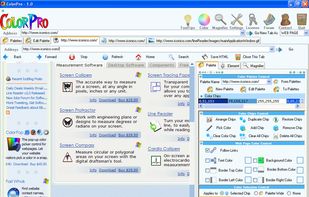
Use ColorPro to create and organize palletes of colors, and change the palette of colors in your HTML webpage simply by clicking


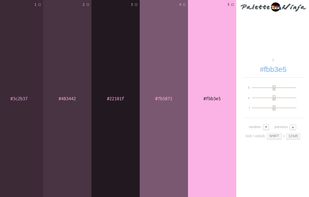
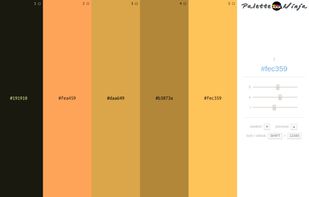
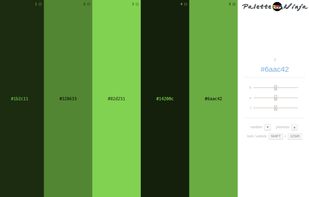
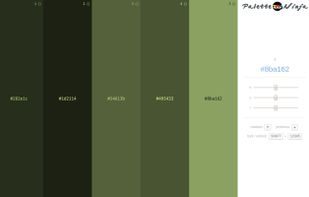
Palette Ninja is an online color scheme generator that allows you to create harmonious color schemes in seconds.




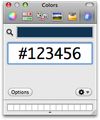
Hex Color Picker puts an extra tab in the system-wide color panel. Instantly see the hex color code for any color, and edit it just the same with a number of shorthands.


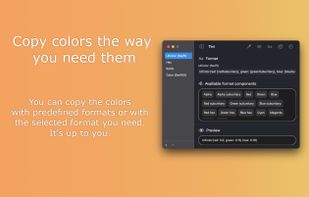
Pick single or multiple pixel colors anywhere on your screen in more than 25 formats! Convert colors from one color space to another. Automatically generate color variations for the colors you pick. Built-in screen magnifier simplifies color picking.


 Russia


 Germany
 EU
EU


 United States


