
SwissiCheck icon
SwissiCheck icon

SwissiCheck

 Like

SwissiCheck checks a Windows 11 PC with one click and, after about a minute, shows where it stands – most important issues first, each explained in plain language.
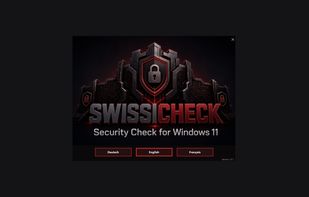
Startscreen with language selection

Cost / License

  • Freemium (Pay once)
  • Proprietary

Since

  • New

Platforms

  • Windows  Windows 11 only (64-bit). Administrator rights are required for the scan.
0likes
0articles
Save

Features

Highlights All activities

SwissiCheck News & Activities

Recent activities

SwissiCheck information

AlternativeTo Category

Security & Privacy
SwissiCheck was added to AlternativeTo by pwoell on and this page was last updated .

No comments or reviews, maybe you want to be first?

Official Links

What is SwissiCheck?

SwissiCheck checks a Windows 11 PC with one click and, after about a minute, shows where it stands – most important issues first, each explained in plain language.

Six areas are checked:

  • System status: Windows updates, antivirus, firewall, BitLocker and backup
  • User accounts: administrator rights, active guest account, unused accounts
  • Apps: outdated apps, available updates and software with actively exploited vulnerabilities (CISA KEV list)
  • Storage: condition of the drives and what is using the space
  • Network: open ports, shares, firewall profiles, saved Wi-Fi networks
  • Policies: 372 security settings compared with best practice or the Microsoft Security Baseline

SwissiCheck is read-only and changes nothing; results stay on the PC. No ads, no tracking. Digitally signed by Wöll Consulting GmbH (Switzerland). Available in English, German and French.

The Free version has no time limit and covers all areas, showing the 25 most important policy issues. SwissiCheck Pro (one-time CHF 29, no subscription) shows every issue with step-by-step instructions and the matching command, plus HTML report, CSV export, a custom baseline with documented exceptions and a command line for scheduled checks.