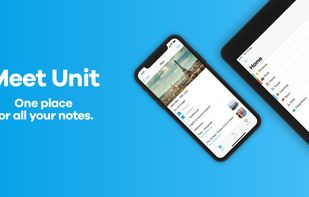
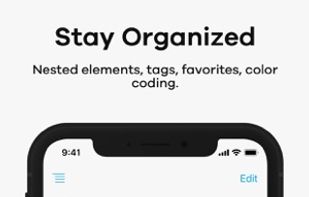
Unit is a modern note-taking app that provides a completely new experience of creating, organizing and managing all your notes.
Cost / License
- Freemium
- Proprietary
Application type
Platforms
- iPhone
- iPad




+6


Swiftnotes has been discontinued. Similar apps include Zim, which is free and open source. Other options are CherryTree, Trilium Notes, TagSpaces and Cryptee. There's no shortage of Note-taking Tools like Swiftnotes, with more than 100 alternatives for Windows, Mac, Android, Linux and the web.
Unit is a modern note-taking app that provides a completely new experience of creating, organizing and managing all your notes.

NotesHolder lets you quickly type in any piece of information so that you can easily find it when you need, read it or print it out for your convenience. This is the most effective way to store all your notes without cluttering up your desk with post it notes / sticky notes.
 Russia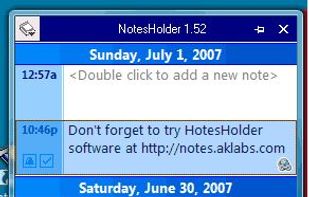


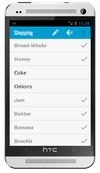
An android app for writing and storing AES-128 encrypted notes. Supports notes, checklists and even spreadsheets. It is the only app in play store offering multiple security options like password protection, pattern lock and pin lock.


MetaProducts Inquiry helps you to collect, organize and view the information you find on the Internet. It is fully integrated with Microsoft Internet Explorer and also available as a standalone application.
 United States


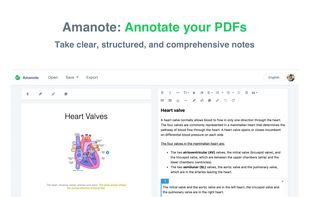
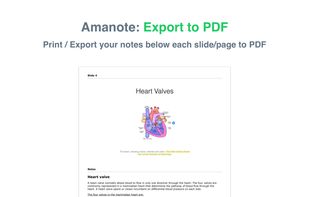
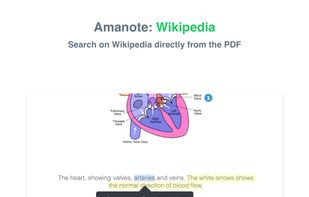
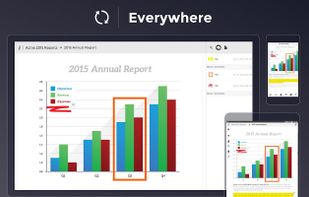
Take clear, structured, and comprehensive notes directly on your course materials or documents (PDF, PowerPoint, etc.). Integrate Amanote into your LMS.



list.it is a simple, free, open-source (MIT-license) note-keeping tool to help you manage the tons of little information bits you need to keep track of each day. Installs as i Firefox add-on.


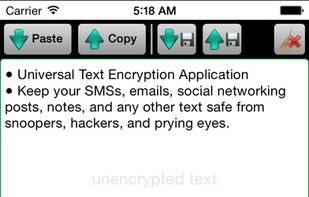
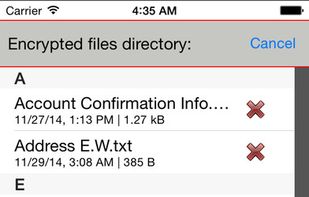
Paranoia Text Encryption keeps your SMS, emails, social networking posts, notes and any other text safe from snoopers, hackers and prying eyes.
 Czechia
 EU
EU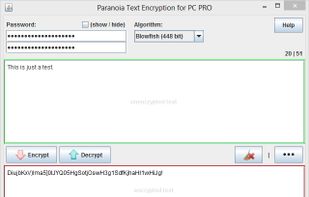


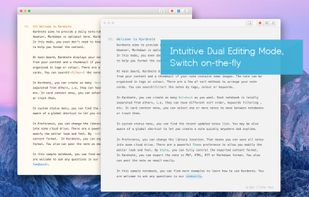
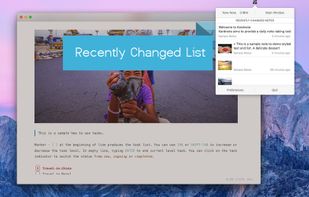
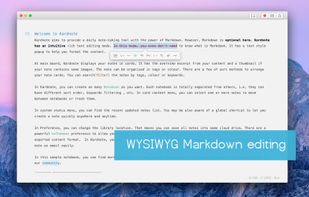
Kardnote aims to provide a daily note-taking tool with the power of Markdown. However, Markdown is optional here; it also has an intuitive rich-text editing mode. In this mode, you even don't need to know what Markdown is.
 Australia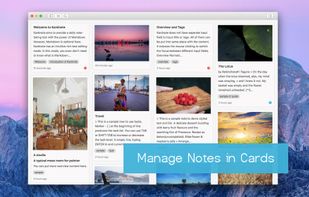


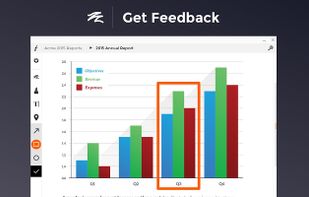
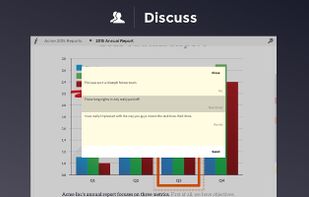
Folia is the professional way to share documents for feedback and discussion. Stop printing, avoid lengthy email threads, modernize meetings, and more. Our state of the art annotation and commenting tools enable deep conversations, so you can be more effective with your content.
United States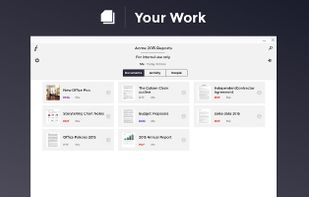


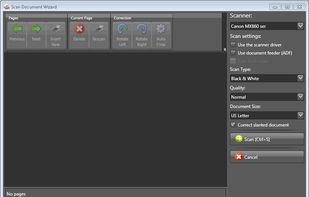
eDoc Organizer is a document management software solution for home and small business users. It is an easy to use applciation that can help you scan and manage your paper documents along side all your digital documents.
United States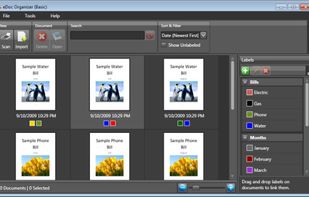


Taskline, task management software for Microsoft Outlook, automatically schedules tasks to puts you in control of your task list.
 United Kingdom