





summoner
Like
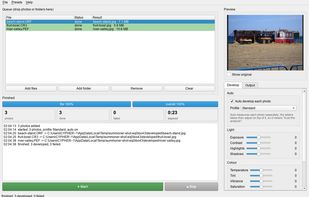
Photo developer: drop raw or JPEG photos in, press Start, and developed photos land in a folder next to the originals - auto develop, six profiles, no catalogue.

Cost / License
- Free
- Open Source (MIT)
Application type
Platforms
- Windows
- Linux
- Mac

Features
summoner News & Activities
Highlights All activities
Recent activities
- Jan-Ku-era added summoner
 Jan-Ku-era added summoner as alternative to Adobe Lightroom, darktable, RawTherapee and RapidRAW


summoner information
Developed by
Jan KuceraLicensing
Open Source (MIT) and Free product.Written in
Alternatives
4 alternatives listedBadge
Get an embeddable badge for summonerSupported Languages

AlternativeTo Category
Photos & GraphicsGitHub repository
- 0 Stars
- 0 Forks
- 0 Open Issues
- Updated


No comments or reviews, maybe you want to be first?