Learn without stopping what you're doing. StickyWords is a small note that stays on top of your other windows and shows the next thing you're learning every few seconds, in a corner of a screen you're already looking at. No sessions. No streaks. No account.
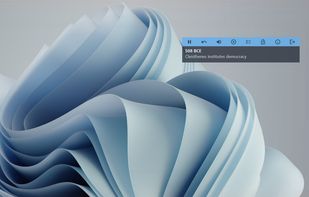
Anything that comes in pairs fits: words and meanings, countries and capitals, dates and events, formulas, terms and definitions. Hold the answer back for a beat and the note quizzes you; leave both showing and it keeps the material in front of your eyes. Six lists are built in, including Spanish and Italian travel phrases.
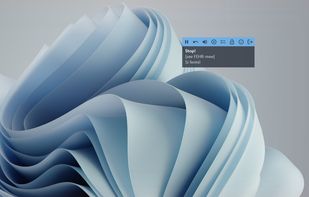
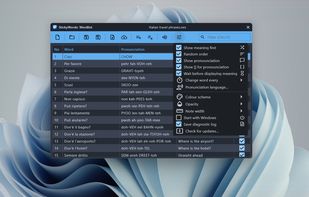
Small enough to ignore, present enough to work. The note has no title bar, shows its toolbar only on hover, stays off the taskbar and out of Alt-Tab, and pauses by itself when the pointer comes near. It reads words aloud with the voices already installed in Windows.
Type a list straight into the grid, or import one from CSV and pick which column is which above the preview. Retire the words you know from the note. Lists are ordinary files you can copy, back up or share.
Free, with no ads and no in-app purchases. Works offline. Requires Windows 10 or 11.





 EU
EU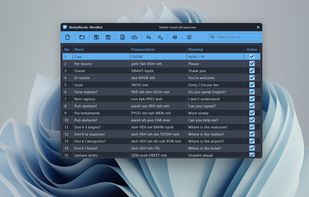




 FirstPush