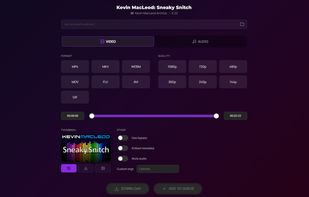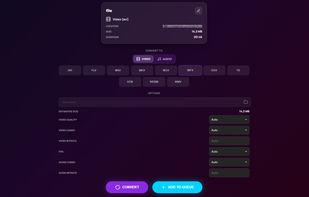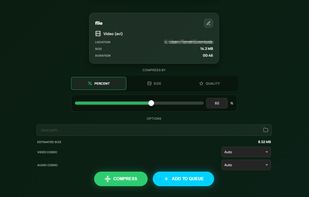


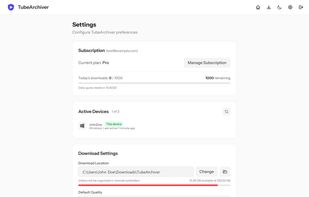
Fast, native Windows desktop application to download 4K 60fps video and studio FLAC audio with built-in converter, compressor, and SponsorBlock.
 United States
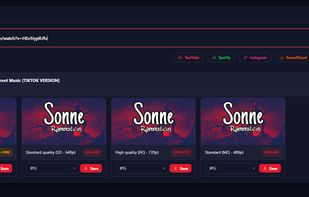


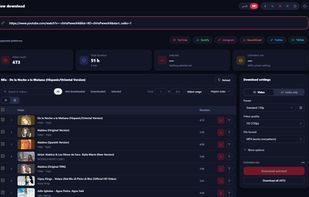


The best Download Manager alternative to Stacher is yt-dlp, which is both free and Open Source. If that doesn't suit you, our users have ranked more than 100 alternatives to Stacher and loads of them are Download Managers so hopefully you can find a suitable replacement. Other interesting Download Manager alternatives to Stacher are JDownloader, Cobalt Tools, Seal and Internet Download Manager.
Fast, native Windows desktop application to download 4K 60fps video and studio FLAC audio with built-in converter, compressor, and SponsorBlock.
United States
Free, open-source Windows video and audio downloader built on yt-dlp and FFmpeg, with a pausable queue, scheduling, playlist folders and download history.
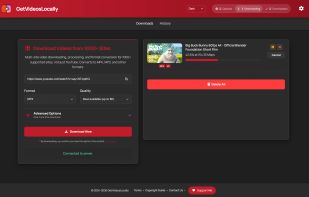
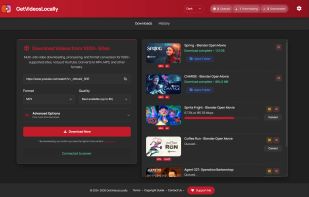


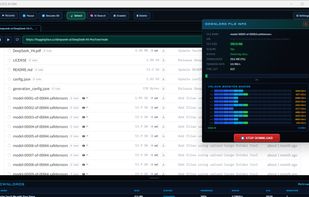
VELOCE AI is the first download manager with a real-time AI engine that monitors and adapts every download. Unlike traditional downloaders that use fixed multi-threading, VELOCE AI's tunnel system actively manages 32 parallel connections — killing slow tunnels, spawning...


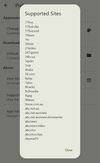
Native Fetch is a powerful app that allows you to download videos and audio from over 1800 websites on the Internet.
 Vietnam




HarborDrop is a powerful download manager for Mac. Multi-segment download acceleration, HLS stream capture, browser integration, and auto-categorization for macOS.
 South Korea
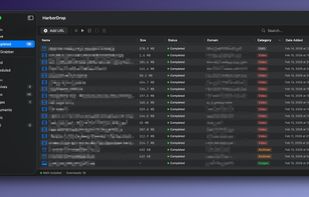
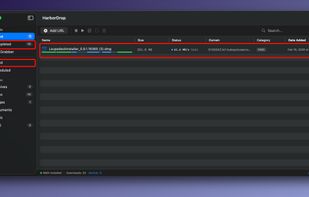
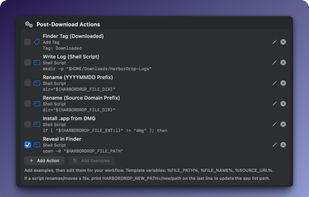
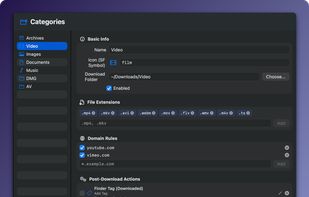


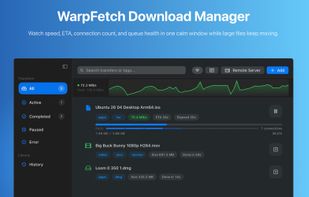
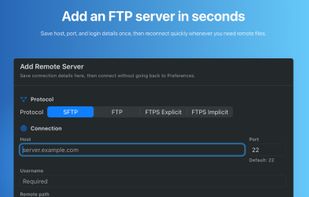
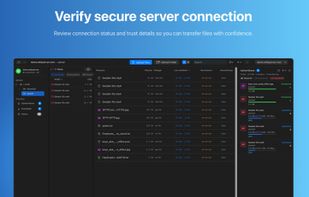
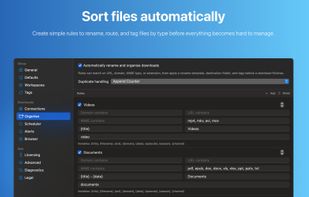
WarpFetch is a native macOS transfer manager for direct file links. If you need help with setup, purchases, browser handoff, or a transfer issue, use the contact details below.


K-Snag is a free, open-source video downloader for Windows and Android. Paste a link (or on Android, share it from YouTube or any app), pick a format, and the file lands in your Downloads folder.
 Colombia
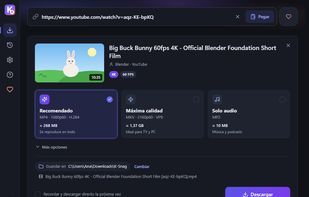
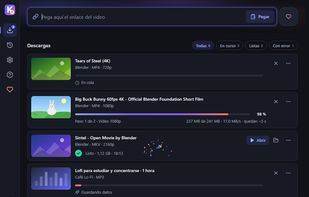
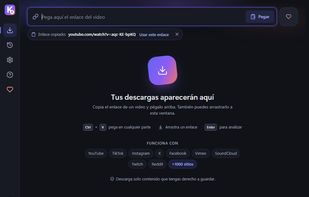



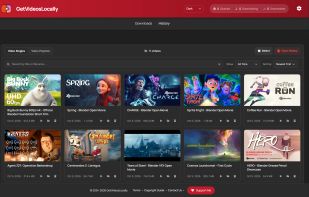
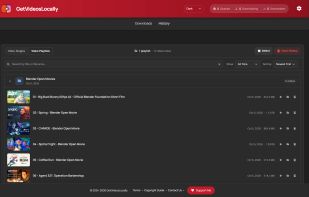
Download YouTube videos, playlists, and entire channels in up to 8K quality. Your content, saved locally, always available — even when the original goes offline.
 Croatia
 EU


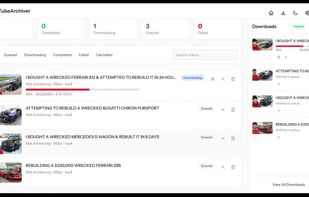


Pulsar adds GUI for yt-dlp and FFmpeg. Paste a URL, choose your options, and add the job to the queue. Pulsar handles the work in the background and shows progress, download speed, remaining time and errors.
 PolandEU