Flashtray - Our system tray application launcher and macro tool makes you work more efficiently by automating a lot of repetitive keyboard tasks by using custom macros and hotkeys.
Cost / License
- Free
- Proprietary
Application type
Platforms
- Windows


Apps similar to SSuite Mac Dock for PC include Docking, which is free and open source. Other options are RocketDock, ObjectDock, Cairo-Dock and Winstep Nexus. You're spoiled for choice with Application Launchers like SSuite Mac Dock for PC: we list more than 25 alternatives for Windows, Linux and Mac.
Flashtray - Our system tray application launcher and macro tool makes you work more efficiently by automating a lot of repetitive keyboard tasks by using custom macros and hotkeys.

XWindows Dock - or XWD for short - is the newest free Windows Vista and XP program of the class Application Launcher and Desktop Organizer. But its not just another one: its the result of years of use and observation of the many dock programs on the market, plus all functions...
 Russia
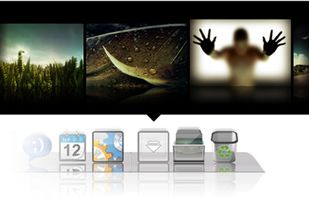
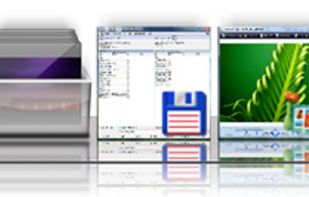

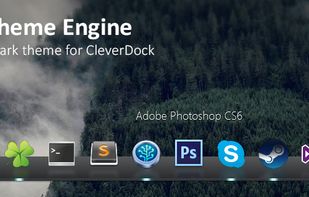
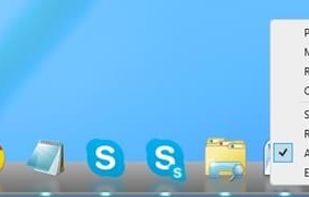
A simple dock for Windows which features extensive theming capabilities and blurry reflections. The dock is fully compatible with Windows Vista/7/8/8.1.

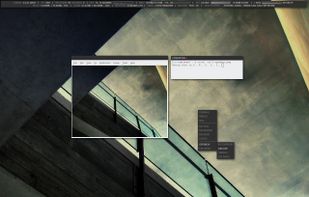
PyPanel is a lightweight panel/taskbar written in Python and C for X11 window managers. It can be easily customized to match any desktop theme or taste. PyPanel works with EWMH compliant WMs (Openbox, PekWM, FVWM, etc.) and is distributed under the GNU General Public License v2.


 Indonesia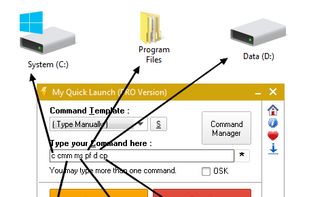


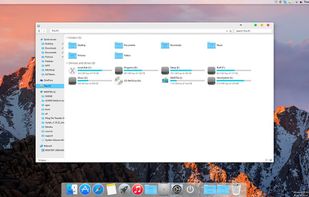
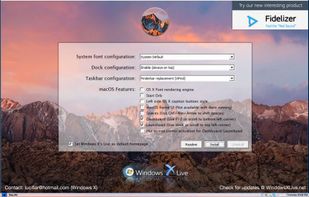
macOS Transformation Pack will give you all new macOS user experience such as theme, wallpapers, system resources, and new OS X features combined altogether in single package working on Windows platform.


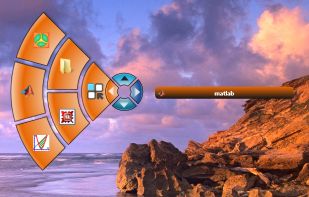
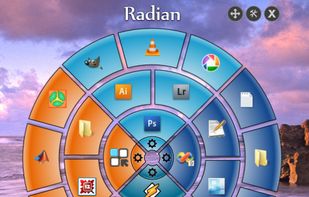
Radian is a simple radial application launcher. The interface is triggered by a continuous right-click and is divided into four slices. Each slice can be configured differently.


DockBarX is a lightweight taskbar / panel replacement for Linux which works as a stand-alone dock (called DockX), as an an Avant Window Navigator applet, as a Xfce4 panel applet1, as a matepanel applet2 or as a legacy gnome2 panel applet.
 Estonia
 EU
EU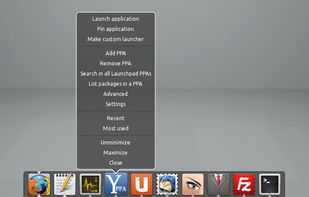

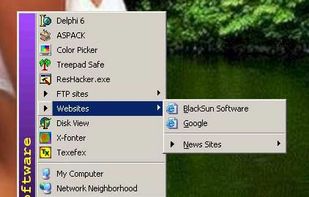
Launch applications and system tools, Control Panel items, folders on your computer, and website addresses using simple key combinations.
 China
China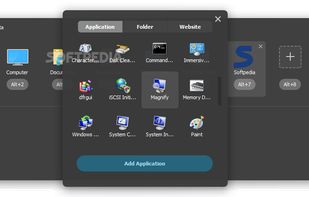

BMPanel (bitmap panel) is a lightweight, NETWM compliant panel for X11 Window System, which contains a desktop switcher, taskbar, system tray and clock. The application is inspired by simplicity of fspanel. BMPanel has a modern look and feel, while keeping itself tiny and small.

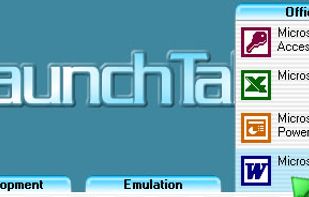
[Last update was released on 05 Oct 2007, but you can download it from Softpedia.com on http://www.softpedia.com/get/Desktop-Enhancements/Other-Desktop-Enhancements/LaunchTab.shtml ]



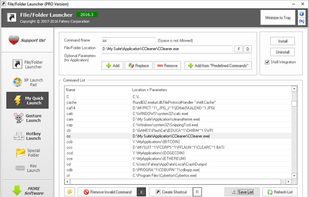
File/Folder Launcher (FFLauncher) is a simple, very easy to use application specially designed to help you launch files and folders.
Indonesia