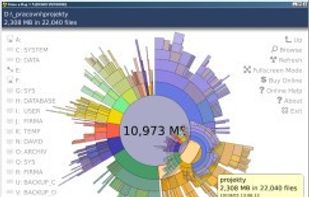
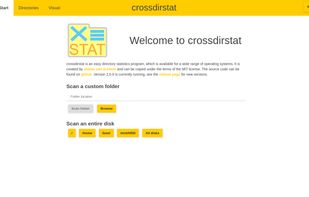
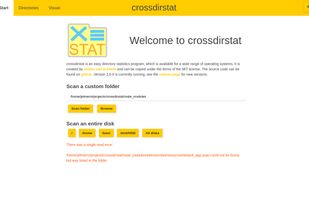
Free open-source cross-platform file & directory statistics as found on Github
Cost / License
- Free
- Open Source (MIT)
Application type
Platforms
- Mac
- Windows
- Linux
 Netherlands
 EU
EU


+2


Apps similar to SpaceSniffer include WinDirStat, which is free and open source. Other options are WizTree, Baobab Disk Usage Analyzer, Filelight and SD Maid SE. Disk Usage Analyzers like SpaceSniffer are a crowded field, with more than 50 alternatives for Windows, Mac, Linux, Android and the web.
Free open-source cross-platform file & directory statistics as found on Github
NetherlandsEU
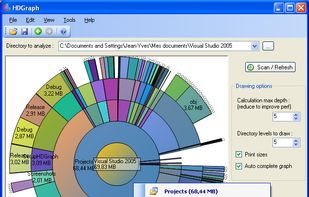
HDGraph helps you to free disk space : it finds for you the largest folders on your drive.


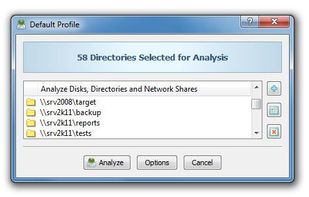
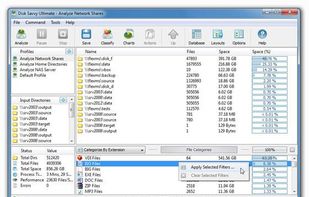
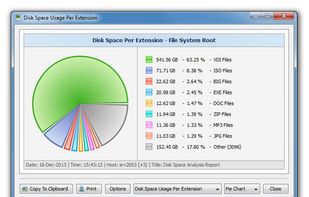
DiskSavvy is a free, fast and easy-to-use disk space analyzer utility allowing one to analyze disk usage in one or more disks, directories, network shares and/or NAS storage devices.
 CyprusEU


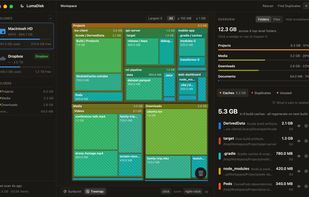
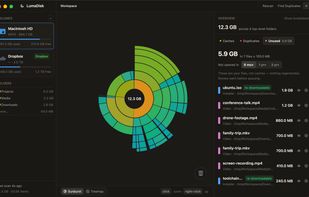
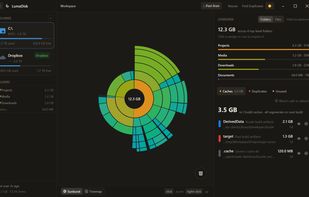
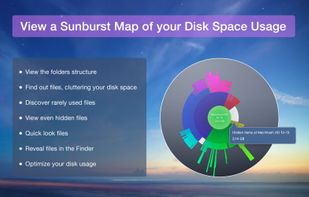
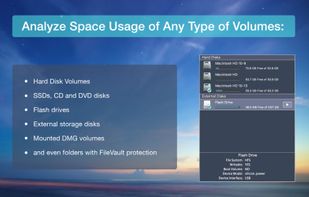
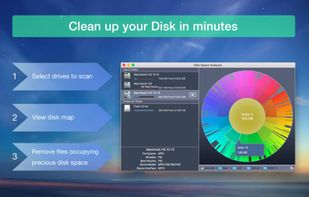
Disk space analyzer for macOS and Windows that draws a disk as a sunburst or treemap, then finds duplicates, unused files and developer caches to reclaim.
 Algeria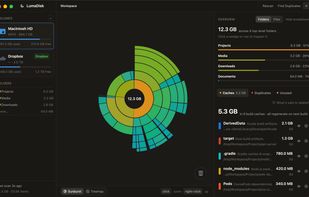


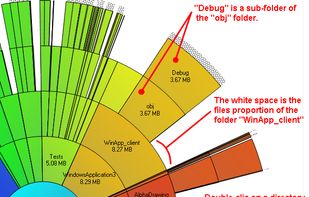
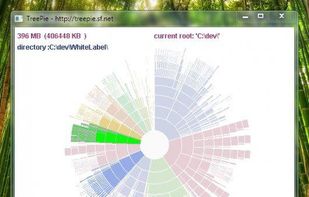
TreePie : a simple way to display disk usage. It shows the distribution of size in a tree of directories by using an interactive multilevel pie (sunburst diagram). Really small and simple.


O&O DiskStat is a high-power tool for analyzing the used disk space on your storage volumes. With an easy-to-use interface based on the design of the Windows Explorer, you can take a closer look at the file and folder structure of your internal and external drives.
 GermanyEU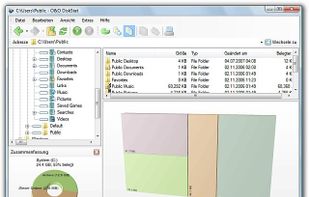


DiskSweep allows you to easily see which files and folders are taking up the most disk space and delete the unnecessary ones to free up space.
 United States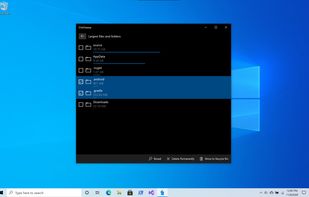

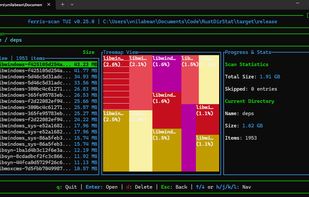
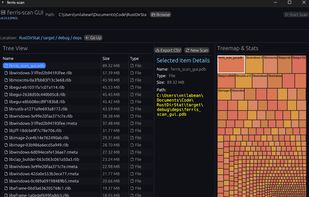
ferris-scan is a lightweight and fast both terminal user interface (TUI) and graphic user interface (GUI) alternative to WinDirStat. Built with Rust and ratatui, it scans your disk in parallel using a thread pool, allowing you to quickly navigate directories directly from the...


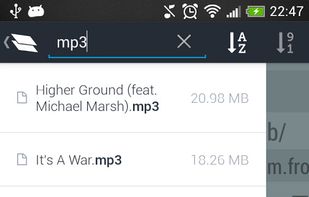
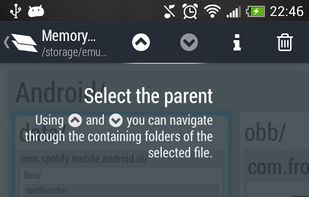
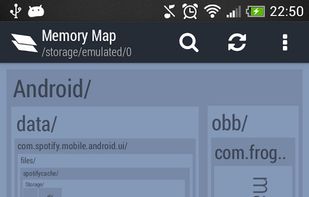
Memory Map is NOT another cache cleaner. It focuses on bringing you an overall view of your disk and allows you to delete your own files (pictures, videos, musics...) as well as cache files. To do that, Memory Map is based on a interactive map of all the files and folders...



 Ukraine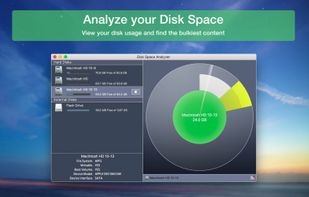

 CyprusEU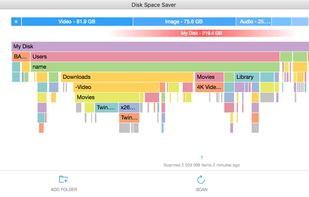


"TDP x-Ray is a visual tool intended for disk space administration. Displaying a clear graph showing the disk occupation, in which it is apparent immediately which files and folders occupy the most space.