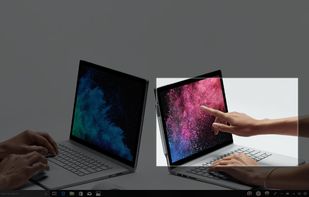
Quickly annotate screenshots, photos and other images with your pen, touch, or mouse and save, paste or share with other apps.
Cost / License
- Free
- Proprietary
Application type
Platforms
- Windows

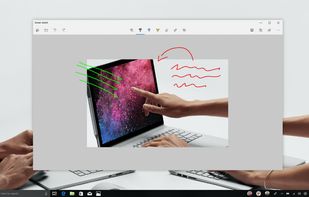


Apps similar to Snipping Tool include ShareX, which is free and open source. Other options are Flameshot, Greenshot, PicPick and Ksnip. There's no shortage of Screenshot Capture Tools like Snipping Tool, with more than 100 alternatives for Windows, Mac, Linux, the web and Android.
Quickly annotate screenshots, photos and other images with your pen, touch, or mouse and save, paste or share with other apps.

Free AI-powered snipping tool featuring text extraction from images, instant translation in 100+ languages, screenshot question answering, and text-based editing. Annotate, summarize content, remove objects, or add highlights to captures—no editing skills needed.
 China
China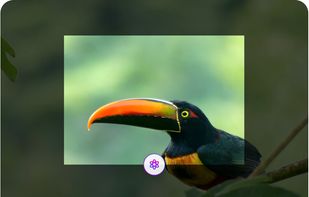

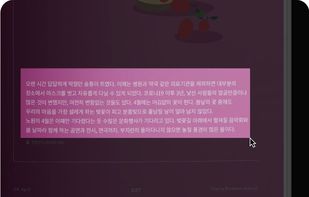


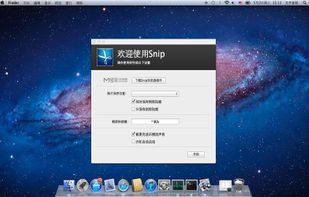
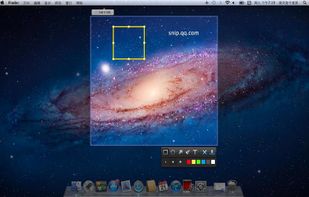
Snip is a screen-capture application that can capture the active window or custom areas. Drag to zoom in/out the screen shot; add labels, texts and handwriting contents of your choice and save it to your device or the clipboard.
China

Capture and balance screenshots instantly with auto background colors, sensitive info redaction, text selection, custom shortcuts, social media sizing, history, presets, and compressed images in a native macOS app, supporting annotations and sharing.
 Singapore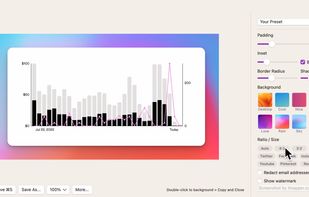
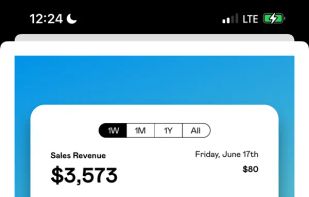
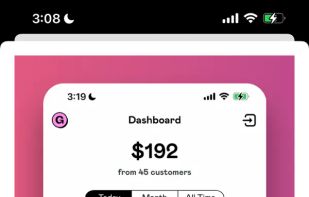


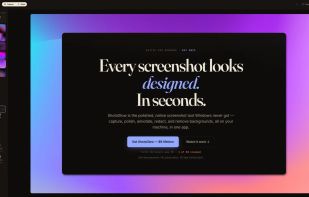
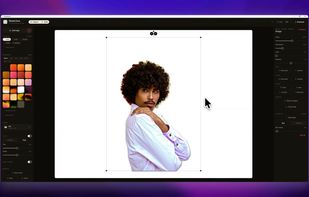
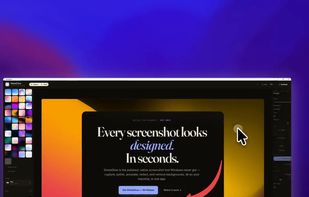
The polished, native Windows screenshot tool — capture, design, annotate, redact and remove backgrounds on-device, then export to 30 social & App Store sizes.
 Germany
 EU
EU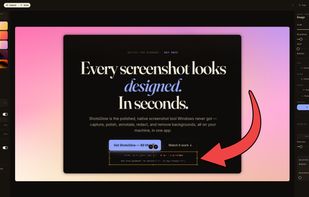


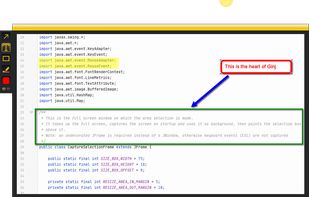
An open source multi-platform screen capture and recording tool for simple "capture / annotate / share" workflow. Ginj was inspired by Jing (now discontinued), but although there are similarities in the way both tools behave, Ginj is not Jing.


 FranceEU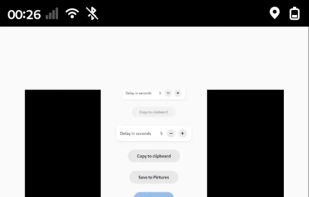


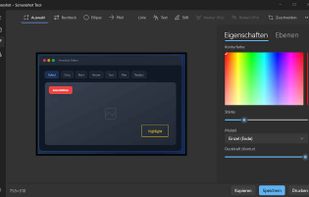
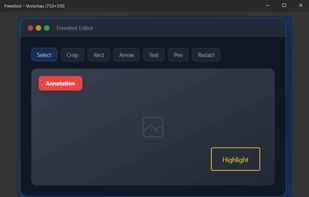
Freeshot is a free, lightweight and modern screenshot tool for Windows. Capture any region, window or full screen in under 100 ms, edit instantly with shapes, text & highlighter, organize everything in a clean library and print intelligently – 100 % free, no ads, no registration.
 Switzerland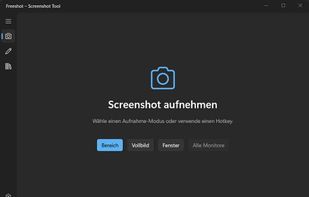


Hotshots is a screenshot tool with some editing features. It is particularly suitable for writing documentation (as used in the following chapters) but you can use it to highlight some details on a map image or what ever you want.


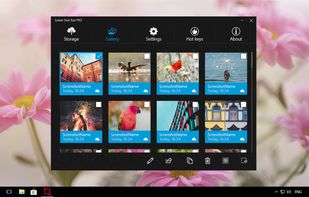
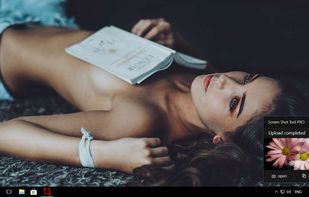
This is the handiest way to screen capture, edit selected areas on the screenshots, and sharing with others.
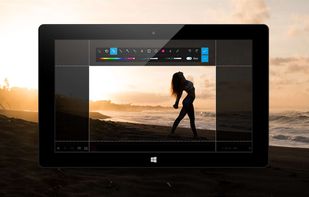



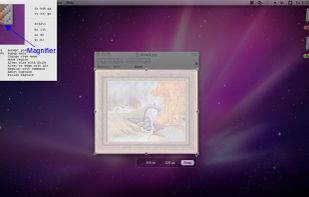
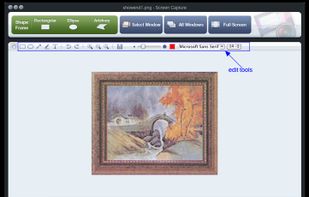
Onde Screen Capture for Mac is currently the most professional and powerful screen grabbing utility running on Mac OS, by which you can easily capture any part on your Mac desktop such as rectangular or ellipse region, freehand region, full screen, active window or all windows...
 United States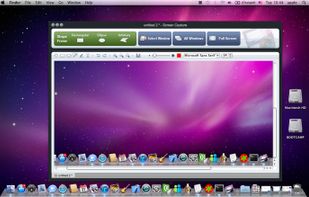


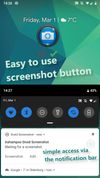
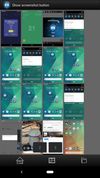
Ashampoo Droid Screenshot is a fully-fledged mobile application to capture, edit and share screenshots and images on your Android device. Capture screen contents, take photos with your built-in camera or simply load existing images and add stylable arrows, shapes, stamps and...
GermanyEU