


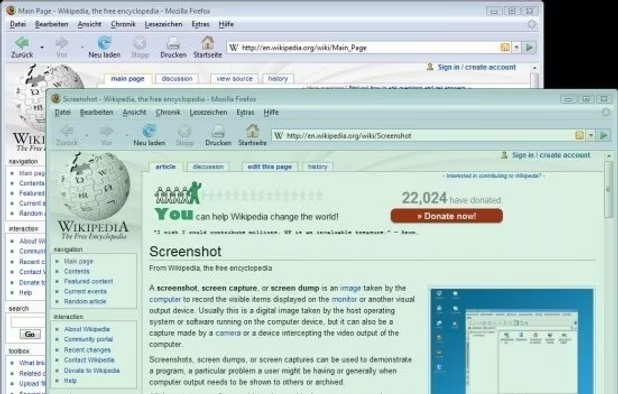
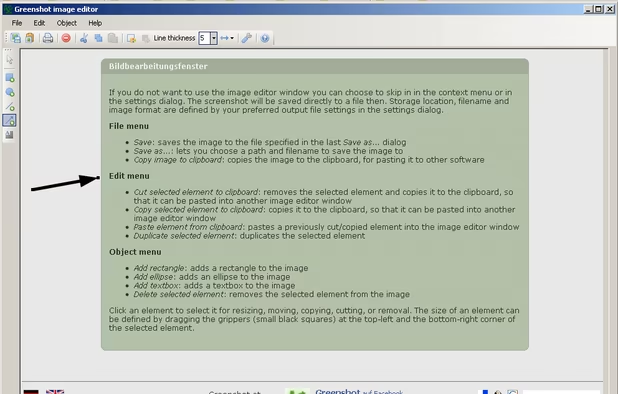
Lightweight screenshot tool offering OCR, exports to Office apps and online storage, integration with external commands, supporting 32 languages and minimal space requirement.
 Germany
 EU
EU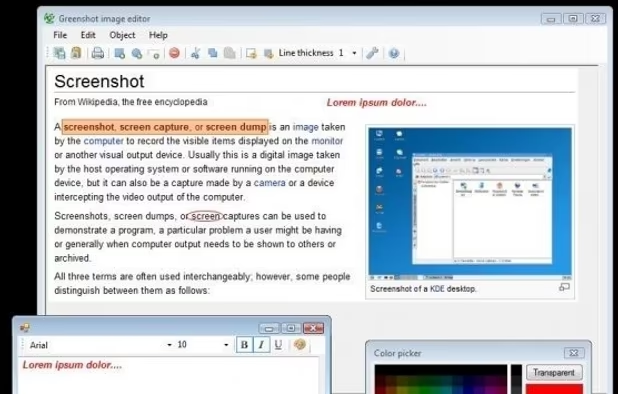
+9


There are many alternatives to Snapz Pro X for Mac if you are looking for a replacement. The best Mac alternative is Greenshot, which is both free and Open Source. If that doesn't suit you, our users have ranked more than 50 alternatives to Snapz Pro X and many of them are available for Mac so hopefully you can find a suitable replacement. Other interesting Mac alternatives to Snapz Pro X are Camtasia, ActivePresenter, Loom and ScreenFlow.
Lightweight screenshot tool offering OCR, exports to Office apps and online storage, integration with external commands, supporting 32 languages and minimal space requirement.

This all-in-one solution offers screen and webcam recording, video editing, and chroma key features, producing stunning HD-quality content easily shareable on platforms like YouTube and Screencast.com. Designed for training, presentations, and more, it supports H.264 format and compact file sizes.


Authoring solution enabling interactive eLearning course creation, flexible project layouts, advanced screen recording, video editing tools with annotation, timeline-based adjustments, and export to video, image, HTML5, SCORM, xAPI, office, or PDF formats.


Easy and free screen recorder for Mac, Windows, and Chromebooks. Record your camera and screen with audio directly from your Chrome browser and share the video with your team, friends, and family.


Capture the contents of your entire desktop at the same time as your video camera, microphone and computer's audio. Sophisticated editing tools allow you to create incredible screencasts in no time.


Debut is a screen capture and video recording software that records videos from your screen, webcam or other video devices.


A screen recorder comes with automated editing. Automatically track cursor movement, apply dynamic zoom and click effects, add a pleasant background, and generate a professional-looking video/gif that is ready to use.


If you spend too much time on email and chat, try sending instant video messages and screenshots with ScreenRec. You'll get your point across faster and save precious hours.


Versatile screen recording and live streaming tool, broadcasting to over 30 platforms. Enhances streams with stickers, templates, and images. Supports lectures and games, offers scheduled recording and operates as a virtual camera for meetings.


ffscreencast is an ffmpeg screencast/desktop-recording tool for the command-line with video overlay and multi monitor support.


Screenflick features high performance screen capturing for smooth, fluid motion up to 60 fps. Screenflick can record any portion of the screen, simultaneously recording audio from internal or external microphones and the system audio.


Record exactly what you see on the screen and turn it into a screencast in next to no time. Screenium lets you record at 60 frames per second, offering optimum performance for your tutorials, gameplay recordings or any other screen content you wish to record.


 United States
 Vietnam


 Australia
 China
China
 Bulgaria

