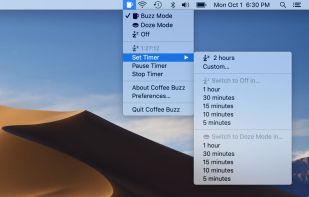
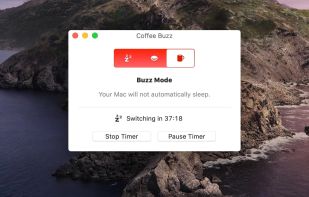
Coffee Buzz is the easiest and safest display-sleep preventer available, with simple operation and exclusive Safety Auto-Shutoff feature. Keeping your Mac awake (and letting it sleep again) is as simple as a click!.



Apps similar to Sleepless Mac include goguma app, which is free and open source. Other options are Amphetamine, Caffeine for Mac, caffeinate & disablesleep and Stimulator. You're spoiled for choice with Prevent Sleep Mode Apps like Sleepless Mac: we list more than 25 alternatives for Mac, Linux, the web and Android.
Coffee Buzz is the easiest and safest display-sleep preventer available, with simple operation and exclusive Safety Auto-Shutoff feature. Keeping your Mac awake (and letting it sleep again) is as simple as a click!.

A small GNOME utility application to send Wake On LAN (WoL) magic packets to devices in a network.
 Germany
 EU
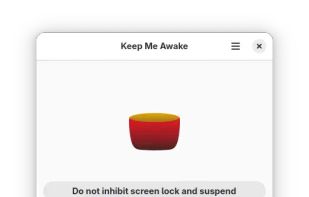
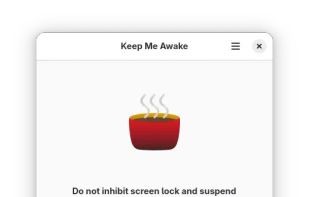



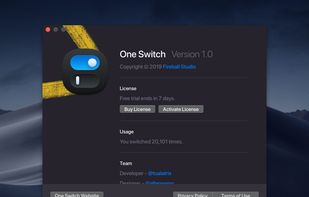
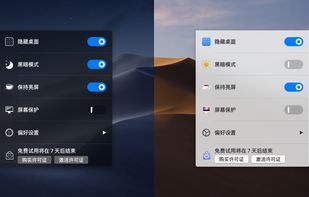
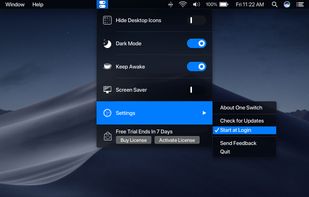
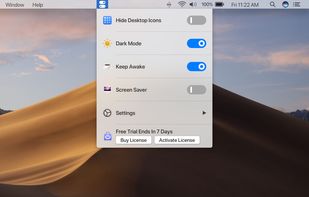


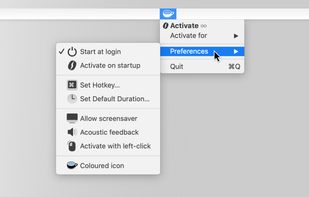
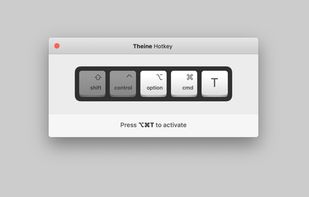
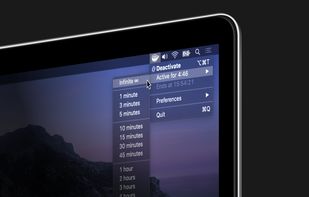
Prevent your Mac from falling asleep, dimming your screen or starting the screensaver. Theine keeps macOS awake just like caffeine does with you.
GermanyEU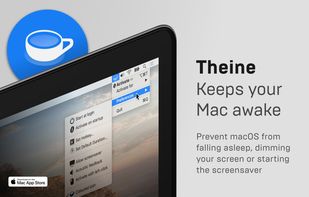


Espresso is a Caffeine alternative with support for retina displays and the black or white menu bar introduced in OS X Yosemite.
GermanyEU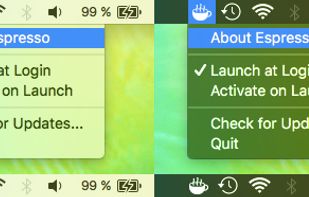


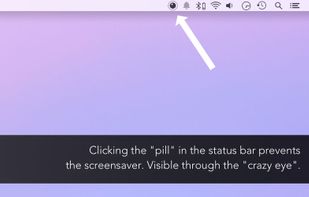
This app will keep your system awake for a defined period of time. It will pause the energy settings and prevent the screensaver from starting.
GermanyEU


Coffee allows you to keep the display awake without having to change the device settings. It can be toggled at various places:
GermanyEU


Flawless is a Mac desktop app to facilitate iOS development by helping you compare between mockups and implemented designs in real time. The tool includes overlay and split comparison modes with built-in iOS simulator to help ensure designs are as expected.



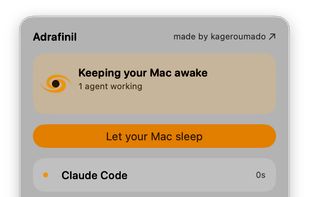
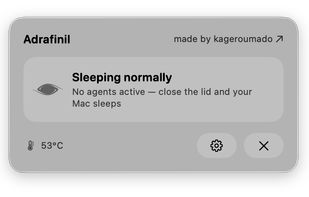
A tiny macOS menu-bar app that keeps your Mac running even with the lid closed — so coding agents (Claude Code, Codex, etc.) keep working while you move around.
 Vietnam
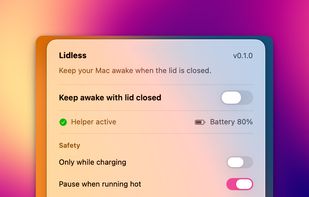


macOS CLI that keeps your Mac awake with the lid closed on battery, so a local Codex, Claude Code, or Cursor session keeps running.
GermanyEU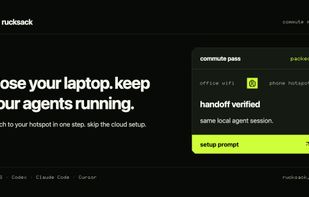


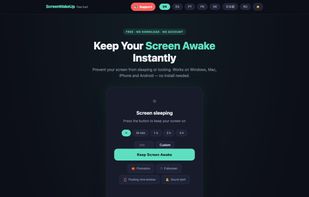
ScreenWakeUp is a free, browser-based tool that keeps your screen from sleeping or locking. It uses the modern Screen Wake Lock API — nothing to install, no admin rights, no account. Open it in any browser on Windows, macOS, Linux, ChromeOS, Android or iPhone and click one...