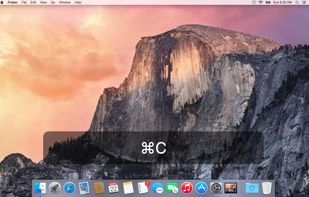


A floating glass HUD names every keyboard shortcut you fire — so you don't have to squint at the menu-bar flash to confirm.
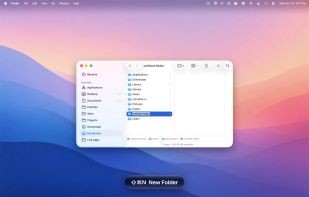

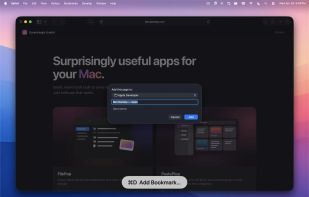

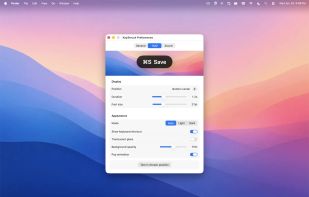

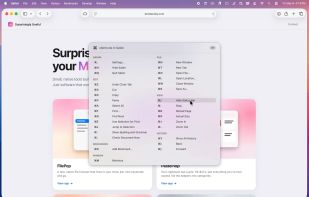


A floating glass HUD names every keyboard shortcut you fire — so you don't have to squint at the menu-bar flash to confirm.

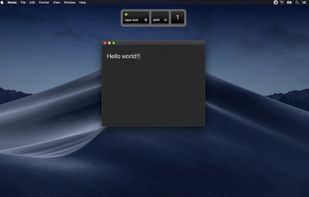
KeyDrawer draws keypresses on the screen of your Mac with a style that matches your Mac's look and feel. It will make your tutorial videos, video streams and presentations look elegant and professional.
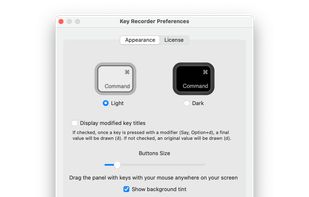
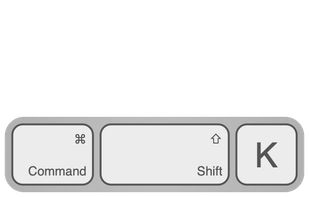
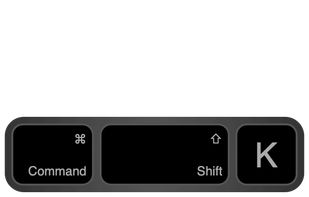


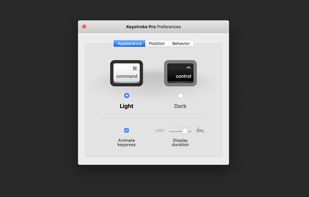
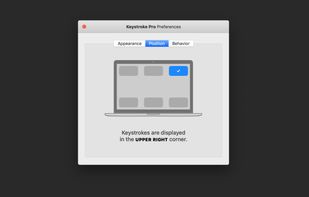
“Keystroke Pro” visualizes single and combined keypresses in an unique and elegant way. It’s the perfect companion for capturing tutorials, ?recording screencasts and performing presentations.
 Germany
 EU
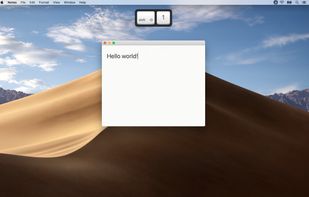



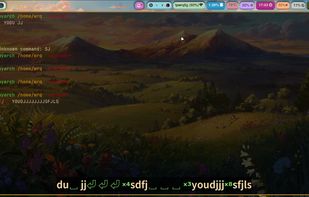
Displays keypresses on screen on supported Wayland compositors (requires wlr_layer_shell_v1 support). Forked from https://git.sr.ht/~sircmpwn/wshowkeys

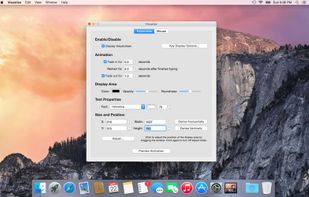
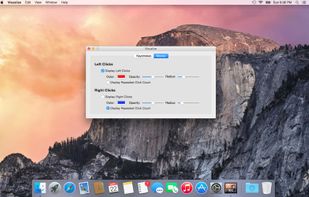
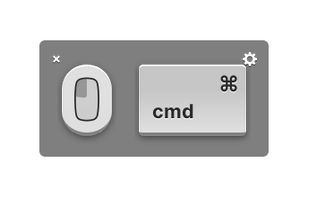
Visualize allows you to highlight your key presses and mouse clicks right on your desktop! The perfect tool for presentations or video tutorials, Visualize allows you to customize the look so your viewers can follow along with ease.