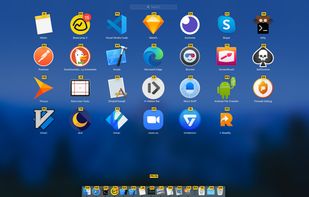
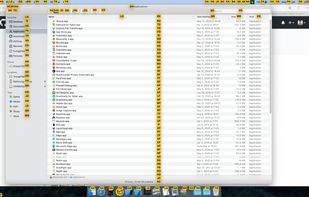
Brings vim-easymotion to macOS, where most UI elements can be accessed with your fingers on the keyboard.
Cost / License
- Free
- Proprietary
Platforms
- Mac



+2


S


Shark Mouse has been discontinued. Similar apps include Vimium, which is free and open source. Other options are Mousio, Shortcat, Neru and Vieb. You're spoiled for choice with Keyboard Navigation Utilities like Shark Mouse: we list more than 25 alternatives for Mac, Windows, Linux, Chrome OS and the web.
Brings vim-easymotion to macOS, where most UI elements can be accessed with your fingers on the keyboard.
Conkeror is a keyboard-oriented, highly-customizable, highly-extensible web browser based on Mozilla XULRunner, written mainly in JavaScript, and inspired by exceptional software such as Emacs and vi. Conkeror features a sophisticated keyboard system, allowing users to run...

Bring Vim moves to macOS input fields. And non input fields. Is that everywhere yet?
 France
 EU
EU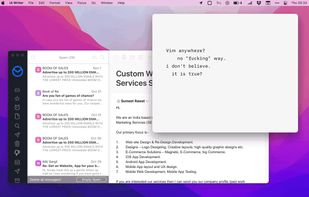


Key Mouse Genie lets you control your mouse using your keyboard. Enables you to move the mouse, send left clicks, right clicks and double clicks. its a keyboard mouse with all the features of a standard mouse and more.



Enables efficient keyboard navigation and control of the Dock, left menu bar, and right status bar on macOS. Provides system-wide shortcuts, supports accessibility, and allows users to keep hands on the keyboard for a mouseless workflow and personalized interface management.
FranceEU

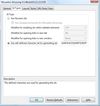
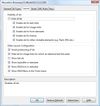
Mouseless Browsing (MLB) enables you to browse the web entirely with the keyboard. The basic principle is to add small boxes with unique ids behind every link and/or form element. You just have to type in the id to trigger the corresponding action i.e.
 GermanyEU
AutoHotKey script that emulates keynav on Linux. It represents a really practical alternative to mouse point and click operations (contrary to the highly unsatisfactory accessibility options offered by the OS).

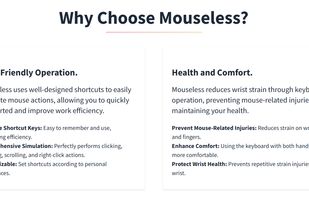
Mouseless is a software that allows you to efficiently and comfortably control your computer with your keyboard, eliminating the need for a mouse and preventing wrist pain.


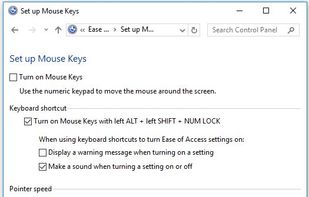
Microsoft Windows accessibility feature that allows users to control mouse movement using the number pad on the keyboard. The Mouse Keys feature is enabled through the Accessibility Options or Ease of Access Center in the Windows Control Panel.

Navigate your Mac without touching your mouse. Boost productivity, reduce wrist strain, and stay in your flow state with KeyboardStack.