Remote support solution for IT with immediate device access, extensive customization, cloud or on-premises hosting, supporting Windows, Mac, Linux, and mobile devices, and robust encryption for security.
 United States


+1


seecreen has been discontinued. Similar apps include RustDesk, which is open source with a free version. Other options are TeamViewer, AnyDesk, Chrome Remote Desktop and mRemoteNG. There's no shortage of Remote Desktop Tools like seecreen, with more than 50 alternatives for Windows, Mac, Android, Linux and iPhone.
Remote support solution for IT with immediate device access, extensive customization, cloud or on-premises hosting, supporting Windows, Mac, Linux, and mobile devices, and robust encryption for security.
United States
BeyondTrust offers the industry’s broadest set of privileged access management capabilities to defend against cyber attacks.
United States



Connections allows you to connect to and use other desktops. This can be a great way to access content or software on a different desktop operating system. It can also be used as a way to provide support to users who might need help.
United States


 Russia
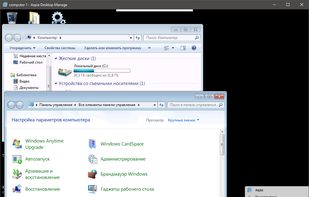
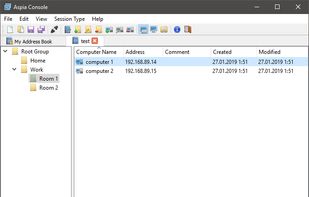
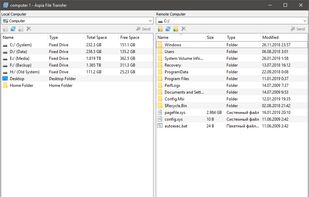


Mikogo is a free screen sharing solution that allows you to share any screen content in true color quality with up to 25 participants. Perfect for online meetings and web conferences. An easy-to-use and intuitive tool.
 Germany
 EU


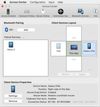
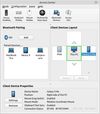


Screen Sharing is a VNC client by Apple Inc. included as part of Mac OS X v10.5. It allows remote observance or control of any Macintosh machine on the local network that has Screen Sharing activated. It may also be used over the Internet via iChat.
United States


 SwedenEU


Apple Remote Desktop is basically the Apple version of Windows Remote Desktop. It's the way to use RDP host from a Mac.
United States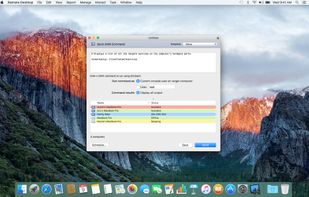
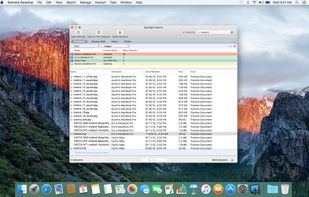
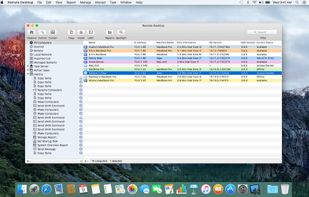
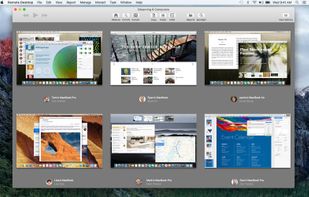


The free remote desktop software for business and personal use. Access and manage remote computers from anywhere in the world.
 PolandEU
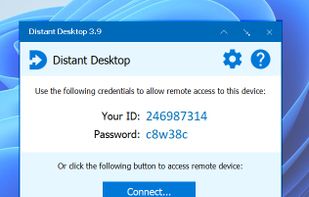
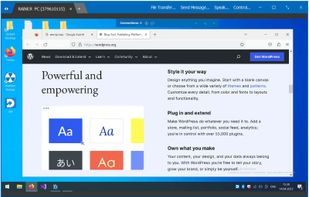


ASG-Remote Desktop is the indispensable tool for administrative access to remote computers.
United States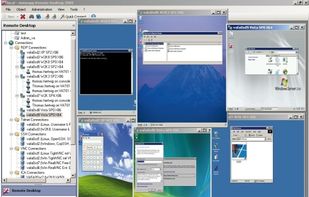


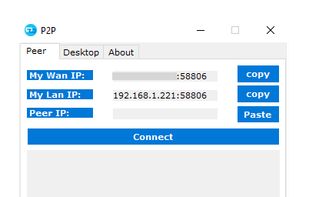
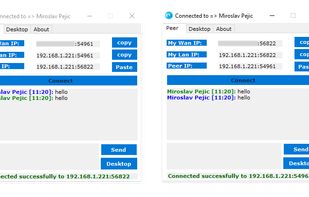
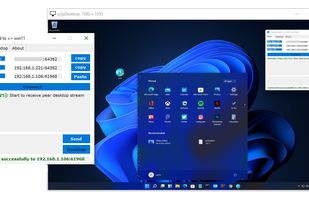
Remote Desktop P2P based. Portable, No configuration or installation needed, communicate your endpoint to the peer, and vice versa, press connect and enjoy.