


Secure PDF Viewer
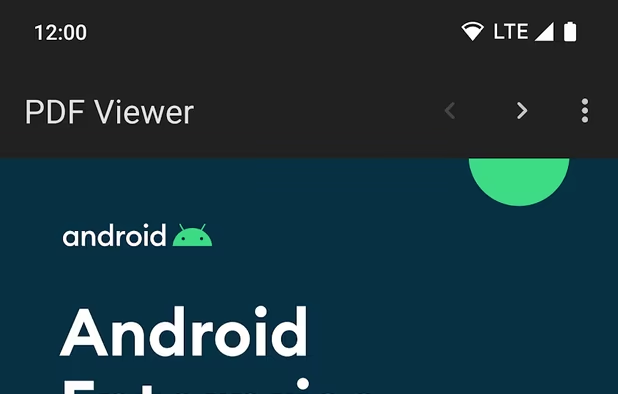
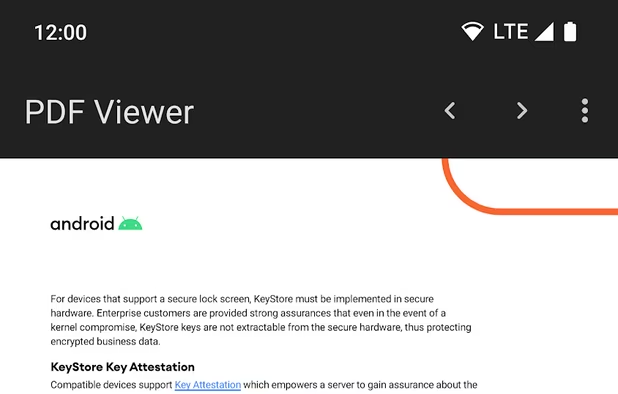
Simple Android PDF viewer based on pdf.js and content providers. The app doesn't require any permissions.

Features
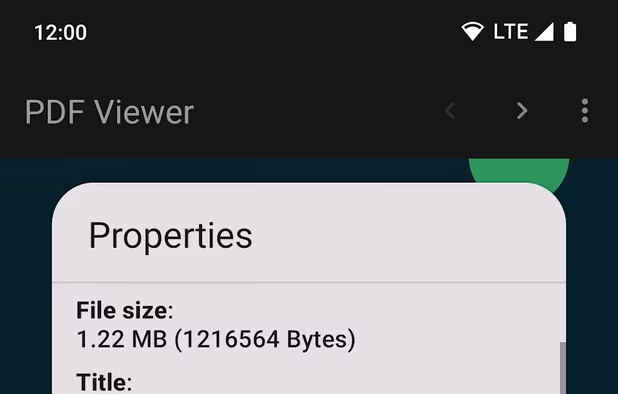
Properties
- Lightweight
- Privacy focused
- Security-focused
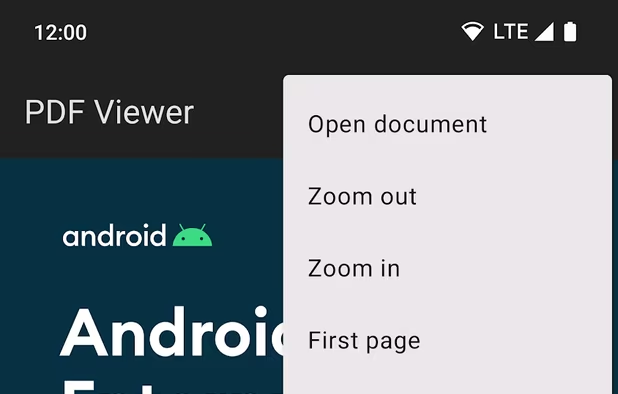
Features
- Ad-free
- Works Offline
- No Permissions required
Secure PDF Viewer News & Activities
Recent activities
- coffee415 liked Secure PDF Viewer
 OperandOps added Secure PDF Viewer as alternative to MorphPDF
 victorAtSilentEditor added Secure PDF Viewer as alternative to Silent Editor
- drliu1202 liked Secure PDF Viewer
 DevSoftwareMail added Secure PDF Viewer as alternative to PDF Reader - Editor, Scan & TTS
 kikyoh-choh added Secure PDF Viewer as alternative to ShelfStream
 swiss added Secure PDF Viewer as alternative to ZeroUploadPDF
 Danilo_Venom added Secure PDF Viewer as alternative to Google PDF Viewer and KOReader
 jdakfkj333 added Secure PDF Viewer as alternative to Minimal eReader
 Hexye added Secure PDF Viewer as alternative to Hexye PDF Tools




Featured in Lists
Curated privacy-respecting apps for new GrapheneOS users
How are you! In this list, I bring you a large number of open source applications for Android that are available in …

Android is a highly secure operating system with full verified boot, strong sandboxing, a permission control system, …
What is Secure PDF Viewer?
Simple Android PDF viewer based on pdf.js and content providers. The app doesn't require any permissions.
The PDF stream is fed into the sandboxed WebView without giving it access to content or files. Content-Security-Policy is used to enforce that the JavaScript and styling properties within the WebView are entirely static content from the apk assets. It reuses the hardened Chromium rendering stack while only exposing a tiny subset of the attack surface compared to actual web content. The PDF rendering code itself is memory safe with dynamic code evaluation disabled, and even if an attacker did gain code execution by exploiting the underlying web rendering engine, they're within the Chromium renderer sandbox with no access to the network (unlike a browser), files, or other content.

Secure PDF Viewer information
Developed by
 GrapheneOS
 Licensing
Open Source (MIT) and Free product.Written in
Rating
Average rating of 4.8Alternatives
81 alternatives listedSupported Languages
- English

AlternativeTo Categories
Security & Privacy, Office & ProductivityGitHub repository
- 922 Stars
- 124 Forks
- 59 Open Issues
- Updated


Comments and Reviews
For just looking at pdf's, this works surprisingly well. Like, I generally prefer it to apps that do more. Think of it as the minimalist option for when you're just trying to read something that isn't an ebook.
Doesn't save thumbnails of recently viewed like like Shelf does. You open the app and get a blank screen. From there, after you click the icon, you likely need to be well-organized with your items in a folder. On the other hand, if you go to the stacked 3-horiz bar icon, you get easy access to Google Drive, and other locations.
Works perfectly well, plus, it’s THE most lightweight pdf viewer. Kudos to the Graphene OS team for bringing it to non-Pixel devices!