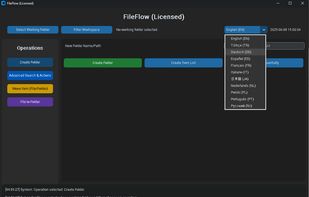
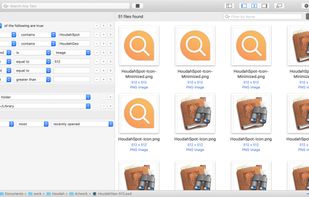
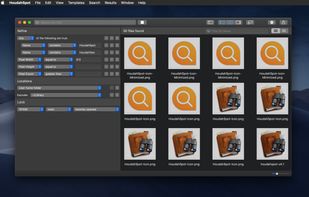
Search a comprehensive, centralized cache of all text found in your documents and other text-based files, including database and package files.
Cost / License
- Paid
- Proprietary
Platforms
- Mac
 Switzerland


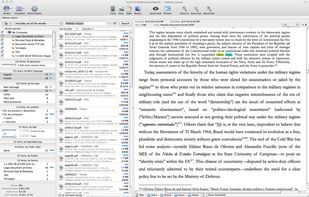


+1
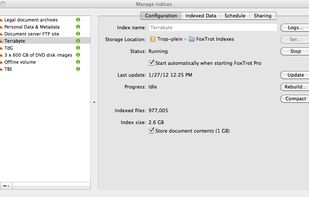


Apps similar to Search Text In Files include Everything, which is free. Other options are FSearch, Listary, DocFetcher and Agent Ransack. File Search Utilities like Search Text In Files are a crowded field, with more than 50 alternatives for Windows, Linux, Mac, self-hosting and the web.
Search a comprehensive, centralized cache of all text found in your documents and other text-based files, including database and package files.
Switzerland
Beagle is a search tool that ransacks your personal information space to find whatever youre looking for.
 United States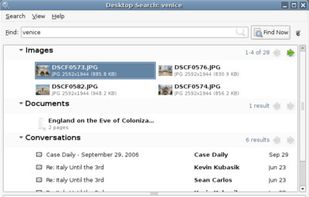


 Luxembourg
 EU
EU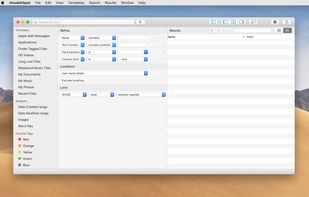


 GermanyEU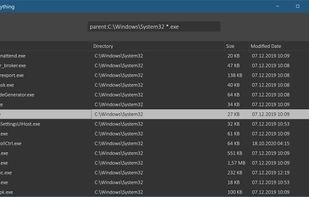

A Linux version of Everything Search Engine. Support fast NTFS indexing. Show instant results as you type.


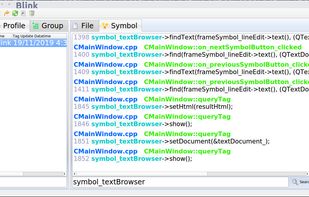
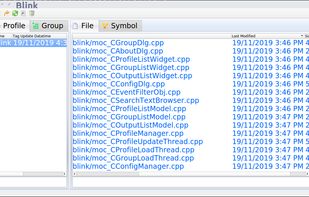
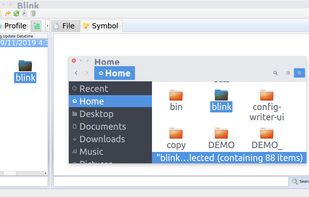
GUI of indexed grep for source code, files locator, search and replace. Switch differnt projects and start searching. Drag and drop of filenames to your favourite editor.


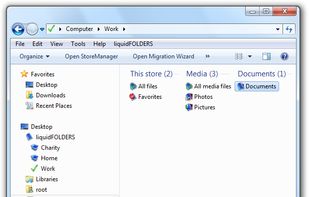
liquidFOLDERS stores all files in a separate area of your computer we call "store". A store does not have a fixed directory tree (let alone one that you'll have to manage yourself), but is one big thing.
GermanyEU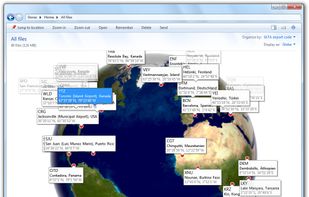



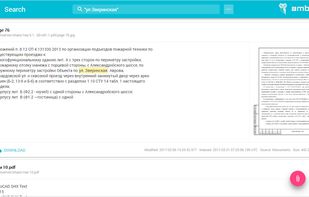
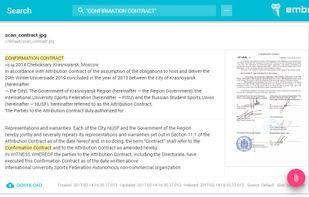
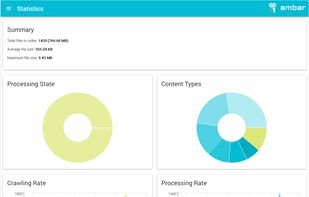
Ambar is a smart documents archive with automated crawling, OCR, deduplication and ultra-fast full-text search. Imagine having billion of files in different formats like xls, doc, txt, pdf, ppt, etc..., in any encoding.



Exalead Desktop Search Instantly locates any document stored on local resources like internal and external hard drives, network drives and USB keys .


hunText is a powerful file manager with full text search enabled, with which you can manage your device and cloud content and do a full text search on all the files at one place.




Terrier is a highly flexible, efficient, and effective open source search engine, readily deployable on large-scale collections of documents.
 United Kingdom



**FileFlow ** is a powerful yet lightweight file search tool for Windows that lets you find documents by searching inside the content — not by filenames.