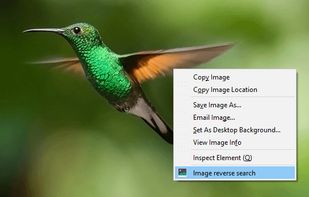
Reverse image search engine creating digital signatures to locate sources, track usage, find higher resolutions, and discover alterations. Ad-free and resource-efficient.
 Canada





Apps similar to Search by image include TinEye, which is free for personal use. Other options are Search by Image, Google Lens, NooBox and PictPicks. You can choose from more than 10 Image Search Engines like Search by image for the web, Android, iPhone, iPad and Mac.
Reverse image search engine creating digital signatures to locate sources, track usage, find higher resolutions, and discover alterations. Ad-free and resource-efficient.
Canada
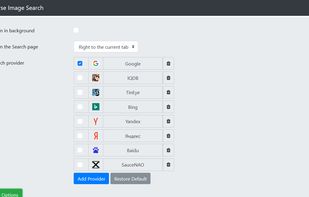
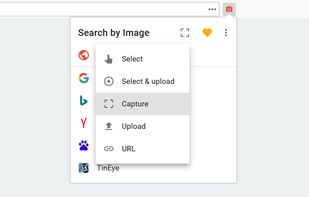
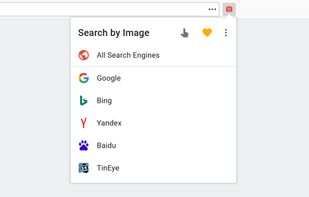
A powerful reverse image search tool, with support for various search engines, such as Google, Bing, Yandex, Baidu and TinEye.
 Germany
 EU



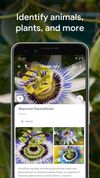
Google Lens lets you search what you see, get things done faster, and understand the world around you—using just your camera or a photo.
 United States




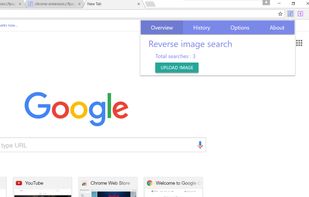
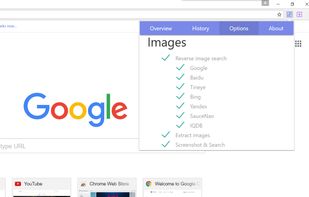
A useful Toolbox! Reverse image search with multiple engines + Extract images + Screenshot & Search




PictPicks is free application to search images and photos with a simple operation.
 Japan
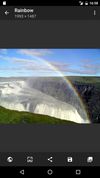


Reverse Image Search lets you search by images using Reverse Search engine instead of keywords.
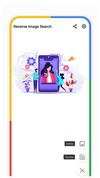
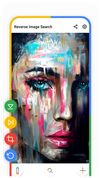



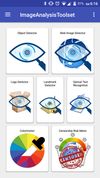
Image Analysis Toolset is a multifunctional app to analyze pictures. Included features: object Identifier, web image detector, logo Identifier, landmark Identifier: Optical Text Recognition (OCR) colorimeter, censorship risk meter.
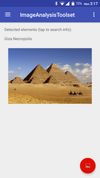
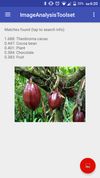


Discover the future of shopping with CHERRY, the AI assistant that finds products from a photo or screenshot. Sort by price, bookmark favorites, and track your searches. Designed for the younger generation, CHERRY is your key to a seamless shopping experience. Shop smarter with CHERRY!
Japan




Face Search AI does the hard work for you, searching across the web for websites and links that may feature images similar to the one you upload.





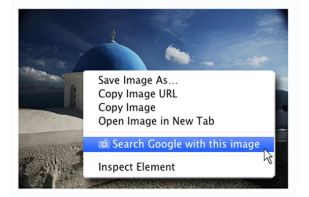
This extension allows you to initiate a Google search using any image on the web. By the Google Images team.





CamFind is the very first mobile application that can photograph, identify, and provide information on virtually any object you desire to learn about.
United States




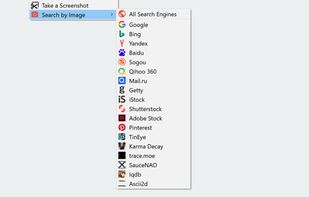
Adds an option to the context menu to search with an image on Google, Bing, Yandex, TinEye, SauceNAO, IQDB or custom search engines. You can also choose more than one and they will be shown in a submenu!.