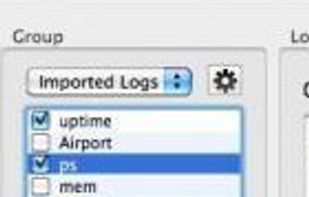
GKrellM is a single process stack of system monitors which supports applying themes to match its appearance to your window manager, Gtk, or any other theme.
Cost / License
- Free
- Open Source
Application type
Platforms
- Mac
- Windows
- Linux
 United States





Apps similar to screenstyler include Rainmeter, which is free and open source. Other options are Sidebar Diagnostics, Conky, ViBox and DeskDash. There's no shortage of Desktop Customization Tools like screenstyler, with more than 25 alternatives for Windows, Mac, Linux, iPhone and Android.
GKrellM is a single process stack of system monitors which supports applying themes to match its appearance to your window manager, Gtk, or any other theme.
United States
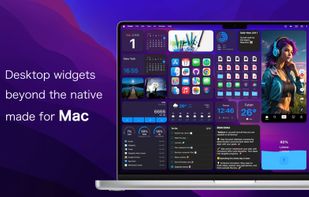
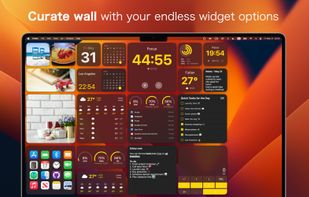
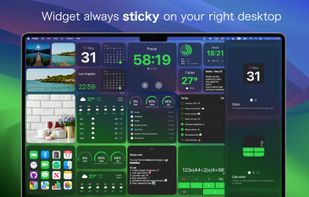
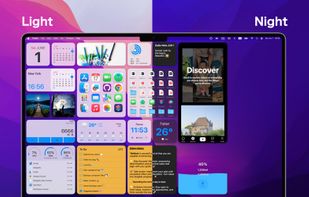
Widgetify (Desktop Widgets) is a convenient application that helps users quickly access important information and functions, enhancing work and life efficiency while beautifying your desktop and organizing desktop files, and more.


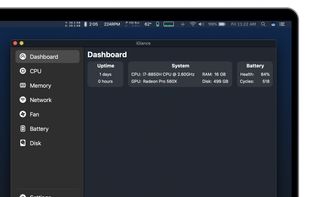
macOS and OSX tool showing real-time CPU, memory, network activity, fan speed, and temperature in the menu bar. Highly configurable, with customizable battery notifications, support for light or dark mode, open-source code, and ongoing community-driven updates.


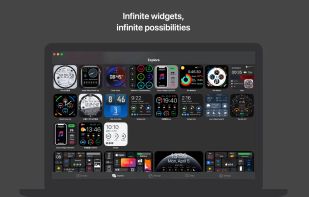
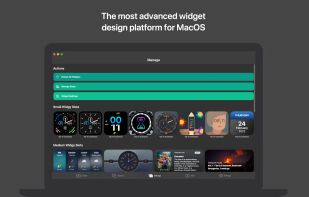
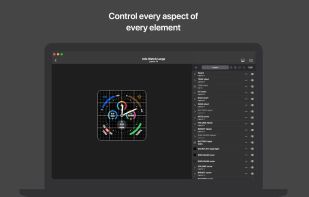
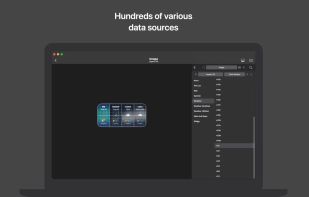
With Widgy, your home and lock screens becomes YOUR screens. You can make any kind of widget imaginable that perfectly matches the rest of your aesthetics. All the information you need can be easily surfaced through a widget that you designed.


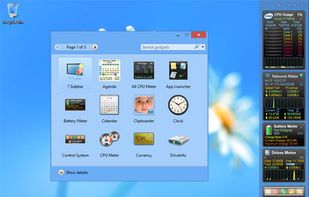
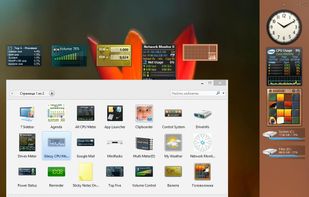
8GadgetPack makes it possible to use gadgets on Windows 8 / 8.1 / 10.
 Germany
 EU
EU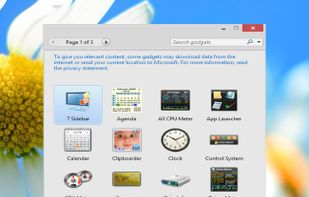


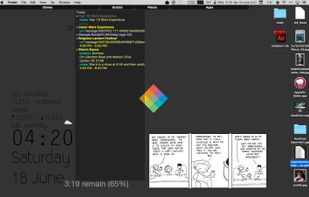
Nerdtool allows you to display many things directly on top of your desktop; weather reports, headline news, and system vitals are just a few uses.
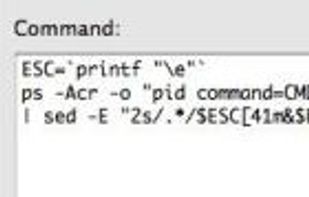


WPInfo displays system information on the Windows wallpaper. It works similarly to BGInfo from SysInternals but it adds a few unique features:
 FranceEU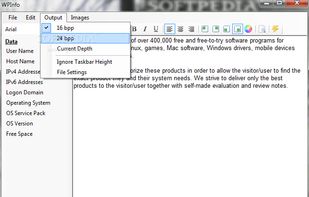


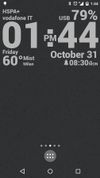
Create you own designs and display any data you need, at once, and with wonderful animations too! If you were looking for Rainmeter or Conky on Android, this is it!
 ItalyEU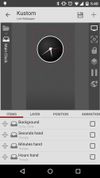



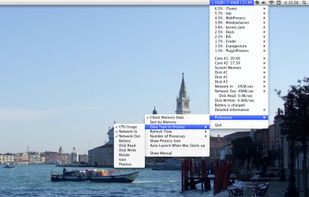
MiniUsage displays various data like CPU usage, amount of network flow, battery status and process names which uses much CPU time in a menubar. It takes little space and can display various data, so it's suitable for notebook.


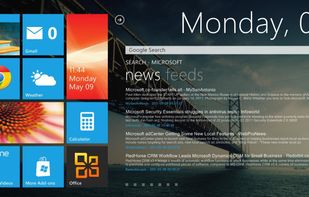
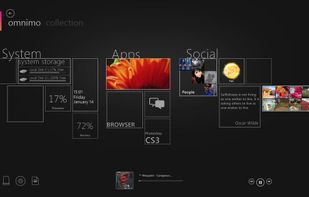
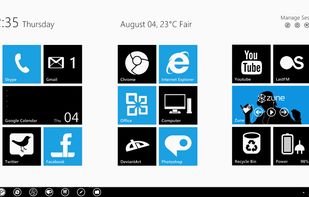
Do you want your desktop to look futuristic, informative and stylish? With Omnimo you can create amazing homescreen-like desktops that will fit your every need. Inspired by the Metro UI, it delivers highly functional interactive panels to the desktop and more!



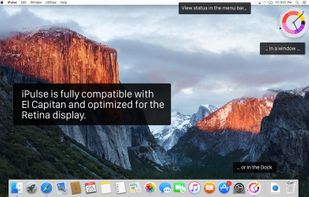
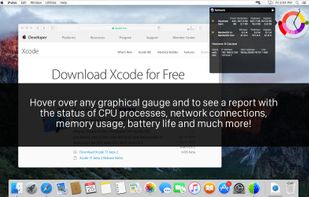
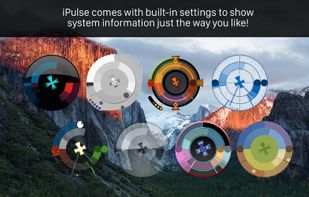
Visualizes live CPU, memory, network, disk, battery, and wireless usage on macOS using a compact, customizable interface, blending data graphically and textually on desktop, menu bar, or Dock, with Retina support, hotkeys, and minimal system impact.
United States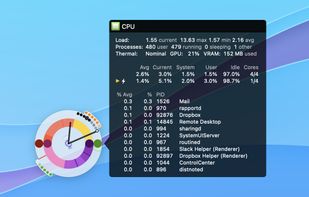


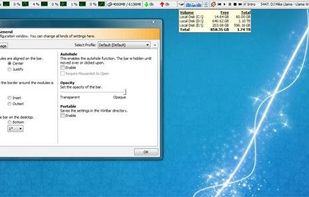
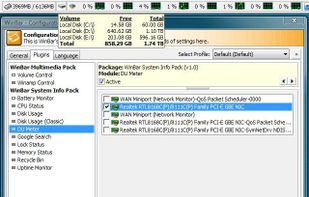
WinBar is a free and compact program that lets you monitor your system and provides easy access to frequently used controls. WinBar will run on Windows 2000 and newer operating systems and is available in 32 and 64 bit flavors.