

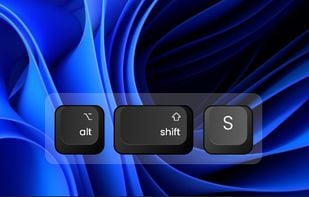
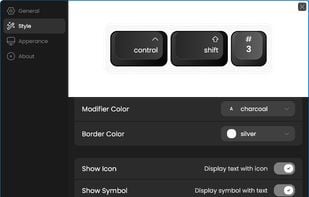
Keyviz is a free and open-source tool to visualize your keystrokes and mouse actions in real-time.
 India
India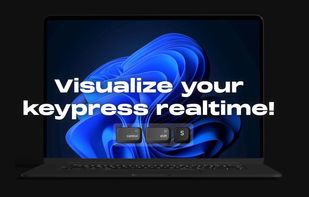

+3


The best Screen Casting alternative to Screenkey is Keyviz, which is both free and Open Source. If that doesn't suit you, our users have ranked more than 10 alternatives to Screenkey and eight of them are Screen Casting Tools so hopefully you can find a suitable replacement. Other interesting Screen Casting Tool alternatives to Screenkey are KeyCastr, YAKD, Show Me The Key and KeyPress OSD.
Keyviz is a free and open-source tool to visualize your keystrokes and mouse actions in real-time.

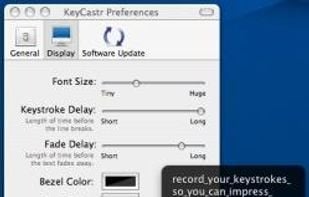
KeyCastr lets you easily display your keystrokes while recording screencasts.


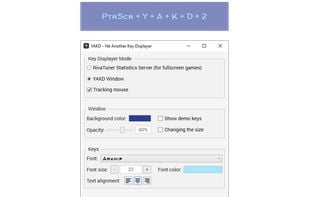
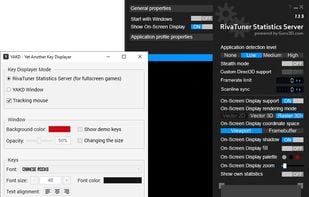
YAKD (Yet Another Key Displayer) is a lightweight, open-source Windows tool for displaying keyboard and mouse button presses on-screen, typically for use with screen recording and screen-casting. RTSS Rivatuner Statistics Server is supported.

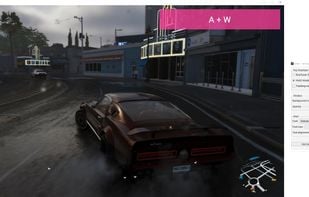


Show keys you typed on screen, so your audiences can see what you do clearly while you are streaming or recording.
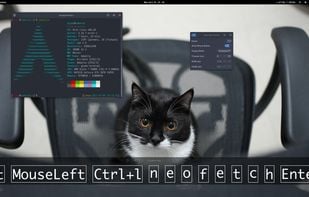

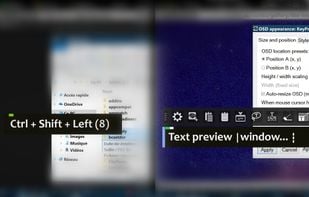
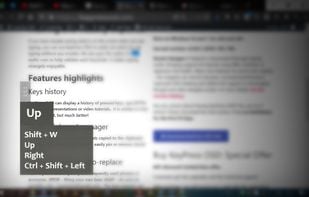
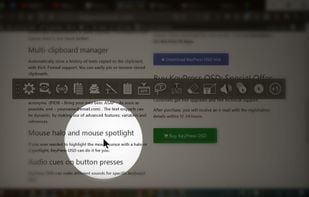
KeyPress OSD is a full-featured screencasting tool for displaying key-presses on Windows. Beyond on-screen keypress display, it features text-expansion, mouse-highlighting and a multi-clipboard manager.


KeyFX is a screencast and presentation utility that allows you to highlight the mouse cursor and visualize your keystrokes.
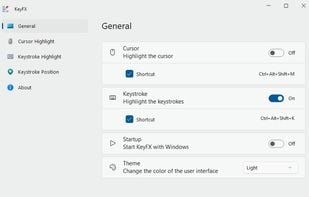
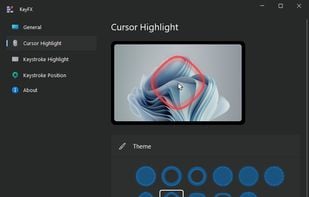
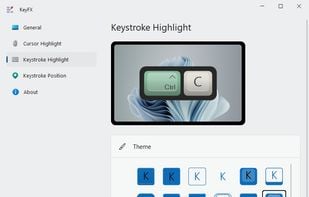
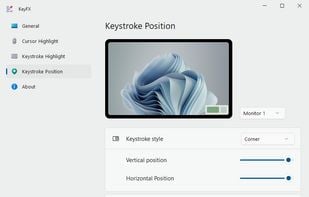

Shows modifiers and mouse, instead of "normal" text

A Little utility that implements a global key logger which displays all shortcuts & keystrokes as you type on screen and with a semi-transparent overlay. This makes it very easy to show any shortcuts you use if you for example record a software demo.


 United States


 Romania
 EU
EU
Key-mon provides a small window that also shows mouse usage status.