Cost / License
- Free
- Open Source
Application type
Alerts
- Discontinued
Platforms
- Mac
- Windows
- Linux
- BSD
- Haiku


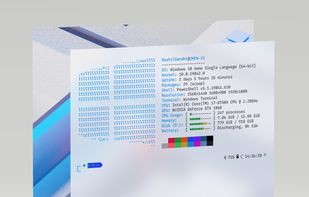
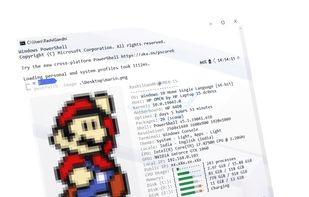
Screenfetch is described as 'Simple command-line tool that displays your distro's logo in text art form, your OS version, your kernel version, your CPU, GPU, and RAM, your DE, resolution, WM, themes, and shell type, and more' and is a system information utility in the os & utilities category. There are more than 25 alternatives to Screenfetch for a variety of platforms, including Linux, Windows, Mac, BSD and Android apps. The best Screenfetch alternative is HWiNFO (32/64). It's not free, so if you're looking for a free alternative, you could try HWiNFO (32/64) or Speccy. Other great apps like Screenfetch are Neofetch, hwinfo, Nerdfetch and Archey 4.


sysinfo is a graphical tool that is able to display some hardware and software information about the computer it is run on.

RWEverything access almost all the computer hardware, including PCI (PCI Express), PCI Index/Data, Memory, Memory Index/Data, I/O Space, I/O Index/Data, Super I/O, Clock Generator, DIMM SPD, SMBus Device, CPU MSR Registers, ATA/ATAPI Identify Data, Disk Read Write, ACPI Tables...


Examine is an app which gives you easy access to system information without needing to use the terminal, built for the COSMIC desktop.


Linuxlogo (linux_logo) is a simple tool to display a Linux distribution logo in ascii, the name of the distribution and some other short information about the system in the terminal.


ASCII art of Dilbert is taken from the Kakoune text editor ASCII art of Alice, PHB is taken from Christopher Johnson's collection ASCII art of the Wolf is taken from asciiart.eu.