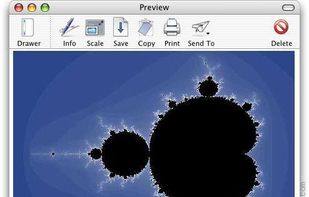
Shot Management - Copernicus doesnt just take screenshots, its a virtual photo gallery too. Take as many pictures as you like, then save them one at a time or all at once. Copernicus is perfect for taking many screenshots.
Platforms
- Mac


Screencast Capture Lite has been discontinued. Similar apps include OBS Studio, which is free and open source. Other options are OpenScreen, GPU Screen Recorder, SimpleScreenRecorder and Bandicam. There's no shortage of Screen Recorders like Screencast Capture Lite, with more than 100 alternatives for Windows, Mac, Linux, the web and Android.
Shot Management - Copernicus doesnt just take screenshots, its a virtual photo gallery too. Take as many pictures as you like, then save them one at a time or all at once. Copernicus is perfect for taking many screenshots.

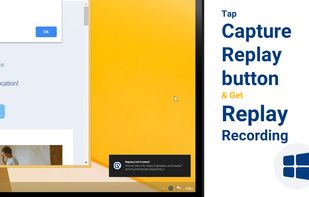



FlashDemo Screen Recorder captures all screen activity from your Windows Desktop in real time and publishes as a Flash movie. Perfect for creating online tutorial, training & support videos, E-Learning material.
 China
China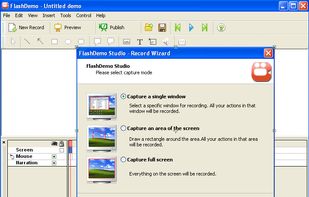


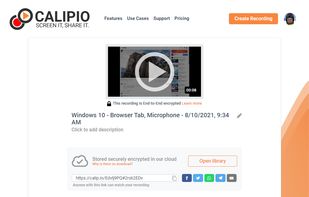
Free Online Screen Recorder - Record your screen and webcam. No download required. Protected by end-to-end encryption. Free to use on Windows, Mac, Linux, iOS, Android.
 Germany
 EU
EU
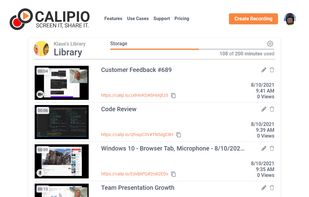
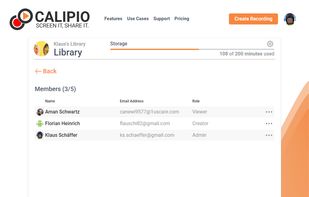


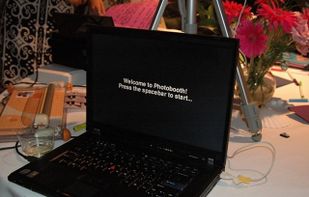
Digital photobooth software - automatically takes pictures and prints them out like old-fashion photostrips. Just like the mall kiosks!



The all-in-one screen capture production suite. Easily capture on-screen action to a movie from start to finish. It’s the best of both worlds: the power of MediaEdit and ScreenRecord. It includes everything you need to create your presentation.
 United States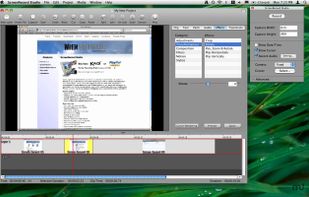


Camtica is Screen Recording Software. It enables you to create professional screen recordings, presentations, tutorials and more. You can record any desktop activity with voice, webcam and animated mouse clicks.


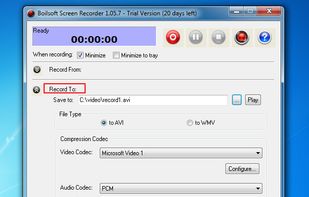
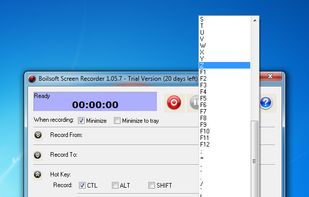
Boilsoft Screen Recorder is a screen-recording software helps to capture screen activities and record video to avi, wmv from microphone, line-in, or speakers for screen sharing.
China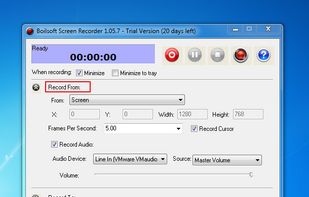


Tipard Screen Capture is able to capture any video/audio. This software allows you to record any video like webcam video, streaming video or other video tutorials on PC. Besides, it allows you to adjust the size of your screen.
 Hong Kong SAR China


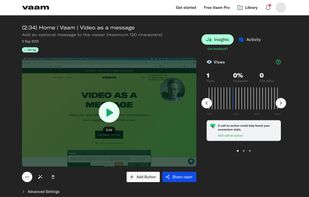
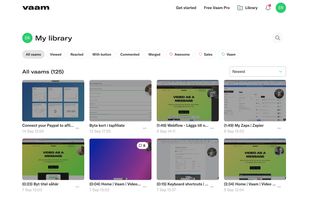
Vaam, video as a message, lets users create and access a shareable video in seconds, with the click of a button. It's a fun and beautiful experience where every company can have their own branding.


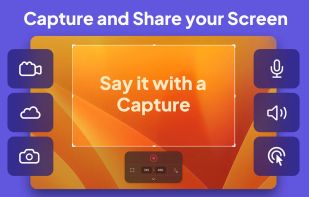
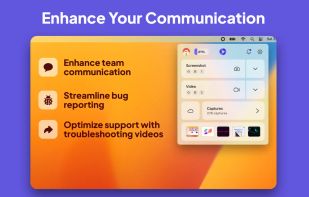
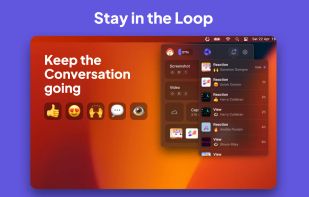
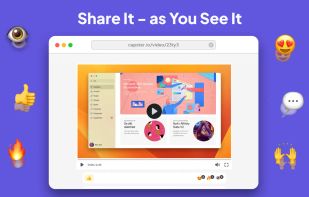
Capster helps you enhance your asynchronous communication with captures of your screen. Record your screen as you demonstrate a feature, idea, or bug, or take a screenshot and annotate it to better convey your point - and instantly share it through the cloud.


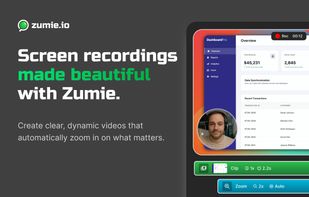
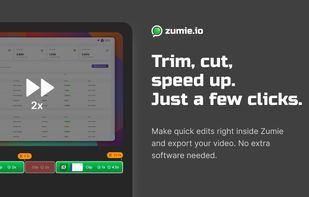
Zumie is a user-friendly platform for creating dynamic, clean videos with automatic zooming into key areas. It allows you to capture screen, webcam, and voice recordings, which can be edited and shared in minutes.
 HungaryEU