




Screen Translate
1 like
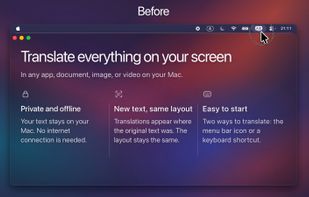
A fast offline screen translator for Mac that translates your entire screen in one click, displaying translations in place while preserving text layout and colors.

Cost / License
- Pay once or Subscription
- Proprietary
Application type
Platforms
- Mac


Features
Screen Translate News & Activities
Highlights All activities
Recent activities
- sushkov-pv liked Screen Translate
- sushkov-pv added Screen Translate
 sushkov-pv added Screen Translate as alternative to ScreenTranslate, PopTranslate, Pot Translator and translated

Screen Translate information
Developed by
Pavel SushkovLicensing
Proprietary and Commercial product.Pricing
One time purchase that costs $70, and / or subscription that costs $30 per year.Alternatives
9 alternatives listedBadge
Get an embeddable badge for Screen TranslateSupported Languages


No comments or reviews, maybe you want to be first?