


ScheduleBlock
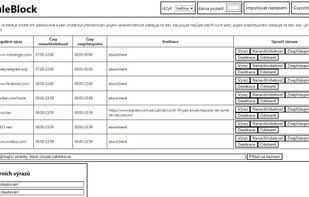
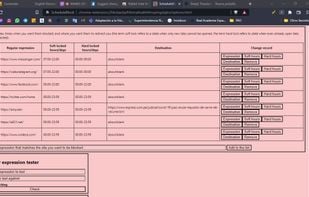
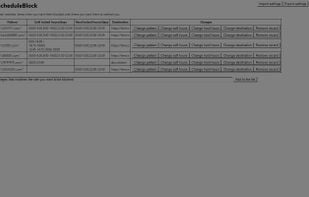
Let's you block any set of websites on a schedule. Let's you block independently both opening new tabs and using old tabs. Let's you set up independent different times for each day. Dark mode included.
Cost / License
- Free
- Open Source (GPL-3.0)
Application type
Platforms
- Self-Hosted
- Google Chrome
- Web Browser
- Firefox

Features
Properties
- Privacy focused
Features
- Scheduling
- Website blocking
- Anti Procrastination
- Parental Control
ScheduleBlock News & Activities
Recent activities
 POX added ScheduleBlock as alternative to FocusNotch
 POX added ScheduleBlock as alternative to Atten
 ashdeck added ScheduleBlock as alternative to Ashdeck


ScheduleBlock information
Developed by
sdasda7777Licensing
Open Source (GPL-3.0) and Free product.Written in
Alternatives
12 alternatives listedSupported Languages
- English
- Czech

AlternativeTo Categories
Office & Productivity, Web Browsers, Security & Privacy, Home & FamilyGitHub repository
- 17 Stars
- 2 Forks
- 4 Open Issues
- Updated


What is ScheduleBlock?
Allows you to block any set of websites on a schedule. Allows you to block independently both opening new tabs and using old tabs. Allows you to set up independent different times for each day of the week. By default uses gray color scheme to save your eyes in the night. Reliable, without spying, ads or microtransactions. Fully open source, therefore open to both code inspections and great new ideas. Perfect for improving your concentration when you need it.
If there are features you would like to see added, be sure to mention them in a review or on project's GitHub page.
Comments and Reviews
It delivers what it promises, and without distractors or complex configurations. It helps me quite a lot to tell the truth.