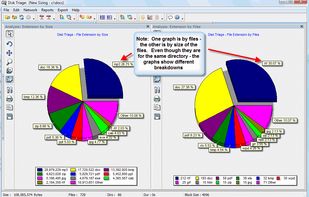
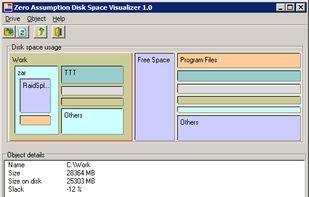
The most powerful disk space sizing and analysis utility there is! Answering the Who/What/Where/When of your Disk Space.
Cost / License
- Paid
- Proprietary
Application type
Platforms
- Windows


Scanner has been discontinued. Similar apps include WinDirStat, which is free and open source. Other options are WizTree, Baobab Disk Usage Analyzer, Filelight and SD Maid SE. There's no shortage of Disk Usage Analyzers like Scanner, with more than 50 alternatives for Windows, Mac, Linux, Android and the web.
The most powerful disk space sizing and analysis utility there is! Answering the Who/What/Where/When of your Disk Space.

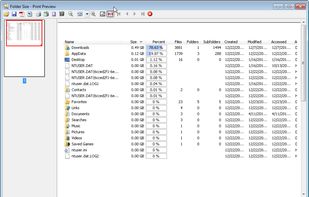
Folder Size analyzes your hard drives and displays file and folder sizes so that you can easily check the distribution of your disk space. The application will display the sizes of the folders and files and also the percentage of the total disk size that they occupy in a bar...
 United States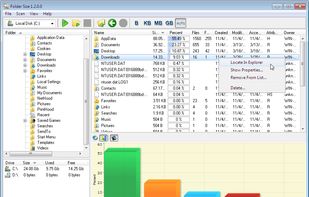


 Germany
 EU
EU

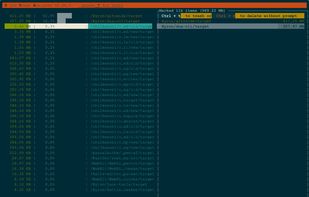
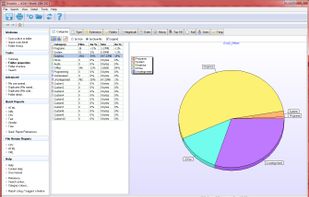
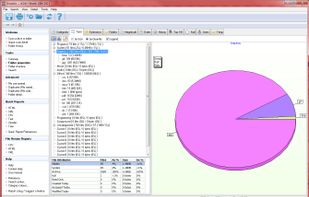
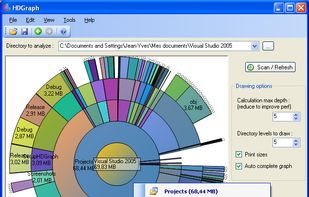
Xinorbis is a completely FREE, powerful Windows-based data storage analyser for single users or network administrators. Provides an instant visual display of the contents of a hard disk, single or multiple directories. Output reports to XML, CSV, HTML or plain ASCII.
 United Kingdom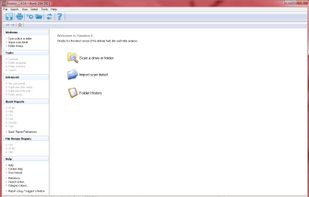



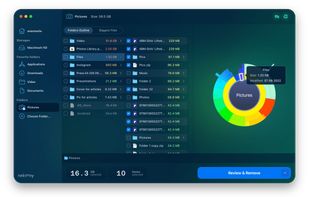
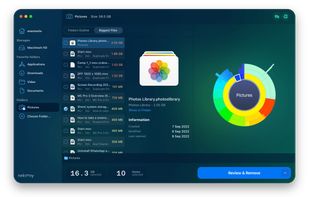
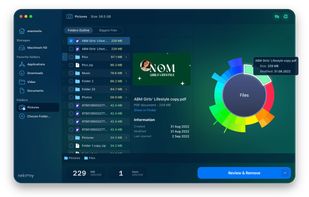
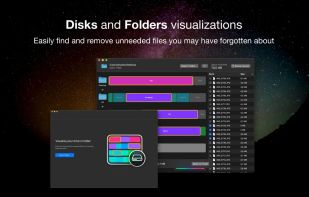
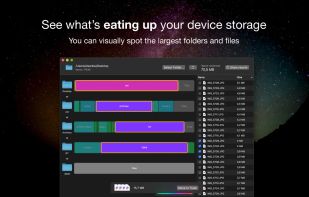
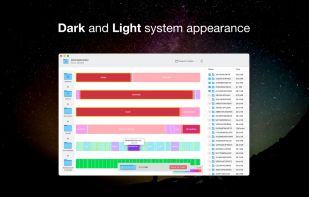
Disk Space Analyzer allows you to easily find and remove the bulkiest content for your Mac or external storage. You can see your Mac disk usage, find folders that take up the most space, and manage hard drive space by moving or removing files.
 Ukraine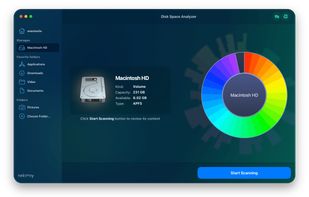


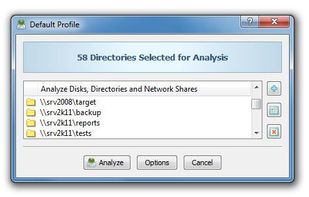
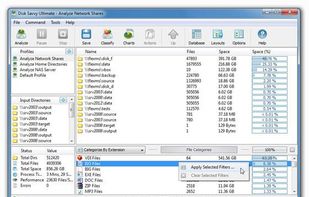
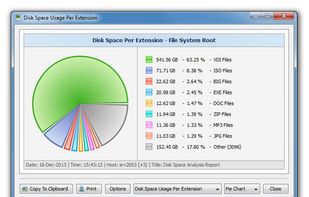
DiskSavvy is a free, fast and easy-to-use disk space analyzer utility allowing one to analyze disk usage in one or more disks, directories, network shares and/or NAS storage devices.
 CyprusEU


Disk Space Visualizer digs for a free disk space. This freeware program was created to simplify "garbage collection" procedures. In a typical usage the hard drive space is slowly filled up by the useless data. This may include temporary files, rarely used software, and.


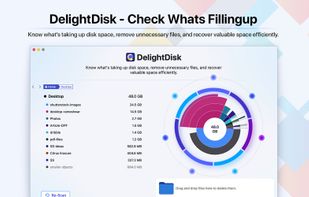

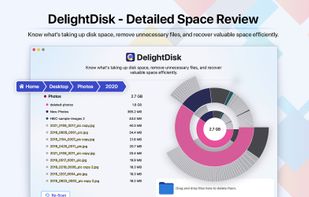
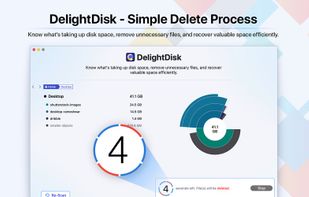


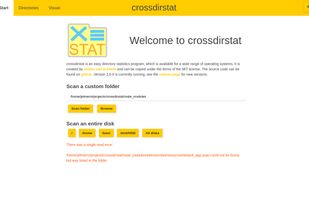
Free open-source cross-platform file & directory statistics as found on Github
 NetherlandsEU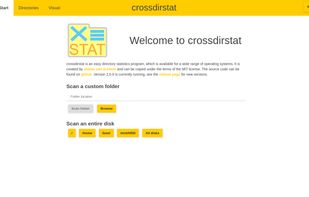







dua (-> Disk Usage Analyzer) is a tool to conveniently learn about the usage of disk space of a given directory. It's parallel by default and will max out your SSD, providing relevant information as fast as possible.
GermanyEU