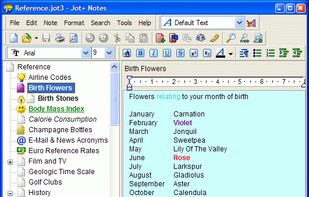
Jot+ Notes is the premiere note manager for Microsoft Windows. Now gone Freeware as of December 2019 !
Cost / License
- Free
- Proprietary
Application type
Platforms
- Windows


Apps similar to Roughbook include Anytype, which has a free version. Other options are Zettlr, Zim, Xournal++ and CherryTree. You're spoiled for choice with Note-taking Tools like Roughbook: we list more than 100 alternatives for Windows, Mac, Android, Linux and iPhone.
Jot+ Notes is the premiere note manager for Microsoft Windows. Now gone Freeware as of December 2019 !
Simple tasks & notes manager written in PHP, jQuery and Bootstrap using a custom flat file database.

Mindspace makes it easy to remember things. Users can capture thoughts and ideas as notes, audio streams or sketches and access them from anywhere at any time.


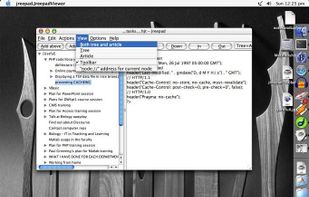
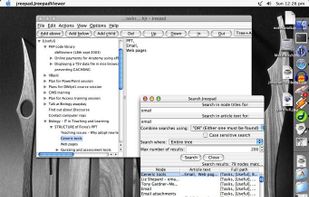
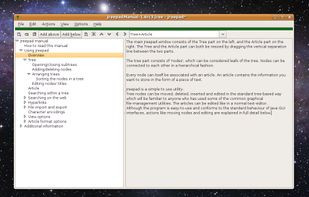
Jreepad, Java Treepad Editor, is an excellent free "personal database" program - it's a great way to organise all your personal notes, thoughts, tasks, recipes, memories...


Bitsii Notebook is an Open Source note taking app that can synchronize notes between your mobile phone, desktop or laptop workstation, and your computer running Bitsii Bridge.




Easy Notes - Notepad, Notebook, Free Notes App? is a brand new easy-to-use free notes app for Android. With this easy notepad app, You can make quick notes with colorful backgrounds and checklists to help organize your tasks and life easily.


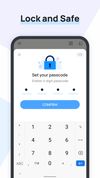


Take notes, anytime, quick, anywhere. Manage your TO-DO list and reminders. Remember things. Note taking on Android.
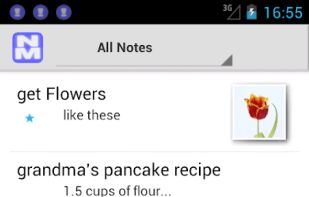
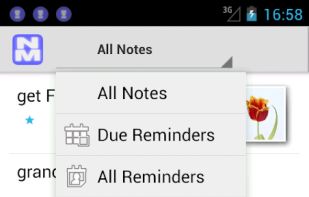
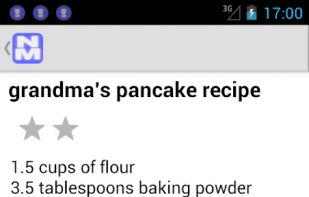


Notes app gives you the facility to make notes of important things and helps you reduce memory burden. In today's life it is too difficult to maintain all things in mind.hence this app may assist in doing so.

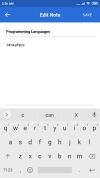



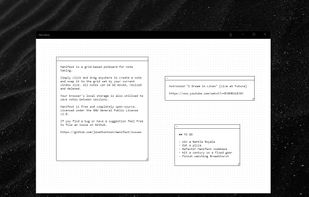


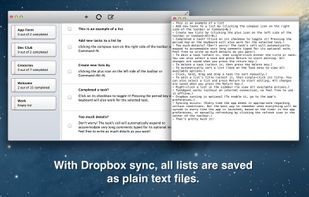
TaskAgent is a simple to-do list manager that saves its lists as plain text files. While Dropbox syncing is optional, the benefit is that you can edit your lists from outside the app using your favorite text editor and then sync any changes back into the app.
 United States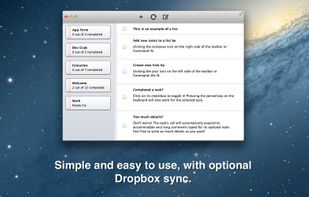


The main purpose is not to store the notes, but to create a way to easily hand the note as a piece of paper. Ideal scenarios of use: you want to remain silent, you want to be discreet, you can't talk, etc.