Cost / License
- Paid
- Proprietary
Application type
Platforms
- Mac
 United States
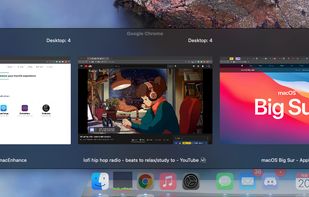

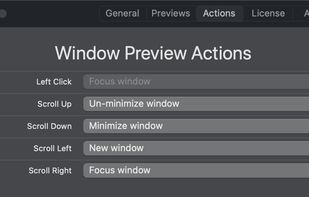

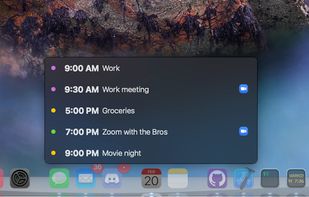


RocketDock has been discontinued. One of the most popular alternatives is Docking, which is free and open source. Other popular alternatives are ObjectDock, Cairo-Dock, Winstep Nexus and Kando. You're spoiled for choice with Application Launchers like RocketDock: we list more than 50 alternatives for Windows, Linux and Mac.
United States
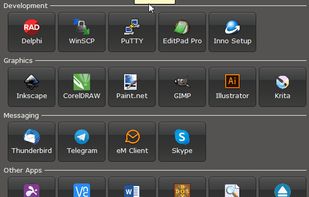
Luncher is a simple Windows application and file launcher. It allows you to setup buttons that act as shortcuts to open any application, file or folder. Luncher appears as a small panel on the top of the screen that is always easily accessible.
 Australia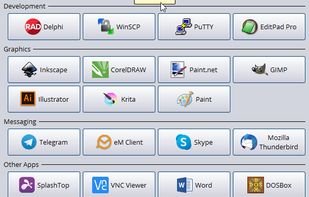


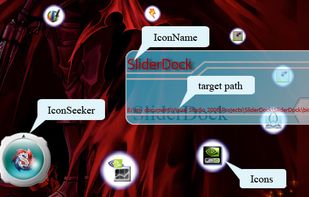
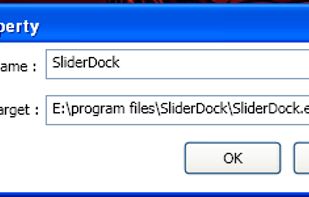
SliderDock is an application launcher that will allow you to easily drag and drop icons to access them later on by double clicking on them.



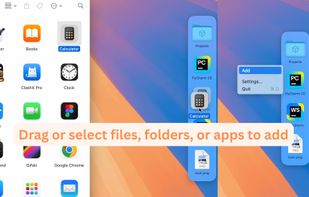
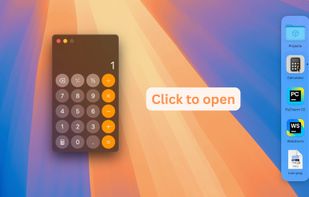
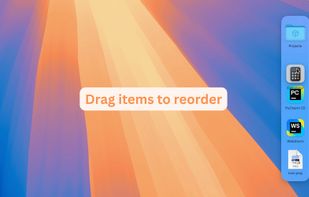
A Second Dock. Elegant, Efficient, Intuitive. Pin any file, folder, or app — and keep it always accessible in Another Dock.
 China
China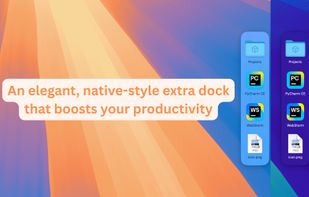


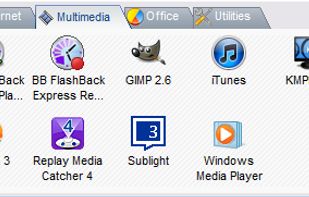

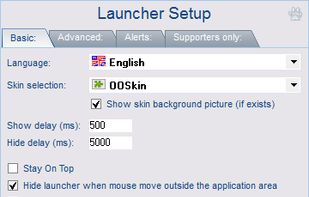


Say goodbye to repetitive, time-consuming tasks, like hunting through your programs, folders, files, and bookmarks for the ones you need. Promptu lets you associate meaningful names with programs, folders, files, bookmarks, etc, and access them almost instantly from your...
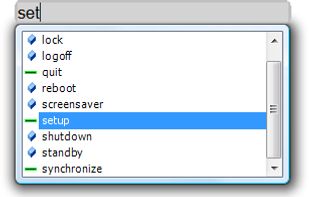
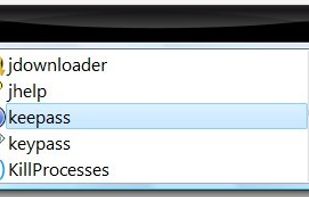


Did you ever wish your Dock could do more or handle more of your apps and files? DockShelf lets you place unlimited docks around your desktop so you never run out of space again for your commonly used files, folders and applications!

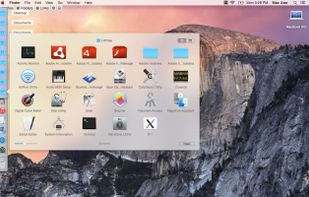
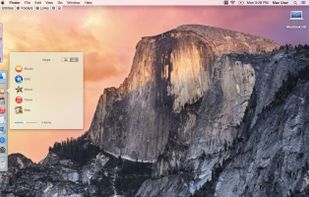
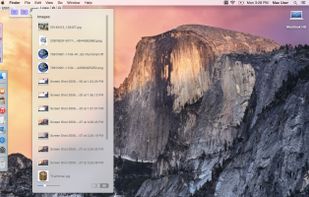

DockBarX is a lightweight taskbar / panel replacement for Linux which works as a stand-alone dock (called DockX), as an an Avant Window Navigator applet, as a Xfce4 panel applet1, as a matepanel applet2 or as a legacy gnome2 panel applet.
 Estonia
 EU
EU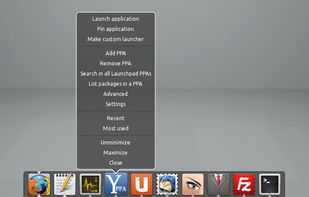

This application that is useful for those users who are on the desktop requires more than one tray to place shortcuts for launching frequently used programs, files, etc.

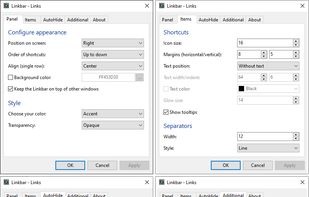


 Mexico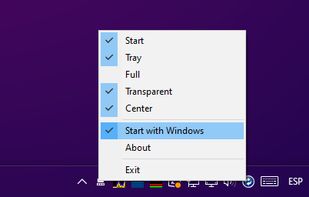
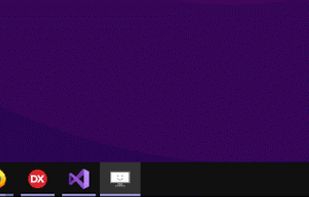


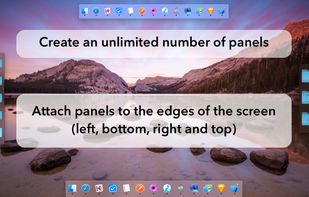
MultiDock is a simple application that allows you to organize frequently used applications, documents and folders using small panels (Dock’s).
 Ukraine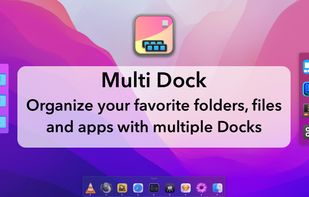


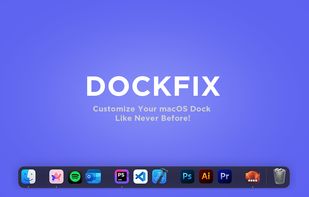
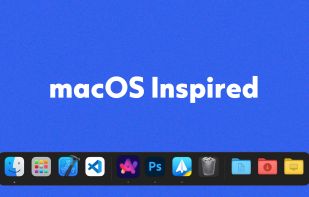
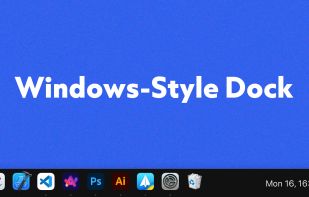
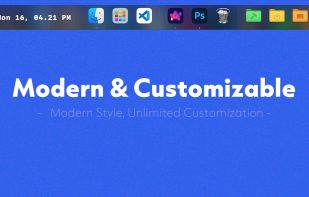
DockFix unlocks hidden settings and features that Apple doesn't want you to know about, giving you full control over your macOS Dock.
 DenmarkEU