





Relax Your Ears
1 like
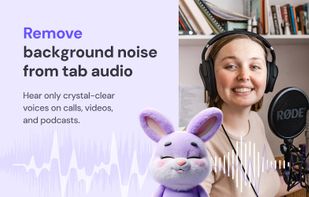
AI noise cancellation for Chrome tabs: mute crowds, traffic, keyboards - hear only voices in videos, meetings & podcasts.

Cost / License
- Free
- Proprietary
Platforms
- Google Chrome
- Chromium


Features
Relax Your Ears News & Activities
Highlights All activities
Recent activities
- Dmitry Myakishev liked Relax Your Ears
- Paul updated Relax Your Ears
- Dmitry Myakishev added Relax Your Ears
 Dmitry Myakishev added Relax Your Ears as alternative to Fast Music Remover, Noise Destroyer, Real-time Noise Suppression Plugin and Background Noise Removal

Relax Your Ears information
Developed by
 Damico Inc
 Licensing
Proprietary and Free product.Alternatives
4 alternatives listedBadge
Get an embeddable badge for Relax Your EarsSupported Languages


No comments or reviews, maybe you want to be first?