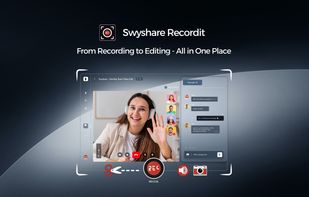
Swyshare Recordit is an all-in-one screen recording, screenshot, and video editing solution designed for simplicity, performance, and flexibility. It enables users to capture screen activity, webcam footage, and audio simultaneously or separately, making it ideal for tutorials, business presentations, online classes, gameplay recording, and more.
With flexible capture options, you can record the full screen, a specific application window, or a custom-selected area, ensuring you always capture exactly what matters. Recordit also supports webcam overlays, helping you create more engaging and interactive videos. With customizable input sources, you can independently select system audio, microphone, and webcam to match your recording needs while ensuring clear and synchronized sound.
Swyshare Recordit stands out with its powerful customization features. You can adjust resolution, mouse effects, and audio preferences to achieve the desired output quality. Additional smart tools such as instant replay, on-screen drawing, customizable hotkeys, and scheduled recording help improve efficiency and highlight key moments during recording.
The built-in editing tools make post-production fast and effortless. You can trim clips, resize the video canvas, adjust video position, and add elements like backgrounds or watermarks - all without needing external software. These features allow you to quickly turn raw recordings into polished, professional-looking videos.
In addition to video recording, Recordit also supports one-click high-quality screenshots, making it perfect for creating visual guides, documentation, and quick references.
With its intuitive interface and optimized performance, Swyshare Recordit delivers a smooth experience for users of all skill levels without significant system slowdowns. Whether you're a creator, educator, or professional, it provides a reliable and efficient way to capture, edit, and share high-quality content.




No comments or reviews, maybe you want to be first?