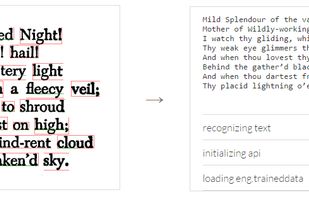
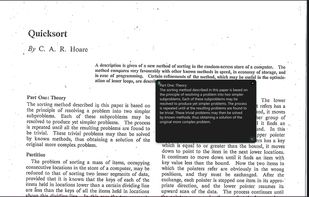
Tesseract.js is a javascript library that gets words in almost any language out of images.
Cost / License
- Free
- Open Source
Application type
Platforms
- Mac
- Windows
- Linux


Apps similar to RapidOCR include Tesseract, which is free and open source. Other options are Adobe Acrobat DC, ABBYY FineReader PDF, PdfCraft and OCRmyPDF. There's no shortage of PDF Editors like RapidOCR, with more than 25 alternatives for Windows, Mac, the web, Linux and iPhone.
Tesseract.js is a javascript library that gets words in almost any language out of images.

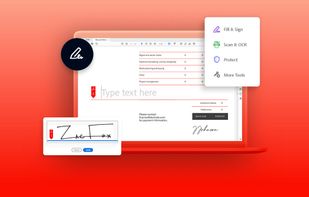
Manage documents effortlessly, edit PDFs, create them from other formats, and e-sign anywhere. Secure sharing and comparison tools ensure smooth workflows and data protection. New AI Assistant offers quick document insights. Perfect for desktop and web platforms.
 United States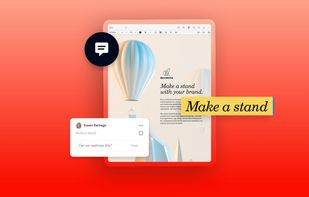
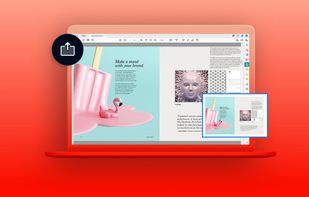



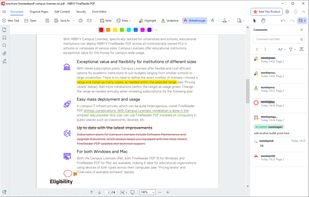
Optical recognition software boasting unmatched text accuracy converts scanned documents to editable Word, Excel, or searchable PDFs while preserving layout. Supports 190 languages, simplifies processes with automated tasks, and includes PDF editing tools.
 Russia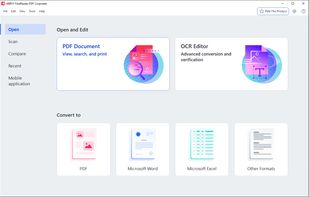
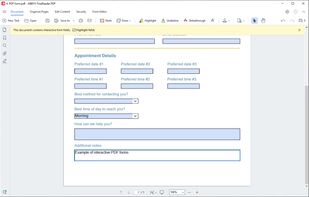

Read, organize, combine, split and secure PDFs in a fast, native app written in Rust from the ground up. No account, no telemetry, no cloud.
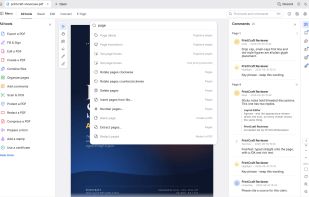
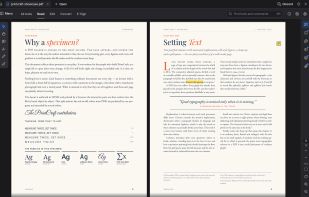


OCRmyPDF adds an OCR text layer to scanned PDF files, allowing them to be searched - jbarlow83/OCRmyPDF

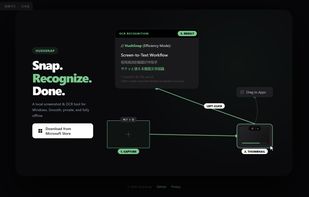
A lightweight, privacy-focused Windows tool for offline OCR and screen capture with seamless drag-and-drop workflow.


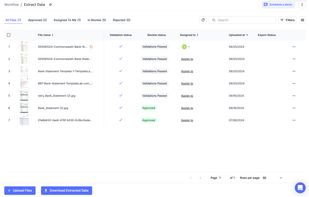
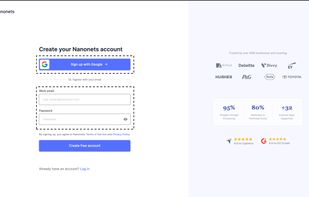
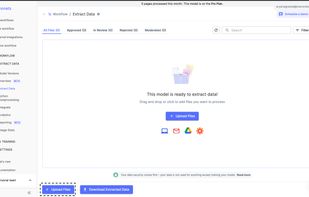
Nanonets is an LLM based OCR solution that that automates document processing and data extraction workflows. With models that do not rely on pre-defined document templates, Nanonets helps companies automate document-heavy business processes like accounts payable, order...
United States

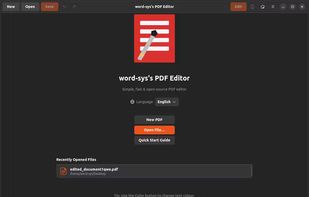
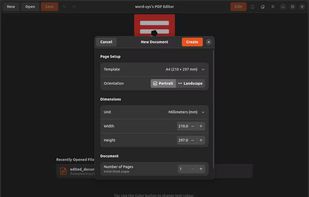
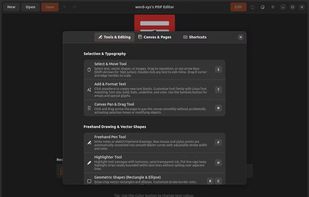
word-sys's PDF Editor is a simple and user-friendly tool developed for Pardus, Debian and other Linux distributions, focused on editing text, image and object content in PDF files. Developed from scratch in the spirit of #MilliTeknolojiHamlesi and TEKNOFEST 2025 to meet the...
 Türkiye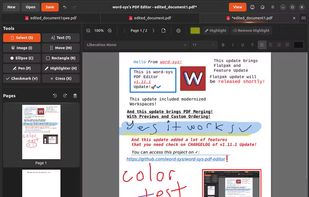


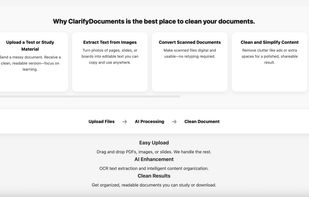
ClarifyDocuments is a free AI tool that converts PDFs, images, and slides into clean, editable text. It automatically cleans, organizes, and processes content in any language, helping students and educators focus on learning.
 Italy
Italy EU
EU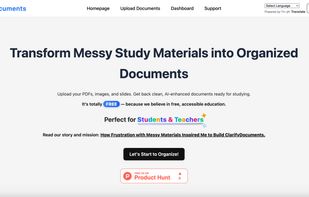


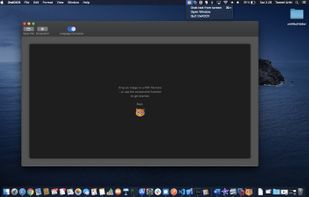
OwlOCR 7 is a macOS OCR app for text you can see but cannot select. Capture a screen region, open an image or PDF, paste supported content, or import a photo or scan from an iPhone or iPad. Apple Vision performs fast on-device recognition.
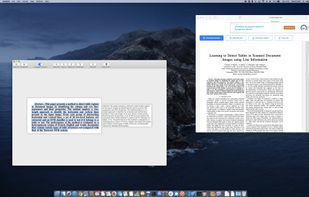
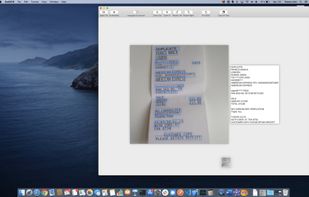
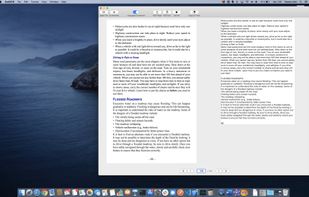


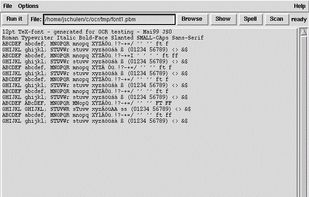
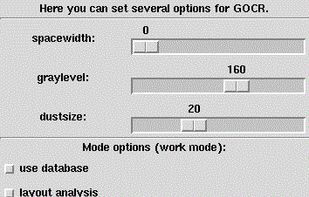
GOCR is an OCR (Optical Character Recognition) program, developed under the GNU Public License. It converts scanned images of text back to text files. Joerg Schulenburg started the program, and now leads a team of developers.


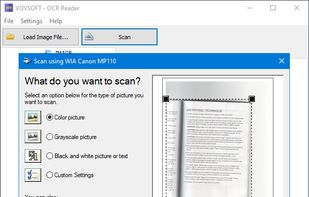
OCR Reader is an image to text converter program that allows you to extract text from PNG, JPEG, TIFF, WEBP, and BMP image files using Optical Character Recognition.
Türkiye