





RAM Folder
Like
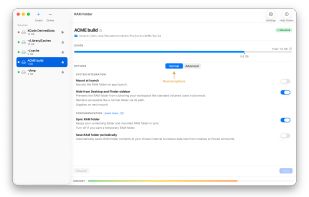
RAM Folder turns any folder on your Mac into a native macOS RAM disk — two to three times faster than the fastest drive, with zero SSD wear.

Cost / License
- Pay once
- Proprietary
 EU
EUPlatforms
- Mac


Features
Highlights All activities
RAM Folder News & Activities
Recent activities
- Paul updated RAM Folder
- Samuel Lebeau added RAM Folder
- Samuel Lebeau added RAM Folder as alternative to TmpDisk, Make Ram Disk, SoftPerfect RAM Disk, Primo Ramdisk and 3 more
Developed by
 Less Software
 Licensing
Proprietary and Commercial product.Pricing
One time purchase (perpetual license) that costs $10.Alternatives
7 alternatives listedBadge
Get an embeddable badge for RAM FolderSupported Languages


No comments or reviews, maybe you want to be first?