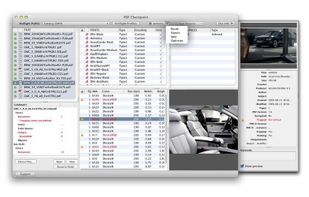
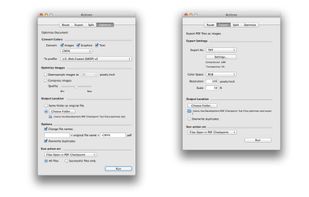
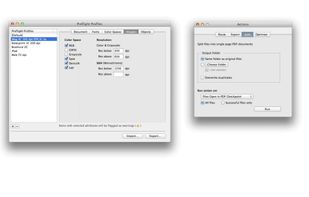
PDF Checkpoint automates PDF workflows with powerful batch processing: preflight, route by preflight results, export as images, split, convert colors, reduce file size and more.
Cost / License
- Paid
- Proprietary
Platforms
- Mac
 Canada




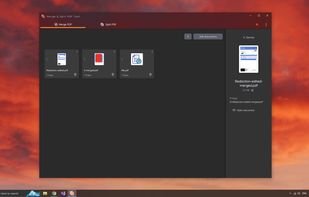
qvPDF has been discontinued. Similar apps include PDF Arranger, which is free and open source. Other options are Stirling PDF, PDF24 Creator, Adobe Acrobat DC and PDFCreator. There's no shortage of PDF Editors like qvPDF, with more than 100 alternatives for Windows, the web, Mac, Linux and iPhone.
PDF Checkpoint automates PDF workflows with powerful batch processing: preflight, route by preflight results, export as images, split, convert colors, reduce file size and more.
Canada
Merge PDF Documents easily using an online free service (no registration).
Information about the merge process and notable limitations: Maximum number of input files is 10 Individual file size limit is 5 MB All uploaded files are removed after the merge pdf process has finished.


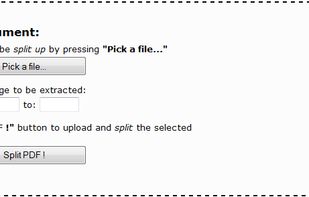
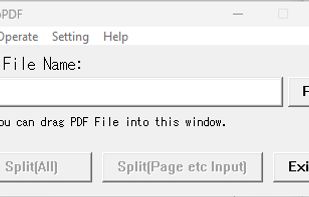
This service enables you to split PDF documents free of charge. All you need to do is select the PDF documents that you want to split up on your computer, specify the desired page range, and click a button, as instructed below.




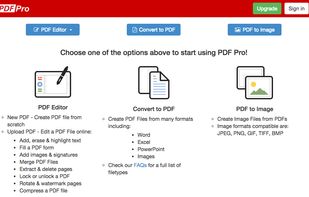
PDF Pro is the complete online PDF solution, allowing professionals to get their PDF work done quickly and easily.
Canada
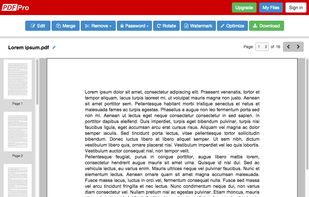
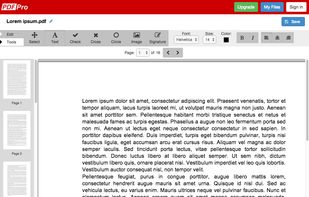


Are you looking for an easy way to manage your PDFs? Our tool makes it effortless to merge files and extract pages with just a few clicks.
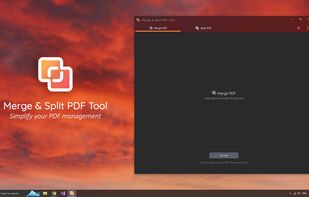
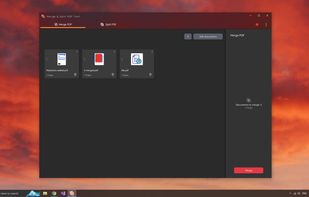
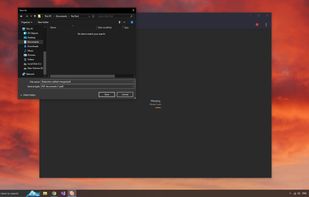




Stop overpaying for PDF tools.
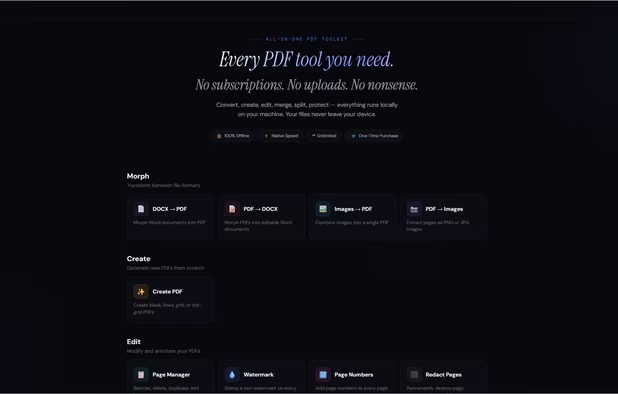
Every PDF tool you need. One price. Forever.
15 tools. Runs on your machine. Never touches a server. No subscriptions. No uploads. No nonsense.
? 100% offline · ? Windows, Mac & Linux · ? One-time purchase · ? Free updates fore.
 United States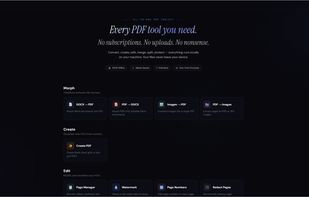


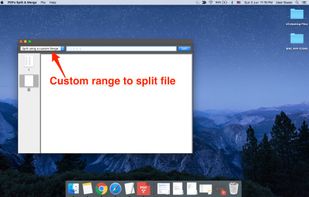
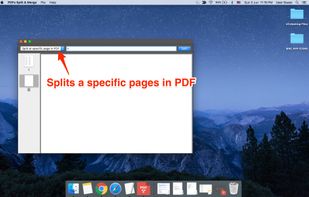
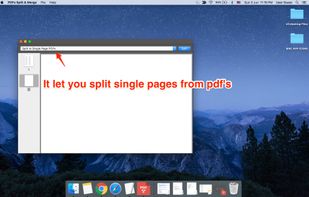
PDFs Split & Merge is a lightweight application for your Mac. It helps you Split, Merge and Unlock PDF files within seconds and it's all offline. We respect your privacy.
 India
India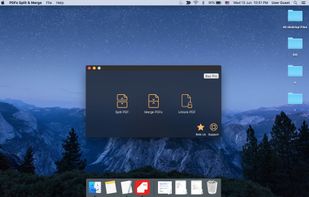


The PDF merger tool is a free online application to combine two or more PDF files into one document. The PDF merge solution is totally a browser based program that can be used in MAC, Windows and Linux all operating systems.
India


Your perfect tool for customized PDF documents.
 Germany
 EU
EU