


LXTask is the standard task manager and system monitor of LXDE. It starts via Ctrl+Alt+Del and is extremely lightweight.
Cost / License
- Free
- Open Source
Application type
Platforms
- Linux
 Taiwan


Apps similar to Pserv include Process Explorer, which is free. Other options are System Informer, Mission Center, Process Monitor and Task Manager. You're spoiled for choice with Process Management Tools like Pserv: we list more than 25 alternatives for Windows, Linux, Android, Mac and self-hosting.
LXTask is the standard task manager and system monitor of LXDE. It starts via Ctrl+Alt+Del and is extremely lightweight.
Taiwan
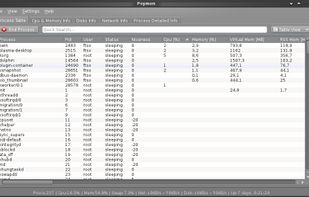
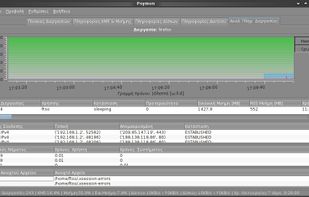
Python System Monitor (Psymon) is a cross-platform, task and performance monitor.


Security Task Manager shows comprehensible information about programs and processes running on the computer. For each Windows process, it improves on Windows Task Manager, providing:
 Germany
 EU
EU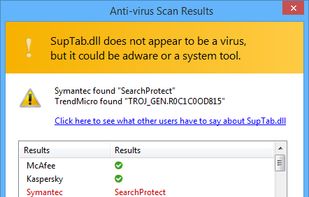
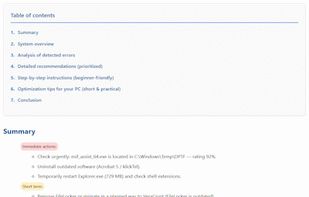


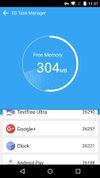
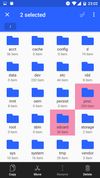
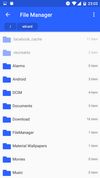
A manager for tasks on the Android platform. An excellent task manager & killer. It can also optimize memory, storage, & cache. It integrates well with ES File Explorer & users can easily switch between the two apps.
 China
China






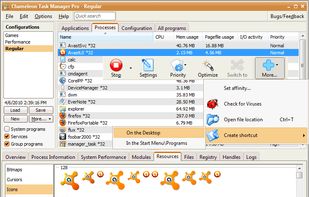
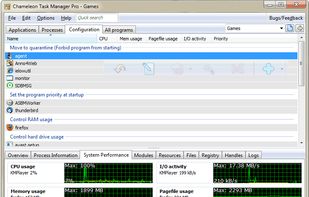
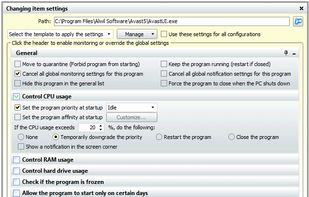
Chameleon Task Manager is Windows task manager that enables the complete control of processes running on a computer optimizing the performance of Windows. It also provides more detailed information about programs.
 Russia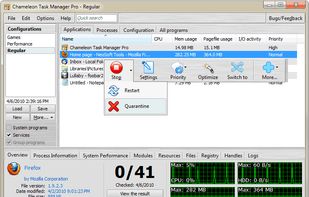


PrcView is a process viewer utility that displays detailed information about processes running under Windows. For each process it displays memory, threads and module usage. For each DLL it shows full path and version information.
 Ukraine


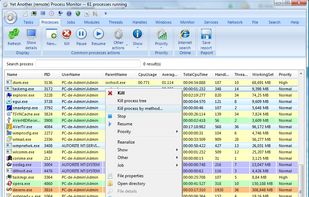
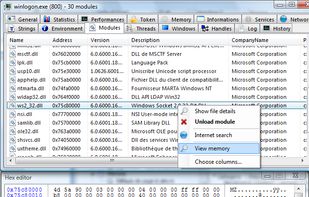
Yet Another (remote) Process Monitor (YAPM) is a powerful application that allows to view and manage your running tasks, processes, threads, modules...etc. and your services on a local or on a remote machine.


SterJo Task Manager is a FREE and advanced utility for process managing which allows you to get details on everything that’s running on your computer. The program is divided in several sections covering the main parts of each system.
 North Macedonia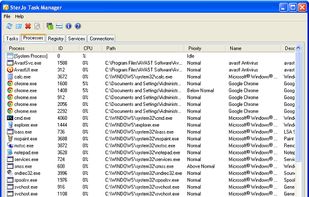


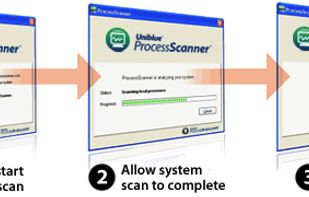
With ProcessScanner Uniblue takes the perspiration and guesswork out of researching the processes running on your PC. ProcessScanner not only generates a detailed list of the items already running on your PC, it then goes on to give you valuable information as to the programs...


Security Process Explorer
Give you detailed information about each and every process.
Indicate whether a process is safe or not.
Allow you to terminate process with a single click.
Let you block any unwanted processes or malware.
Simpl.
China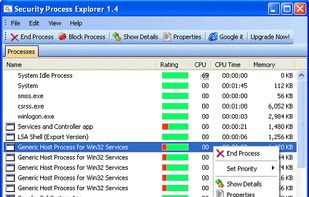


 United States


