





Projector Grid
Like
Free, open-source desktop app to control and monitor multiple Panasonic network projectors - power, geometry, color, and live status with OSC integration. Windows & macOS.
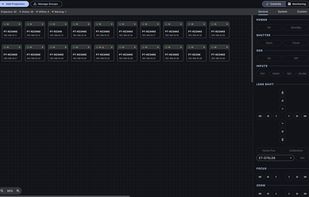

Cost / License
- Free
- Open Source (GPL-3.0)
Platforms
- Windows
- Mac
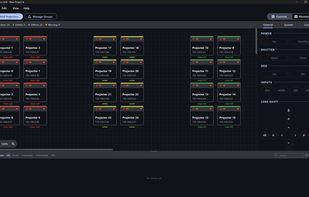

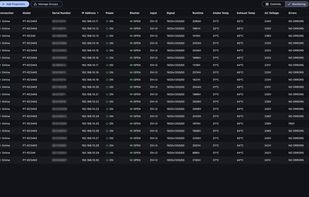

+1
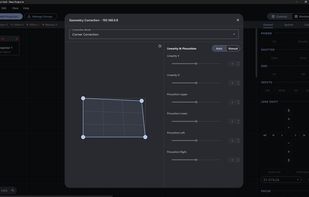

Add Alternatives


Projector Grid
Like
0likes
0alternatives
0articles
Features
Projector Grid News & Activities
Highlights All activities
Recent activities
- Aleksei-Vlasov added Projector Grid
Projector Grid information
Developed by
 Aleksei Vlasov
 Licensing
Open Source (GPL-3.0) and Free product.Alternatives
0 alternatives listedBadge
Get an embeddable badge for Projector GridSupported Languages
AlternativeTo Categories
Video & Movies, Network & AdminGitHub repository
- 6 Stars
- 2 Forks
- 0 Open Issues
- Updated
No comments or reviews, maybe you want to be first?