PrimoPDF Alternatives
Apps similar to PrimoPDF include Stirling PDF, which is open source with a free version. Other options are PDF24 Creator, Adobe Acrobat DC, PDFCreator and PDF24 Tools. PDF Printers like PrimoPDF are a crowded field, with more than 50 alternatives for Windows, the web, Mac, Android and iPhone.
Alternatives list

Cost / License
- Free
- Proprietary
Platforms
- Online
- Self-Hosted
- Software as a Service (SaaS)


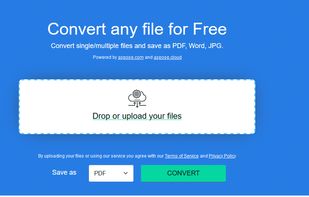
Aspose.Total Conversion is a free online document converter that completely supports conversion to/from many common word processing, spreadsheet, presentation, CAD drawings, images and other popular file formats.
Cost / License
- Free
- Proprietary
Platforms
- Online
 United States


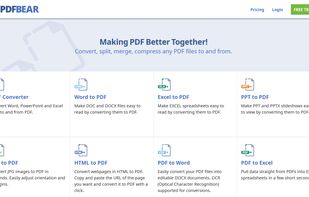
Similar to Adobe Acrobat software but it is all in the web! You can split or merge PDFs, convert Word, Excel or PowertPoint files to PDF (or vice-versa) and put passwords in PDFS (or remove them) and also SIGN PDFs! How cool is that?.
Cost / License
- Paid
- Proprietary
Platforms
- Software as a Service (SaaS)

 141 Font Converter Tool alternatives
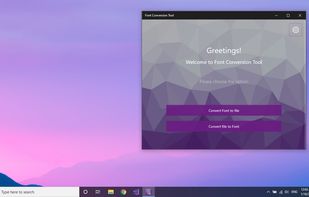
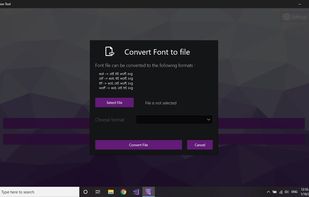
convert Font extensions (otf, ttf, woff, eot).
Cost / License
- Paid
- Proprietary
Platforms
- Windows
 +4
+4


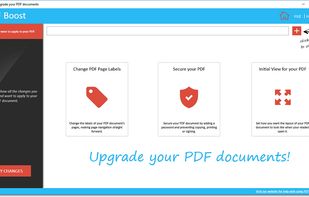
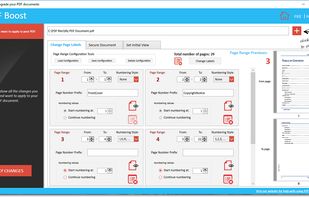
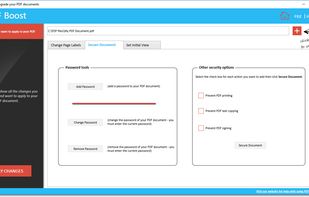
Edit the labels of PDF pages, manage security options (password, printing, text copying, signing), set initial view.
Cost / License
- Paid
- Proprietary
Application type
Platforms
- Windows
 +1
+1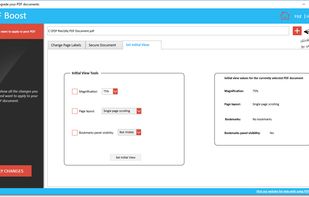

 14 Neevia Document Converter Pro alternatives
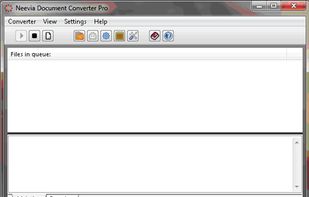
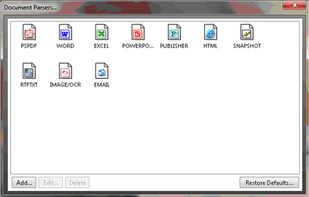
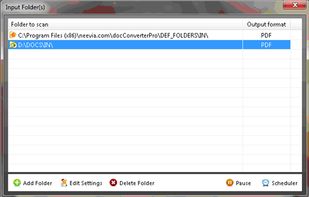
Neevia Document Converter Pro is a software product that dynamically converts Microsoft Office 2003/2007/2010/2013/2016/2019/365, WordPerfect, HTML, AutoCAD DWG/DWF, EML, MSG, PostScript and many other document types to PDF, PDF/A, PostScript, JPEG, TIFF, PNG, PCX, BMP.
Cost / License
- Paid
- Proprietary
Platforms
- Windows
- United States
 +3
+3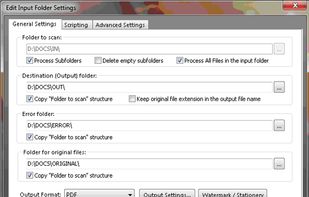


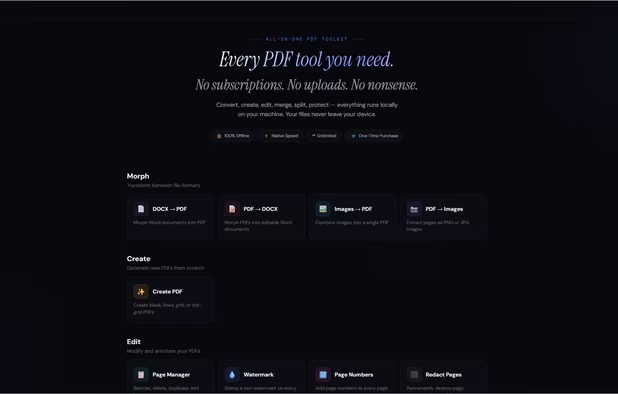
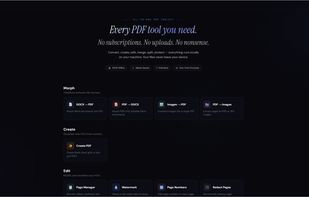
Stop overpaying for PDF tools.
Every PDF tool you need. One price. Forever.
15 tools. Runs on your machine. Never touches a server. No subscriptions. No uploads. No nonsense.
? 100% offline · ? Windows, Mac & Linux · ? One-time purchase · ? Free updates fore.
Cost / License
- Paid
- Proprietary
Application typeApplication types
Platforms
- Windows
- Linux
- Mac
- United States


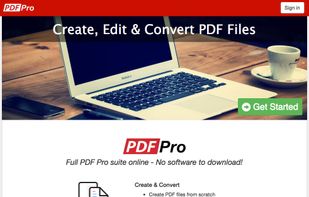
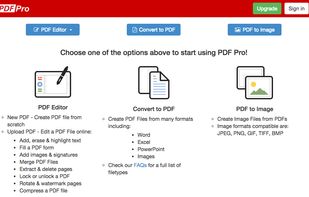
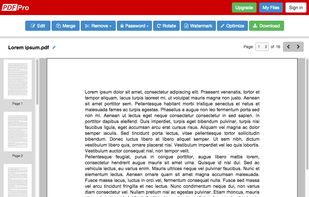
PDF Pro is the complete online PDF solution, allowing professionals to get their PDF work done quickly and easily.
Cost / License
- Freemium
- Proprietary
Application type
Platforms
- Online
 Canada
 +2
+2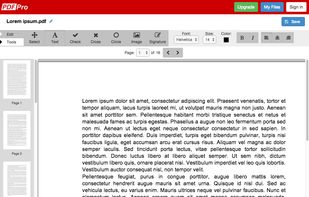


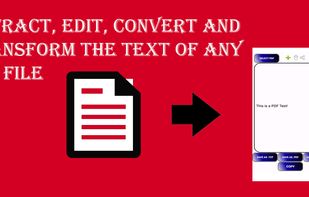
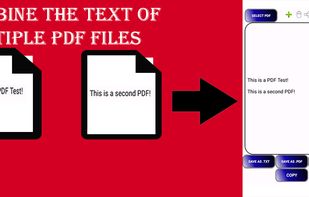
No need to pay subscriptions for complicated tools, PDF Extractor is one of easier and most simple tools to edit your PDF file. With this simple tool you can extract all of the text from your PDF. You can also combine the texts from several different PDF files without the need...
Cost / License
- Free
- Proprietary
Application type
Platforms
- Android
 +2
+2

 47 ReaSoft PDF Printer alternatives
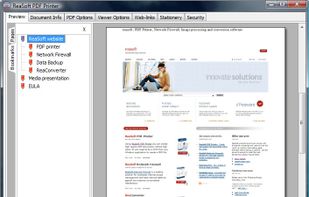
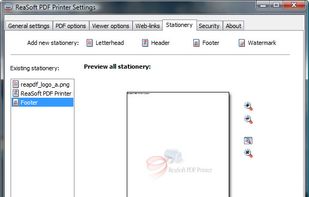
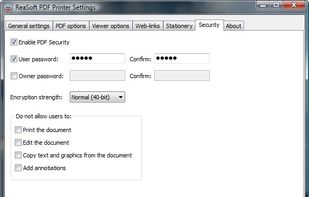
Using ReaSoft PDF Printer, you can reliably create high-quality PDF documents without high costs. It installs as a virtual printer on your computer, so all you need to do to create a PDF document is to print it from any Windows® application.
Cost / License
- Paid
- Proprietary
Application type
Platforms
- Windows
 Cyprus
 EU
EU


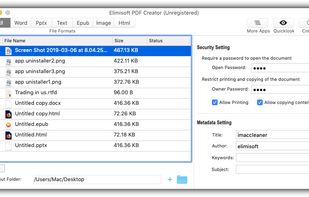
Elimisoft PDF Creator is a great way to help you create PDF from Word(.docx), PowerPoint(.pptx), Plain Text, RTFD, HTML, EPUB, and Image(.png, .gif, .tif, .jpeg, etc). It also keeps the origin formatting after creating!.
Cost / License
- Freemium
- Proprietary
Platforms
- Mac