Cost / License
- Freemium
- Proprietary
Application typeApplication types
Platforms
- Android
- iPhone
- Android Tablet
- iPad
 Spain
Spain EU
EU
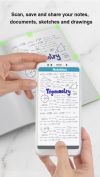

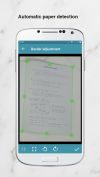

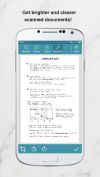


Apps similar to Pocket Scanner include FairScan, which is free and open source. Other options are OSS Document Scanner, MakeACopy, ABBYY FineReader PDF and Tesseract. You're spoiled for choice with Document Scanners like Pocket Scanner: we list more than 100 alternatives for Android, iPhone, Windows, iPad and Mac.
SpainEU
The app is 100% FREE, with NO ads and NO data collection. Donations are possible to support the project.
 ItalyEU
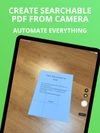
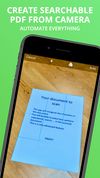


Scan Thing is the quickest way to capture and save anything around you. Scan Thing is available on iOS, iPadOS, and MacOS.
 United States
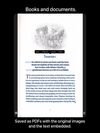
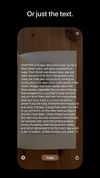


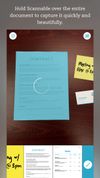
Scannable captures the paper in your life quickly and beautifully, transforming it into high-quality scans ready to save or share. Whether on the go or at the office, send paper on its way and move...
United States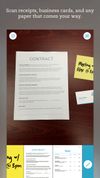



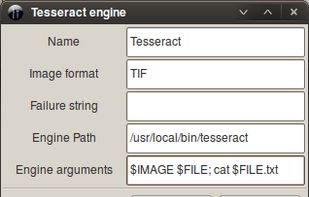
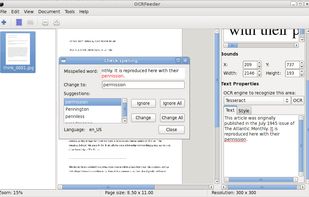
OCRFeeder is a document layout analysis and optical character recognition system.
 PortugalEU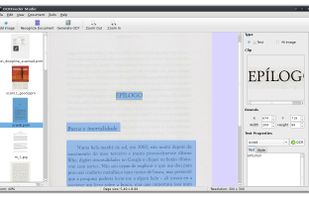



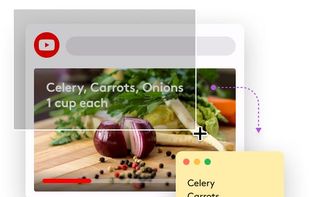
TextSniper is a super useful app to quickly capture unselectable text. Use it to capture and recognize text from presentations, trainings, screencasts,images, pictures, webpages, video tutorials, photos, PDFs etc. Literally from anywhere on your mac's screen.
United States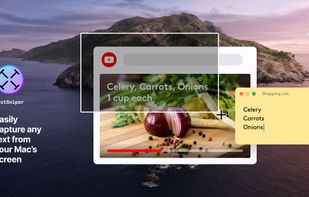

Meet Scanit, a simple yet powerful scanner app that lets you quickly scan any kind of documents and convert them into PDF’s.
 Israel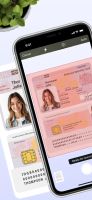
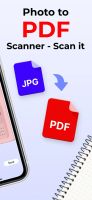
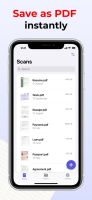


ABBYY FineScanner is a mobile scanner that allows you to quickly create digital copies of documents that contain images and text, including contracts, articles, instructions and leaflets by using your device’s camera.
 Russia
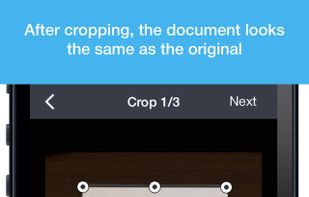
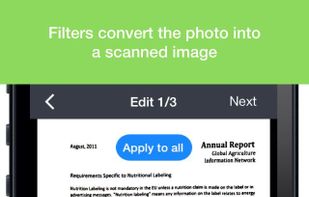


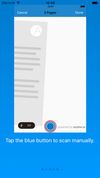
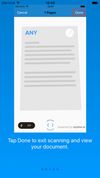
The Anyline Document Scanner scans documents and exports them as PDFs. You can use it to perform scans in all environments. It works without an internet connection and even in low light conditions!.
 GermanyEU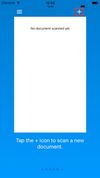


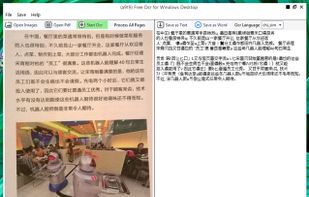
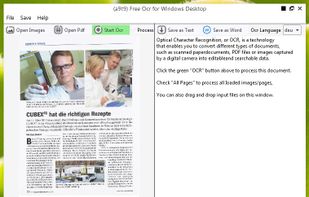
OCR software and web service to extract text from image files and PDF. The application is available as online OCR web app, OCR API, or simple to install Windows store application.
GermanyEU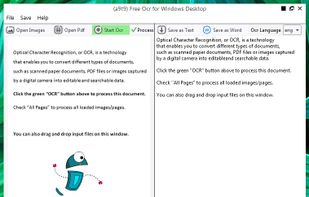


vFlat Scan is a powerful scanner app that automatically crops, flattens, and enhances images on your mobile device, allowing you to effortlessly scan, save, and share documents as digital files.
 South Korea


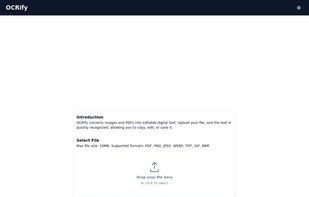
OCRify converts images and PDFs into editable digital text. Upload your file, and the text is quickly recognized, allowing you to copy, edit, or save it.