


Cost / License
- Free
- Open Source (GPL-3.0)
Application type
Platforms
- Linux
- Arch Linux
- Flathub
- Fedora
- Nix Package Manager
- Wine
- Flatpak
- Vala
- Proton
 Canada


 Canada
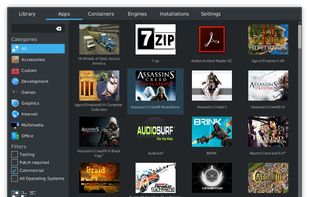
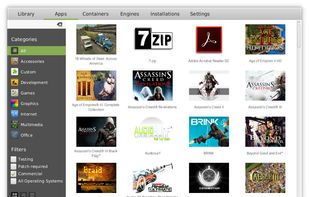
Phoenicis is a graphical front-end for Wine, a tool to help Linux and Mac users run games and programs for Windows. The future of PlayOnLinux and PlayOnMac.
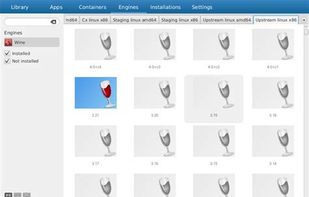


Compatibility layer enabling Windows games on Linux via Steam Play, featuring advanced video playback, FSR integration, Nvidia CUDA support, raw input, per-game fixes automation, upstream Wine patches, frequent updates, wine-staging patches, and open-source maintenance.


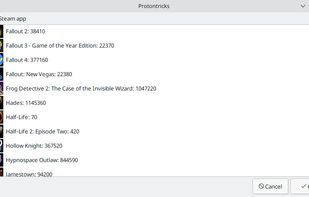


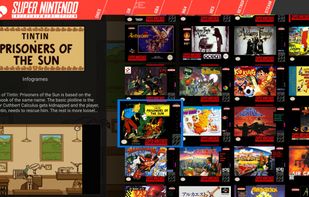
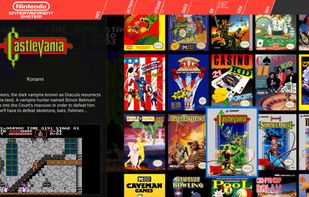
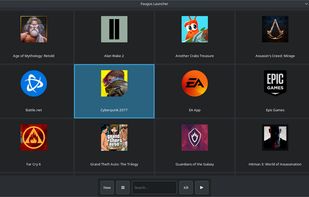
Pegasus is a graphical frontend for browsing your game library (especially retro games) and launching them from one place. It's focusing on customizability, cross platform support (including embedded devices) and high performance.
 Hungary
 EU
EU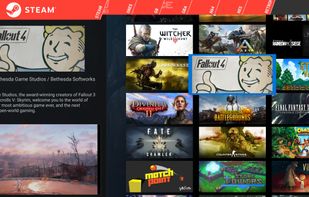


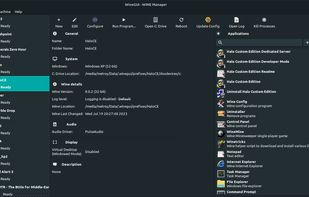
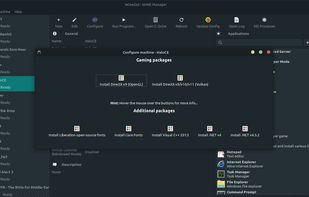
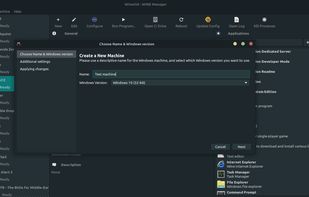


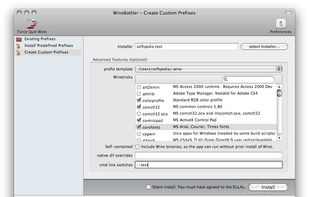
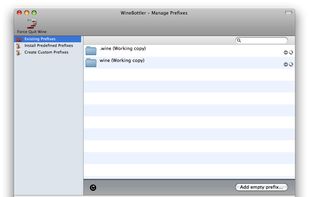
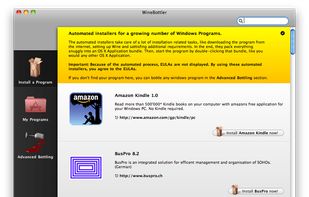
WineBottler is an App to manage and wrap your Windows apps into convenient OS X apps. WineBottler helps you with running Windows programs on OS X.
 GermanyEU


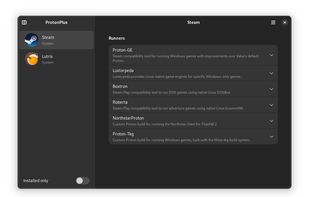
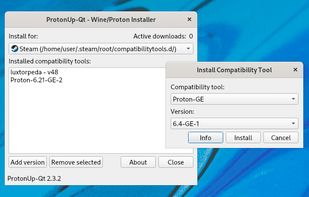
Install and manage GE-Proton, Luxtorpeda & more for Steam and Wine-GE & more for Lutris with this graphical user interface.
 Norway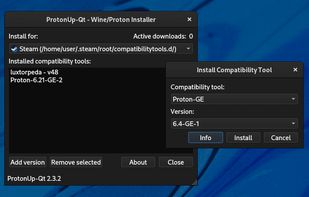
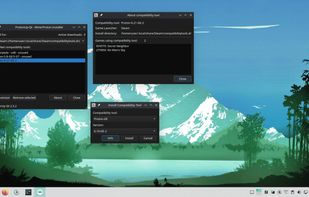


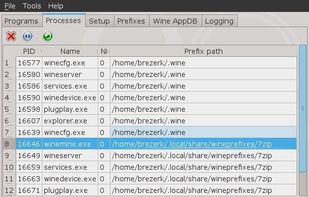
Q4Wine is a qt4 GUI for wine that will help you manage wine prefixes and installed applications


A simple and lightweight app for running Windows games using UMU-Launcher.
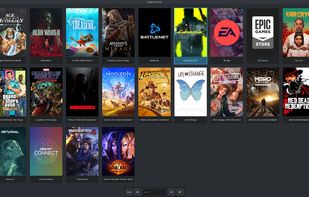
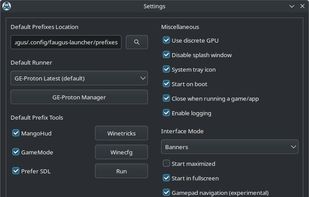
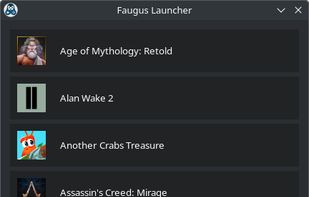


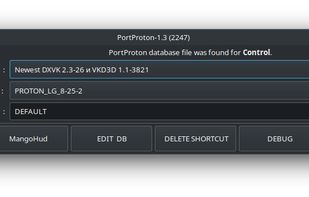
Project designed to make it easy and convenient to run Windows games on Linux for both beginners and advanced users. The project strives to make launching games (and other software) as simple as possible, but at the same time provides flexible settings for advanced users.




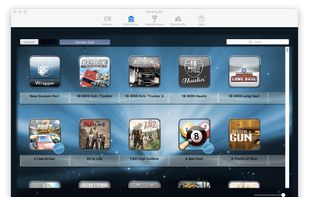
Using Wineskin technology, Porting Kit is a PaulTheTall.com app that can install games and apps compiled for Microsoft Windows® in Mac OS X. It has access to a server where we store WSI files for more than 300 games, which can be installed by any Porting Kit user.
 NetherlandsEU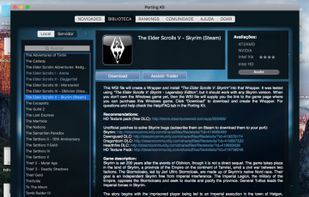


 United States


