


Cost / License
- Free
- Open Source (MIT)
Since
- Since 2017



Apps similar to PiPer include PiP for Mac, which is free and open source. Other options are Yape, Helium, PiPifier and Picture In Picture. You can choose from more than 10 apps like PiPer for Mac, iPhone, iPad and Windows.

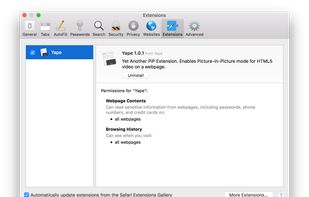
Yape does a very simple thing: finds all HTML5 videos on a webpage and allows you to play them in the Picture-in-Picture mode. Just click on an item from the list and this video will be switched to the Picture-in-Picture mode.
 Russia



Helium is a floating browser window that allows you to watch media while you work. Your content will never fall behind your other windows even as you switch tasks.



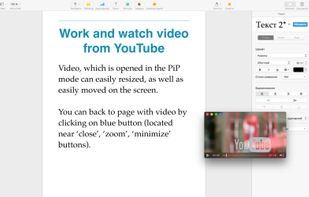
Picture in Picture (PiP) allows watching videos from the internet while working at a computer. Using unique algorithms, the program finds videos on web pages and allows to open them in a floating window, that remains in the front.




 Italy
 EU
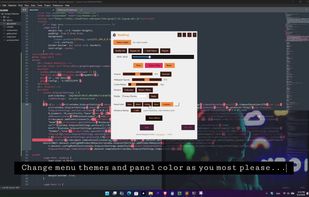





Picture-in-Picture (PiP) allows you to watch videos in a floating window (always on top of other windows) so you can keep an eye on what you’re watching while interacting with other sites, or applications.


Magic Pip is an app that can let you view all kinds of stuff in the PiP window. And it can float above other apps, almost like a split-screen!.





 United States





YTPIP is a web browser with an included Safari extension that lets you easily play videos in Picture-in-Picture mode and adds a Dark Mode to the YouTube website.
United States




 Germany


