


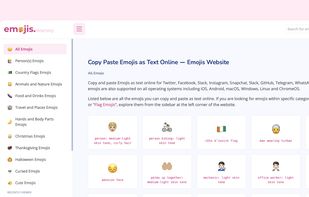
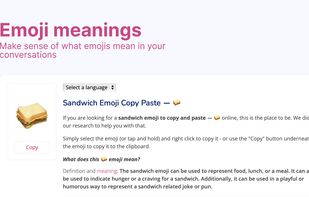
Emojis.Directory helps you find emojis to copy and paste into platforms or email clients that do not have native support for emojis.
Cost / License
- Free
- Proprietary
Since
- Since 2023





Apps similar to Peachy include WinCompose, which is free and open source. Other options are Retro Typer, Fluent Emoji Gallery, Ejimo and Rocket. There's no shortage of Emoji Makers like Peachy, with more than 25 alternatives for Windows, the web, Mac, iPhone and Android.
Emojis.Directory helps you find emojis to copy and paste into platforms or email clients that do not have native support for emojis.

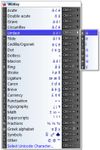
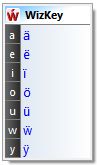
WizKey makes it easy to type accented and other special Unicode characters using a standard US/UK keyboard with easy to remember keyboard shortcuts.
 Australia


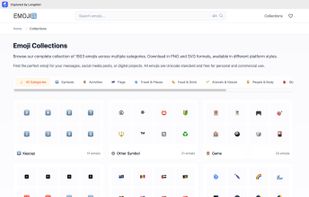
Free Emojis in PNG and SVG formats. Copy and Download 1,800+ emojis for commercial use. Multiple styles from Apple, Google, Twitter & Facebook.



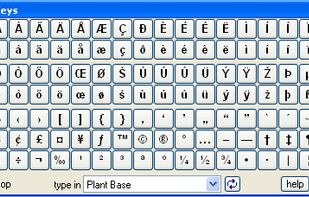
Extra Keys is a software input panel for typing international accented and other special characters.


( ?° ?? ?°) Emot.es - One of the biggest and most updated library of web & apps emoticons. From unicode to Skype, Twitch and Facebook. ¯_(?)/¯ ??


Use Copy Paste Character to insert proper typographic characters, such as “quotation marks” and the interrobang ?, or simply use it to spice up your e-mail messages, tweets, or text messages with h?ppy faces, sn?wmen or ? arrows ?.


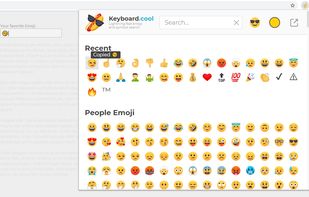
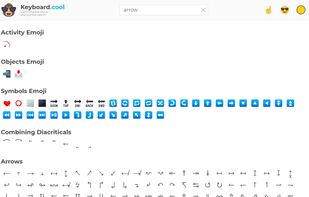
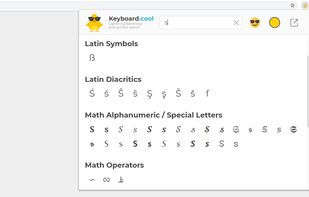
Emoji and symbol keyboard with search, optimized for maximum speed. Available as an extension and a standalone website.
 Slovakia
 EU


With Animoji on iPhone X, you can create and share custom animated characters in the Messages app that use your voice and mirror your facial expressions.
 United States



Emojimore.com is a website, where you can find all the emojis, smileys, emoticons & even symbols that you need to write a cool text message or to create a high conversion Ad. Suggestions for improvement are welcome. Thanks for that :)


Splice brings Slack-style emoji triggers and GIF search to macOS, so the right reaction is always a few keystrokes away.
United States
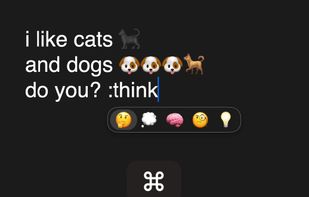
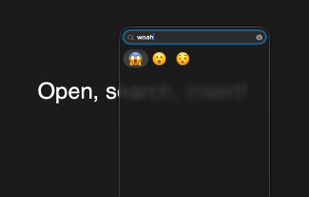




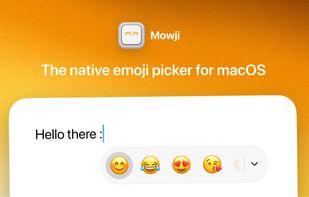
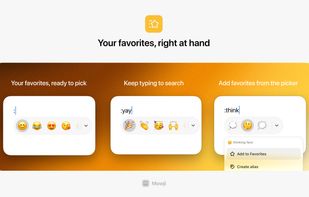
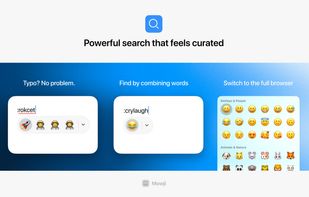
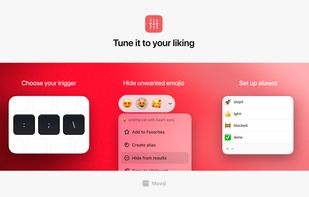
Mowji is a native emoji picker for macOS that lets you find and insert emoji directly where you type. With the colon selected as your trigger, type a word such as :smile, use the arrow keys to choose a result, and press Return to insert it without leaving the text field.
 ItalyEU


 Sweden


