


A tool for converting to/from PDF files. It can convert PDF to JPG, PNG, BMP, GIF, TIFF, and text and back. It can also split PDF files by page.
Cost / License
- Free
- Proprietary
 Russia
Platforms
- Windows


PDFZilla is described as 'Desktop software designed to convert PDF files into various formats. These formats include editable MS Word Documents, Rich Text Documents, Plain Text Files, Images, HTML Files, and Shockwave Flash SWF Files' and is an app in the office & productivity category. There are more than 50 alternatives to PDFZilla for a variety of platforms, including Windows, Web-based, Mac, iPhone and Android apps. The best PDFZilla alternative is Nitro PDF . It's not free, so if you're looking for a free alternative, you could try Online Convert or Zamzar. Other great apps like PDFZilla are Able2Extract Professional, PDF Conversa, Online2PDF.com and CometDocs.
A tool for converting to/from PDF files. It can convert PDF to JPG, PNG, BMP, GIF, TIFF, and text and back. It can also split PDF files by page.

💥 Easily converts SVG, AI, CDR, PS, WMF, and other vector files to PNG, PDF, PS, EPS, and back.
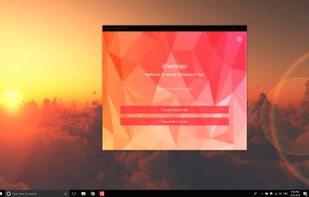
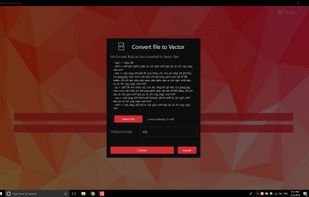
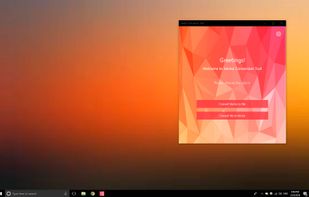


Converts PDF files into Word, Excel, PowerPoint, HTML, ePub, and diverse image formats using advanced OCR technology, ensures accurate preservation of layout and structure, supports batch and partial page conversions, and handles multilingual and scanned documents.
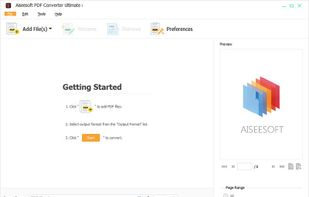


This program allows you to convert between PDF and other formats. PDF is free format for reading, but not for creation and exporting. So many people are looking for solution to convert their documents to PDF, or convert PDF to other formats.
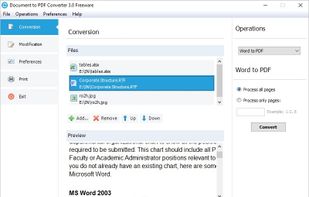


Convert PDFs to editable documents including text, Word, Excel, PowerPoint, ePub, and HTML or to image formats like JPEG, PNG, and TIFF. Features OCR for scanned files, batch conversion, preview, partial export, retains formatting, and supports multi-language PDFs.
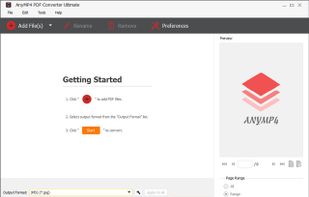


The Best Adobe PDF to Office Word Document Converter Offline Batch Convert PDF to editable Microsoft Word, TEXT, RTF and HTML, preserving original formatting and layouts.
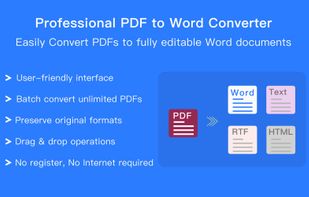
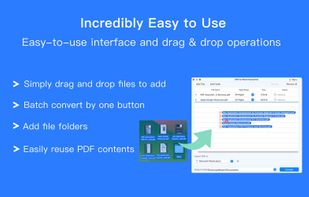
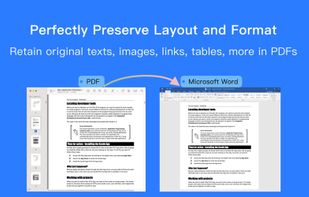
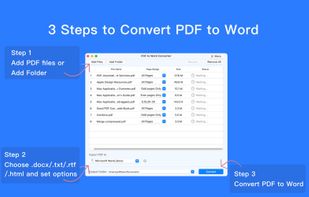


PDF to X is used to convert PDF documents to Word (.doc)/WordPad (.rtf) documents, HTML web pages, JPG/PNG/BMP/TIF/GIF/PCX/TGA images and plain text files in batch mode. It works without Adobe Acrobat or Adobe Reader.
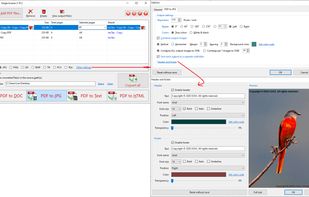


PDF to JPG is used to convert PDFs to JPG, PNG, BMP, TIF, GIF, PCX and TGA images in batch mode. It works without Adobe Acrobat or Adobe Reader, and has Command Line Interface (CLI), fast and accurate conversion ability, friendly GUI, small size.


PPT Conversion Tool allows easily converts PPT file to html, pdf, jpg, png, eps and etc. Also you can convert various formats(key, dps, odp and etc.) to PPT file. Friendly, clear and convenient design makes working with application easy and understandable.
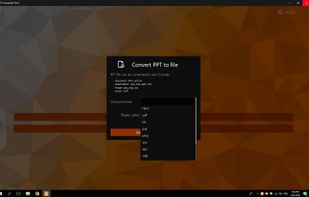
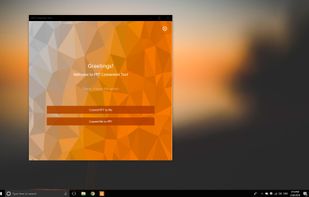
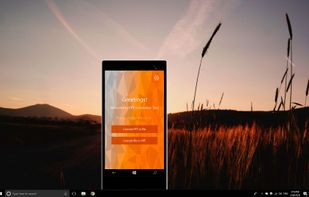
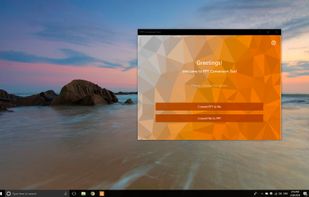


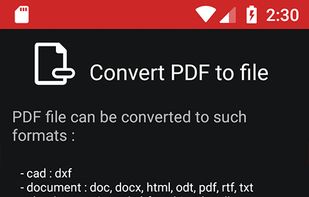
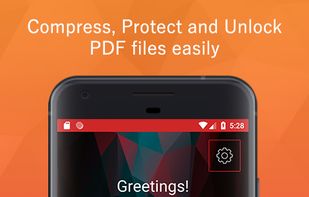
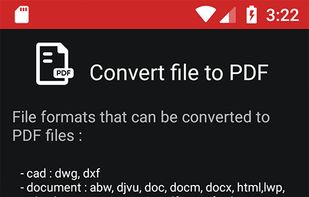
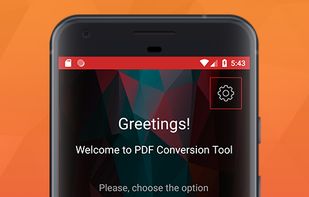
PDF Conversion Tool allows you to easily and quickly convert almost any file into PDF format and back. Easily converts PDF file to Microsoft Word format and to almost any images format. As a bonus, it also provides the ability to protect, remove the password and compress almost...


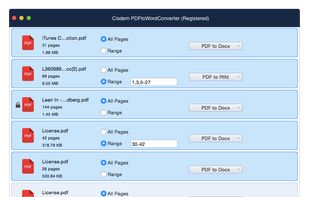
Cisdem PDFtoWordConverter 4 for Mac is an ideal tool to convert PDF to editable Word & Rtfd files. It preserves all the contents, layouts and formatting, so you can easily edit or reuse PDF contents in Word & Rtfd without reformatting or retyping.


Cisdem PDFtoTextConverter for Mac is an ideal tool for you to convert PDF to editable Text documents. It well preserves the original layouts -- hyperlinks, tables and fonts, so you can easily edit or reuse the PDF contents in other applications.


 Hong Kong SAR China


 United States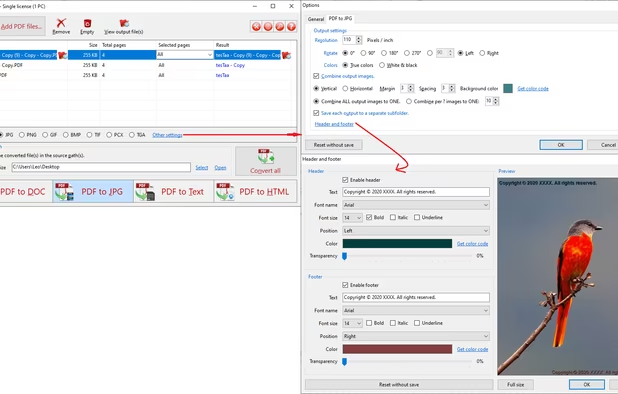


 Canada


