

locally hosted web application that allows you to perform various operations on PDF files.
Cost / License
- Freemium
- Open Source
Application types
 United States
Platforms
- Mac
- Windows
- Online
- Self-Hosted
- Cloudron
- Docker Hub


+1


PDFill is not available for Mac but there are plenty of alternatives that runs on macOS with similar functionality. The best Mac alternative is Stirling-PDF, which is both free and Open Source. If that doesn't suit you, our users have ranked more than 100 alternatives to PDFill and many of them are available for Mac so hopefully you can find a suitable replacement. Other interesting Mac alternatives to PDFill are PDFsam, Adobe Acrobat DC, Master PDF Editor and Qoppa PDF Studio.
locally hosted web application that allows you to perform various operations on PDF files.

Free and open source desktop application to split, merge, extract pages, rotate and mix PDF files.


Manage documents effortlessly, edit PDFs, create them from other formats, and e-sign anywhere. Secure sharing and comparison tools ensure smooth workflows and data protection. New AI Assistant offers quick document insights. Perfect for desktop and web platforms.


Master PDF Editor is complete solution for editing PDF and XPS files. You can insert, edit, remove, copy, add images or graphics. Export, import, remove and change page layouts. Also Master PDF Editor provides full functionality for changing PDF information, including author...


Create, Convert, Review and Edit PDF Documents on Windows, macOS, and Linux.
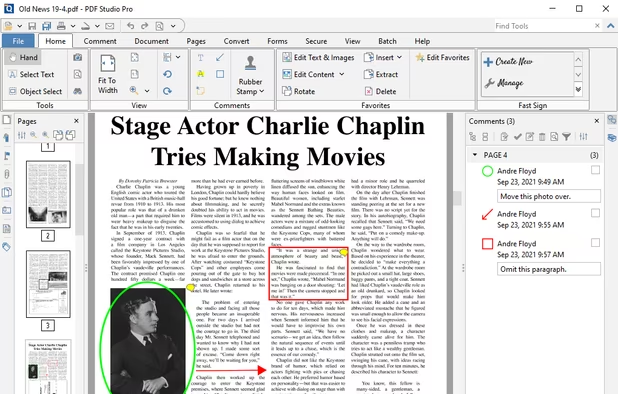
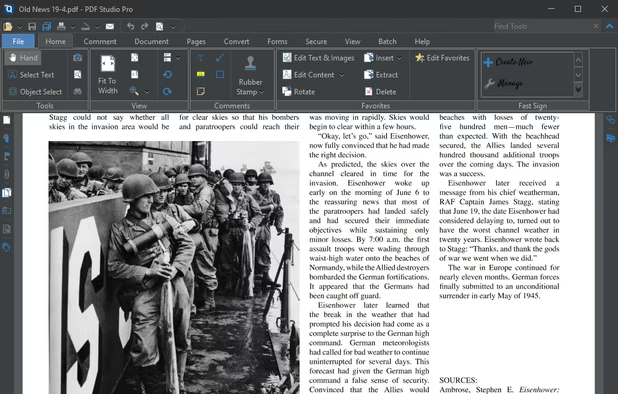
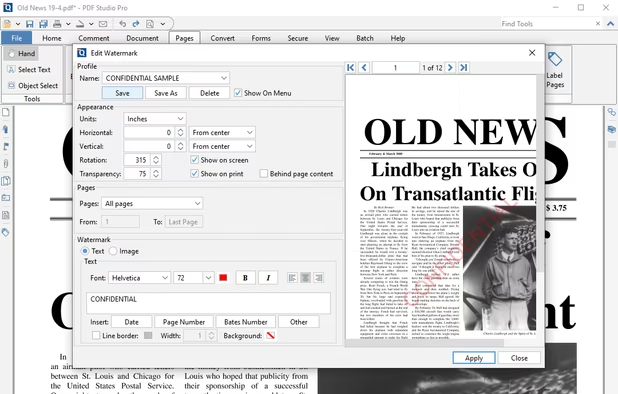
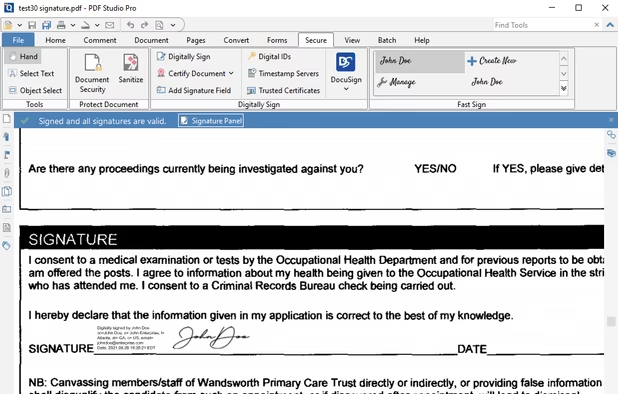


Nitro offers comprehensive PDF solutions for editing, creating, and converting, alongside OCR and e-signature tools. Supports Mac, Windows, and iOS, providing a user-friendly interface with industry-standard security features. Ideal as an Adobe Acrobat alternative.


Read, annotate, and highlight PDFs, fill interactive forms with saved input, underline or strike through text, manage bookmarks, sync files from cloud services, and share documents. Compatible with Preview and Adobe Acrobat annotations, supporting extensive iOS features.
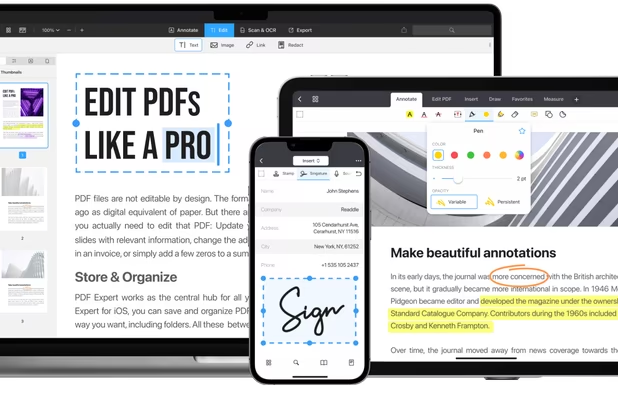
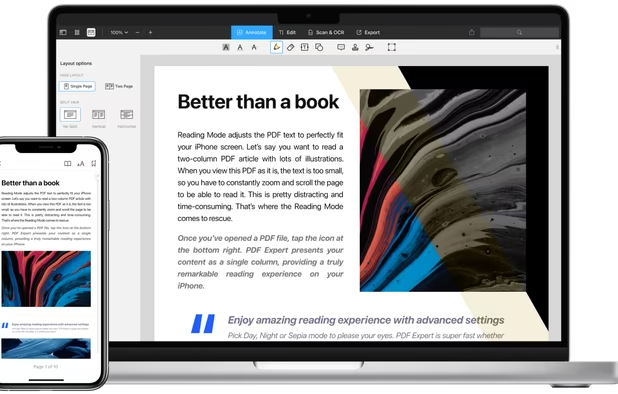
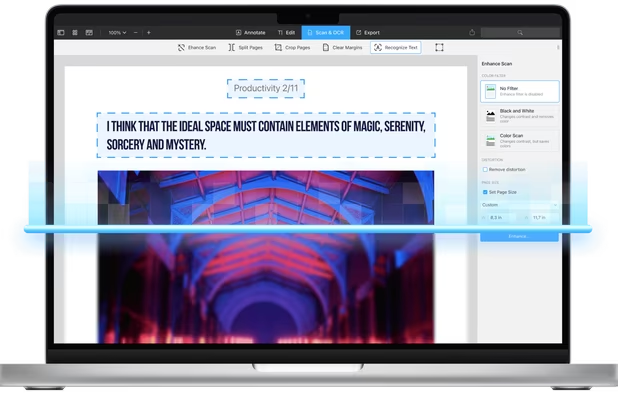
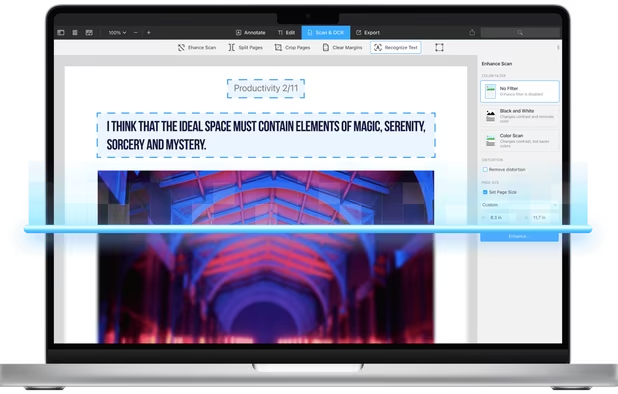


Comprehensive suite offering eSign, OCR, multi-platform editing, cloud integration, and robust security. Ideal for professional or personal use, facilitating collaboration while protecting content.


Provides editing of text, images, and objects in PDFs, annotation options, OCR for scanned files, conversion to multiple formats, form filling and signing, page management, merging and splitting, cloud integration, camera to PDF functionality, and sharing tools.


Comprehensive solution for editing, signing, form filling, OCR scanning, commenting, converting, and redacting PDFs, with AI-driven analysis and content extraction, data export to spreadsheets, text-to-speech, seamless use across desktop and mobile, and batch processing.
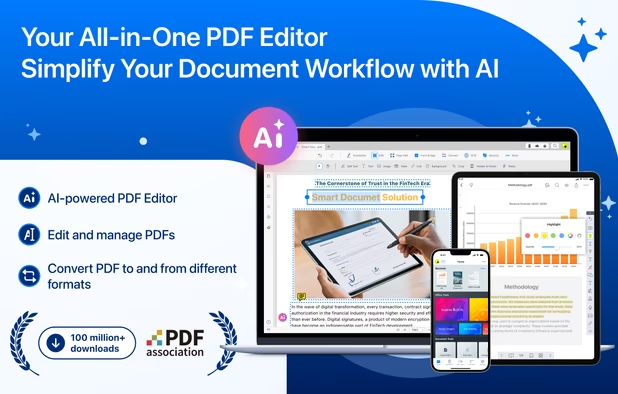
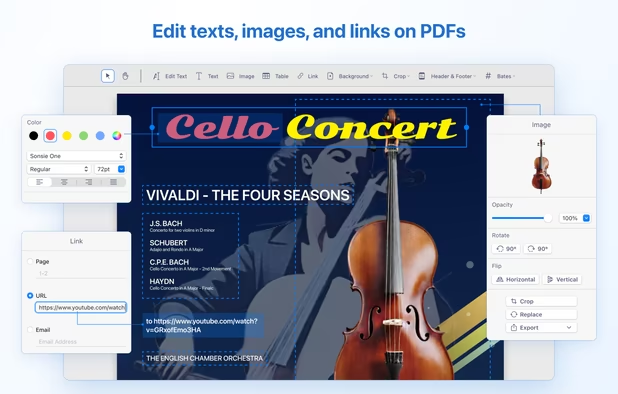
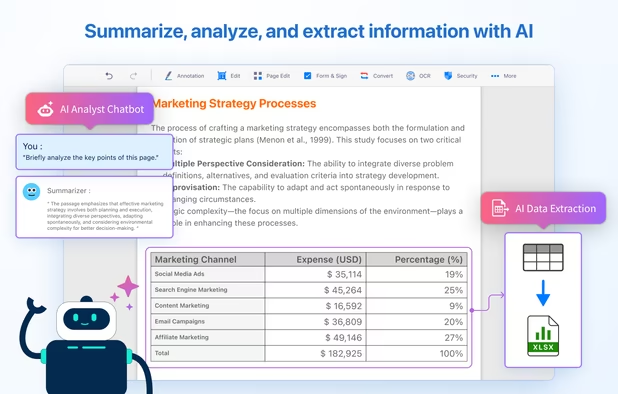
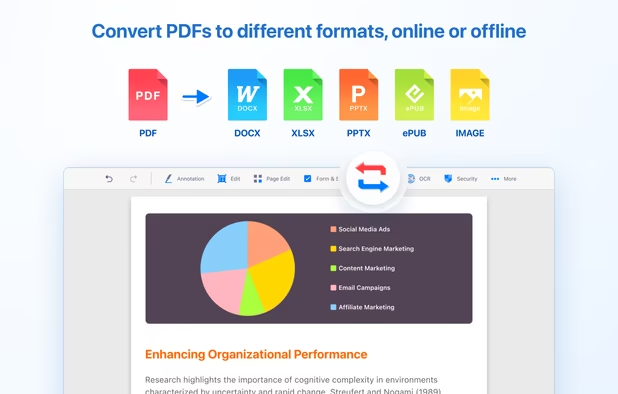


Read, edit, annotate, and sign PDF documents with built-in AI features like summarize and translate, OCR in 50+ languages, fill forms, export to major formats offline, apply watermarks, compress files, secure with passwords, and use text-to-speech on all major platforms.
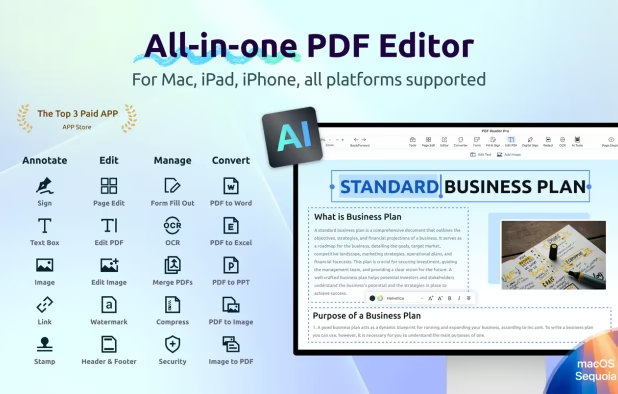


Edit, fill, annotate, and sign PDFs online, merge documents, request signatures, upload from cloud storage, save locally, share for collaboration, and track workflow with auditing, supporting various file types and mobile access for document management.


 Italy
Italy EU
EU


 Russia

 Ukraine

 China
China
 Taiwan

Does not allow form filling