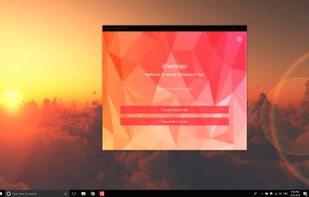
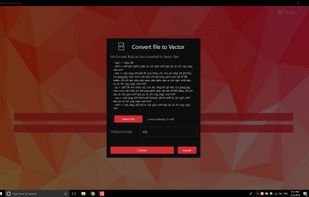
💥 Easily converts SVG, AI, CDR, PS, WMF, and other vector files to PNG, PDF, PS, EPS, and back.
Cost / License
- Paid
- Proprietary
Platforms
- Windows




Apps similar to PDF to Word include Nitro PDF . It's paid, but Tabula and Online2PDF.com are free. Other options are Online Convert, PDF Conversa, Able2Extract Professional and CometDocs. You're spoiled for choice with PDF Editors like PDF to Word: we list more than 50 alternatives for Windows, the web, Mac, Android and iPhone.
💥 Easily converts SVG, AI, CDR, PS, WMF, and other vector files to PNG, PDF, PS, EPS, and back.

PDF2Word (PDF to Word) software exports the text, images and other contents from any PDF document into MS Word document format (RTF or Word), so you can edit and reuse your PDF content. PDF2Word (PDF to Word) preserves the original PDF text, layout and bitmap images in the...
 China
China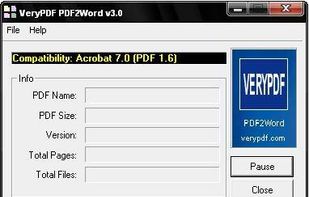


Converts PDF files into Word, Excel, PowerPoint, HTML, ePub, and diverse image formats using advanced OCR technology, ensures accurate preservation of layout and structure, supports batch and partial page conversions, and handles multilingual and scanned documents.
 Hong Kong SAR China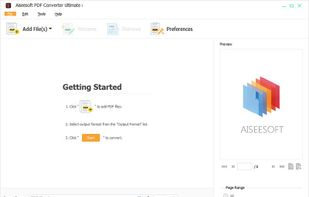


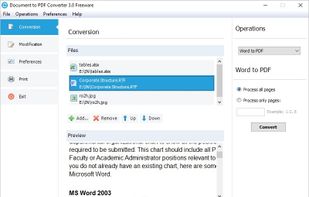
This program allows you to convert between PDF and other formats. PDF is free format for reading, but not for creation and exporting. So many people are looking for solution to convert their documents to PDF, or convert PDF to other formats.


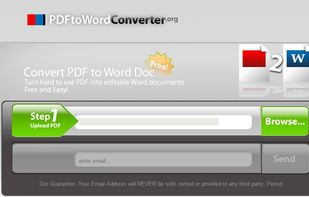
This free online tool allows you to convert a PDF document to Microsoft Word DOC format, providing better quality than many other converters.


Convert PDF documents to Word Free Online: turn hard to use PDF into editable Word documents.


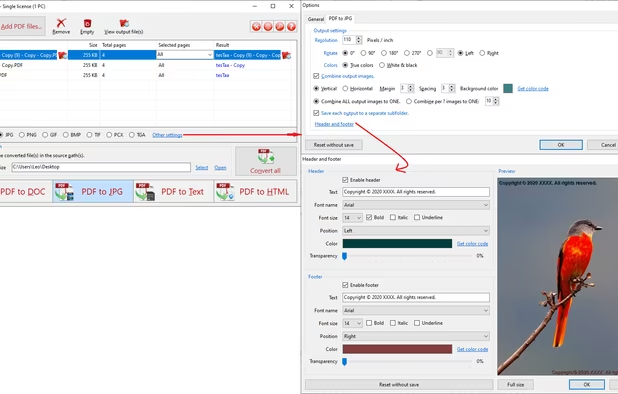
PDF to X is used to convert PDF documents to Word (.doc)/WordPad (.rtf) documents, HTML web pages, JPG/PNG/BMP/TIF/GIF/PCX/TGA images and plain text files in batch mode. It works without Adobe Acrobat or Adobe Reader.
 United States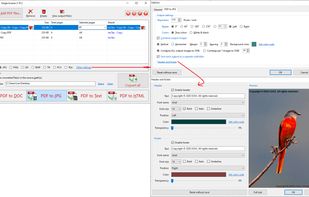


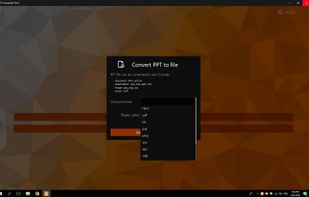
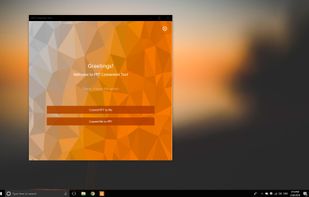
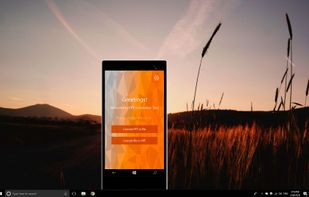
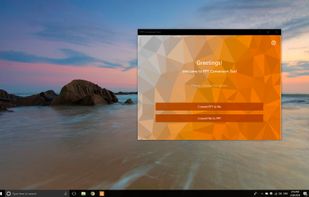
PPT Conversion Tool allows easily converts PPT file to html, pdf, jpg, png, eps and etc. Also you can convert various formats(key, dps, odp and etc.) to PPT file. Friendly, clear and convenient design makes working with application easy and understandable.


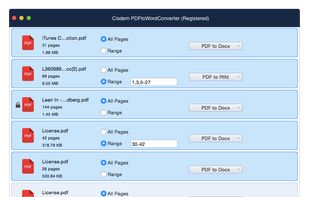
Cisdem PDFtoWordConverter 4 for Mac is an ideal tool to convert PDF to editable Word & Rtfd files. It preserves all the contents, layouts and formatting, so you can easily edit or reuse PDF contents in Word & Rtfd without reformatting or retyping.


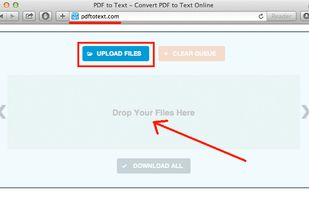
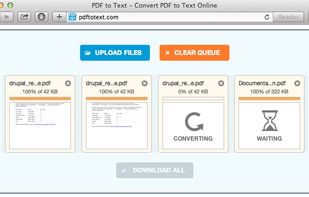
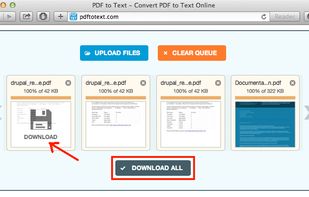
Free and easy to use online PDF to text converter to turn PDF documents into editable text files in MS Word DOC format, supported by any office software, including free Open Office suite.


PDF files are typically read-only and not easily editable. While, Word documents are widely used for collaborative work, allowing multiple users to make simultaneous edits or comments. Coolmuster PDF to Word Converter enables us to convert PDF to Word files easily.
China


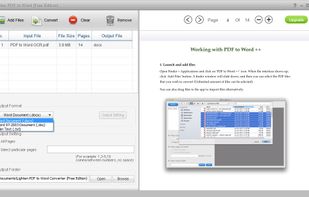
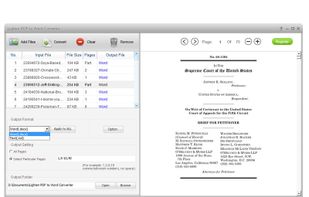
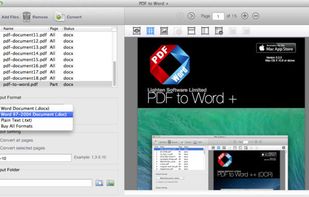
Lighten PDF to Word Free Edition is designed for turning native PDF files into fully editable Word documents. It can accurately and quickly preserve original formatting and contents, so you can make change, reuse data easier.
China