


KDAN PDF
Comprehensive solution for editing, signing, form filling, OCR scanning, commenting, converting, and redacting PDFs, with AI-driven analysis and content extraction, data export to spreadsheets, text-to-speech, seamless use across desktop and mobile, and batch processing.
Cost / License
- Freemium (Subscription)
- Proprietary
Application types
Platforms
- Mac
- Windows
- Android
- iPhone
- Android Tablet
- iPad

Features
Properties
- Privacy focused
- Lightweight
Features
- Scan documents
- Freehand Writing
- Multiple languages
- Sign PDF files
- PDF compression
- Create PDF files
- Built-in viewer
- Dark Mode
- Text to Speech
- Split PDF files
- OCR
- Works Offline
- Ad-free
- Cloud Sync
- Fill PDF Forms
- PDF annotation
- Combine PDF
- Full-Text Search
- Tabbed interface
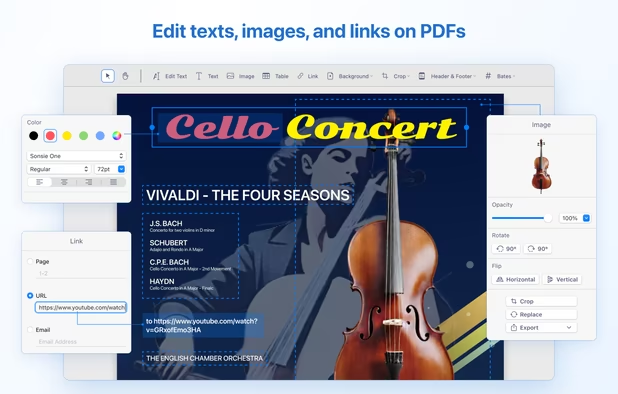
- Edit PDF
- Export to PDF
- Built-in File Manager
- Watermark images
- Print to PDF
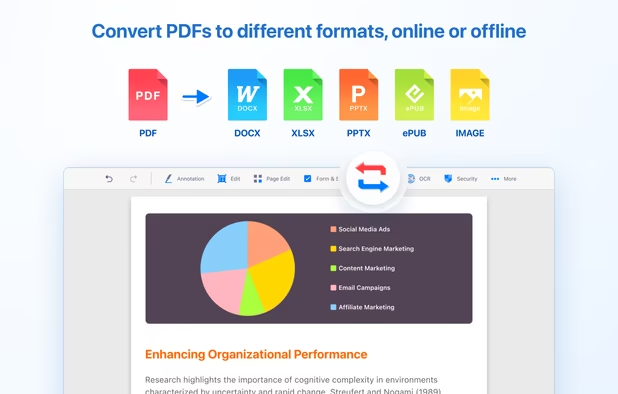
- Convert PDF to Word document
- E-signature
- Digital fax
KDAN PDF News & Activities
Recent News
Recent activities
 PicShift added KDAN PDF as alternative to PDFEditor.onl
 adrianzpr added KDAN PDF as alternative to AlywinMind Toolbox @ Adrian
 kikyoh-choh added KDAN PDF as alternative to ShelfStream
 OrdinaryPerson added KDAN PDF as alternative to PaperKnife
 kolaade271 added KDAN PDF as alternative to FusioFiles






Featured in Lists

A list with 807 apps by AmileyaRyver without a description.

A list with 209 apps by trishafhhmoam without a description.

My liked app list
What is KDAN PDF?
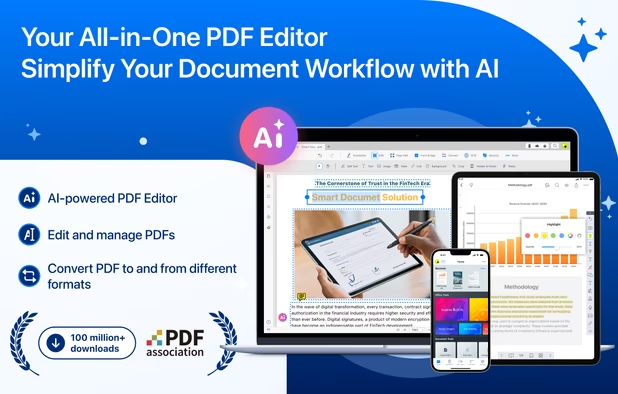
KDAN PDF (formerly PDF Reader) is your all-in-one PDF solution. Edit, sign, OCR scan, convert, annotate, and fill forms in PDF documents. With innovative AI features, speed up your document workflow! Designed for Mac, iPhone, and iPad, KDAN PDF is trusted by millions for its comprehensive features and efficiency.
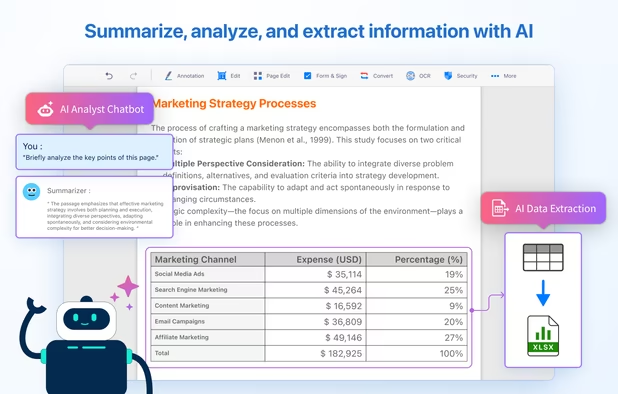
AI FEATURE • Analyze and extract key information or tables from a PDF, then convert the data into spreadsheets for further analysis or visualization. • Chat with PDF and get document analysis, advice, new ideas, or content summary • Text redaction - automatically identify and block sensitive information in a document
KDAN PDF Videos




KDAN PDF information
Developed by
 Kdan Mobile Software LTD
 Licensing
Proprietary and Freemium product.Pricing
Subscription ranging between $5 and $9 per month + free version with limited functionality.Rating
Average rating of 5Alternatives
268 alternatives listedSupported Languages
- English
- Czech
- French
- German
- Italian
- Japanese
- Korean
- Portuguese
- Russian
- Chinese
- Spanish
AlternativeTo Categories
Office & Productivity, Photos & Graphics, File Management, News & BooksApple AppStore
- Updated
- 4.53 avg rating


Comments and Reviews
Kind of good friendly interface, nice functionality and its free. Sort of.
In my opinion PDF Reader will let you do so much more than just open documents.
I liked the PDF reader because it has nothing extra and it is easy to use!
Very comfortable reader! Recommend!
I'm almost completely paperless at this point. They have a really good tutorial and handbook to navigate the app. It works well for my needs.
Easy to use from basic reading features, PDF page split and merge, to water mark adding features. This is daily essential for professional digital workers.