


A virtual Microsoft Windows printer and allows you to print as PDF, BMP, JPEG, PCX, PNG, and TIFF files from virtually any Microsoft Windows application.
 Denmark
 EU
EU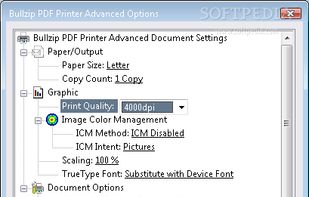




PDF Conversion Tool is described as 'Allows you to easily and quickly convert almost any file into PDF format and back. Easily converts PDF file to Microsoft Word format (doc, docx) and to almost any images format (png, jpg, gif, etc.)' and is an app in the office & productivity category. There are more than 100 alternatives to PDF Conversion Tool for a variety of platforms, including Windows, Web-based, Mac, Linux and Android apps. The best PDF Conversion Tool alternative is PDF24 Creator, which is free. Other great apps like PDF Conversion Tool are BentoPDF, Adobe Acrobat DC, PDFCreator and PDF24 Tools.
A virtual Microsoft Windows printer and allows you to print as PDF, BMP, JPEG, PCX, PNG, and TIFF files from virtually any Microsoft Windows application.

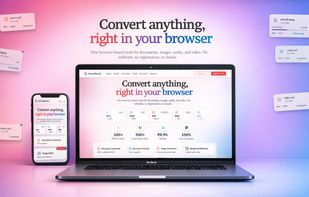
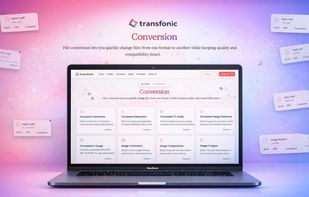
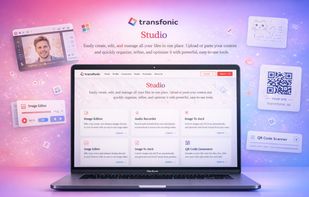
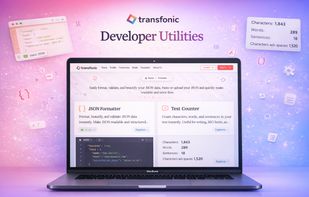
Transfonic is an online file conversion platform that allows users to convert, compress, and process documents, images, audio, and video directly in the browser.


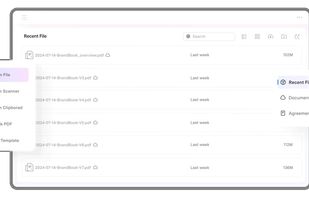
Provides editing of text, images, and objects in PDFs, annotation options, OCR for scanned files, conversion to multiple formats, form filling and signing, page management, merging and splitting, cloud integration, camera to PDF functionality, and sharing tools.

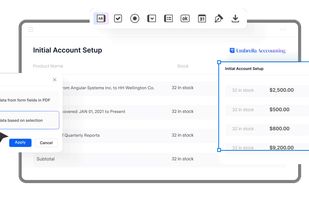


CutePDF Writer (formerly CutePDF Printer) is the free version of commercial PDF creation software. CutePDF Writer installs itself as a "printer subsystem". This enables virtually any Windows applications (must be able to print) to create professional quality PDF...


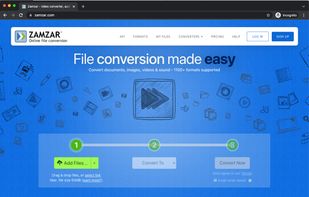
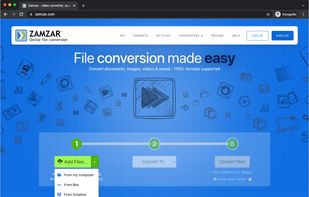
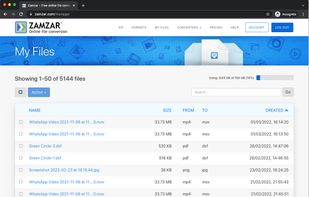
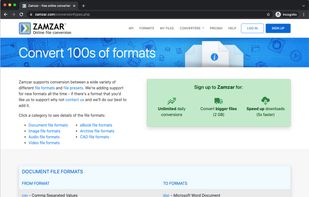
Online file converter, providing easy to use file conversion and compression for hundreds of different file formats. Includes support for document, video, image, audio, CAD and more. Also offers a desktop app and powerful API for developers.


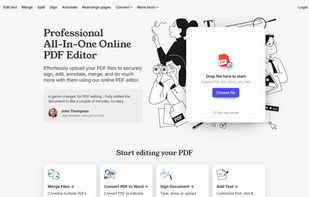
A web-based, all-in-one PDF editor that lets users upload, edit, annotate, sign, merge, split, and convert PDF and other file formats (DOC, DOCX, JPG, PNG), all in a secure, browser-based interface.


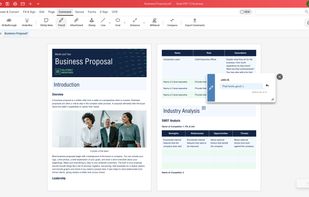
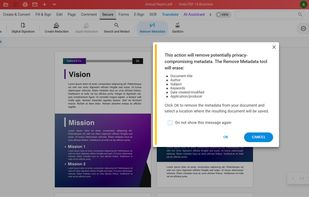
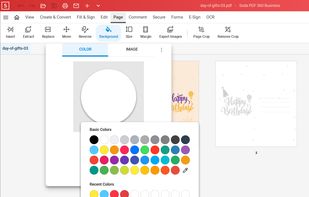
Soda PDF was created with the user in mind. Smart, reliable, and accessible, our software is designed with a focus on giving you the most useful features in an easy-to-use package.
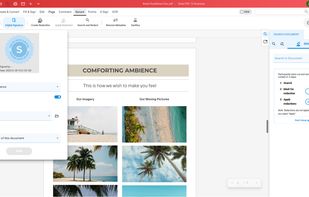


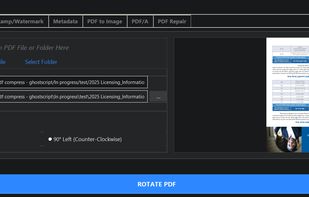
Comprehensive PDF utility enabling advanced lossy, lossless, and archival compression, high-resolution image conversion, page rotation or deletion, merging, splitting, and batch processing, all with a minimal interface, offline operation, and cross-platform support.
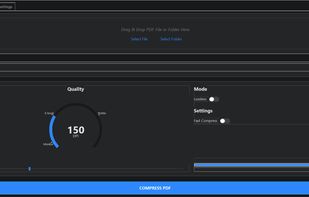


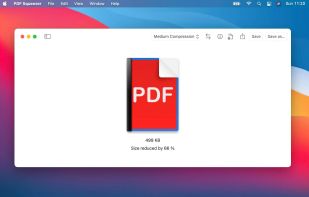
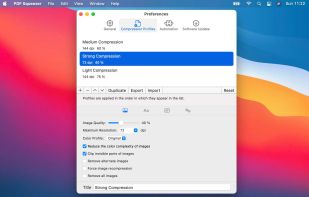
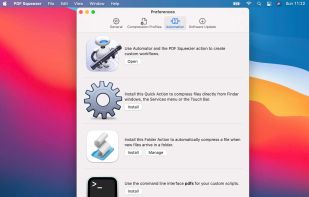
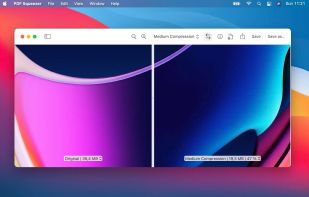
PDF Squeezer allows you to compress your PDF files quickly and easily. Simply click on the file you need compressed, and drag-and-drop it into the app – easy as that!


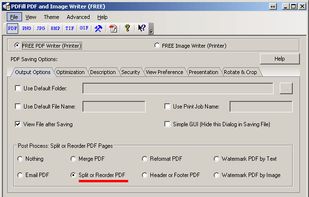
With PDFill you can create, fill, delete and submit PDF form fields; insert new formatted text, check, image, hyperlink, whiteout, highlight, drawing, comment and annotation anywhere in the document; save, print or email the filled and password-protected PDF; save and resume...




Versatile PDF solution for Windows with editing, markup, batch creation from Office and CAD files, 3D PDF, OCR, forms, advanced organization, custom measurement, real-time collaboration, scripting, security, file comparison, tablet support, and integration features.


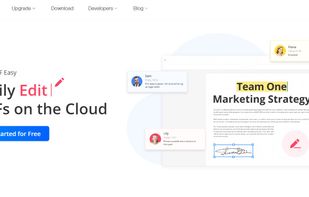
Cloud PDF toolkit provides over 20 tools for editing, conversion, OCR, merge, split, annotation, batch processing, and signatures, with free online access, cross-platform usability, no watermarks, no size limits, and options for mobile and desktop integration.


 China
China


 United States


 United Kingdom


 France


 Germany


 Hong Kong SAR China


