


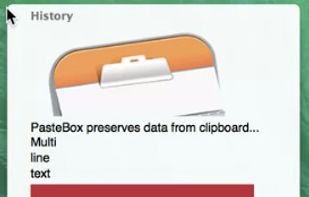
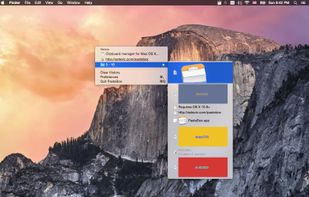
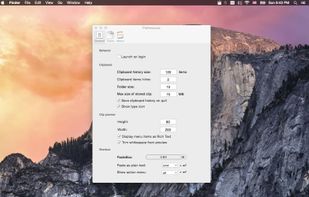
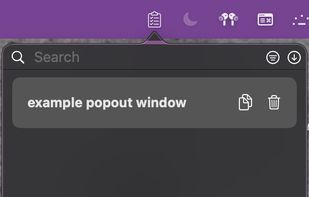
PasteBox preserves data from clipboard and allows easy access to those data through shortcut. You can record various clipboard types, from plain text to images.
Cost / License
- Paid
- Proprietary
Application type
Platforms
- Mac



+1


PasteBox preserves data from clipboard and allows easy access to those data through shortcut. You can record various clipboard types, from plain text to images.

Clip Cat is a powerful clipboard manager for Windows, it reinvents the way you copy, extend the clipboard by making it your go-to tool for storing and organizing.


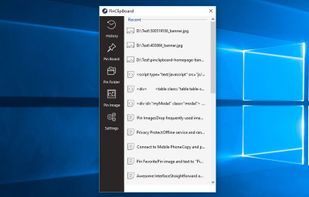
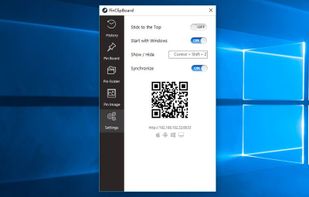
PinClipBoard is one of the best clipboard manager software that enables you to track and record clipboard data for future use. As a universal clipboard manager, you can copy and paste images/text across Android/ios/Mac/Windows/Tablet.


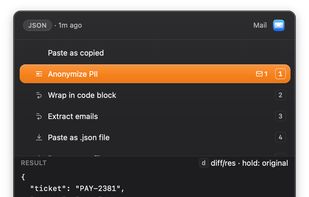
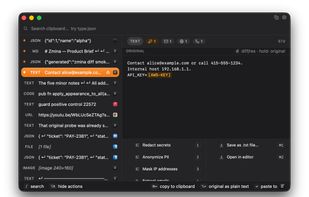
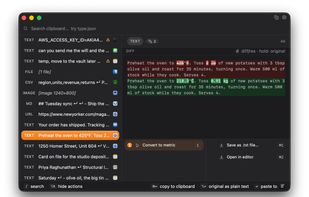
Zmina is a clipboard for people who copy and paste all day. Instead of just storing history, it sees what you copied and which app you're pasting into, then offers a short list of relevant actions.
 Canada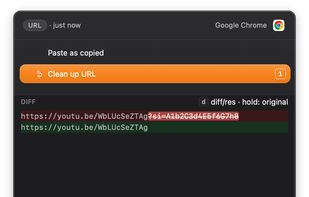


CleanBoard is a lightweight clipboard utility for macOS that removes unwanted formatting from copied text—so you can paste clean, plain text into any app with ease.
 Sweden
 EU
EU


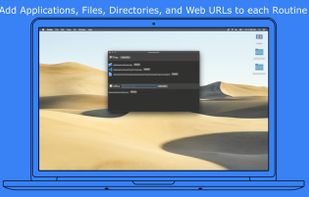
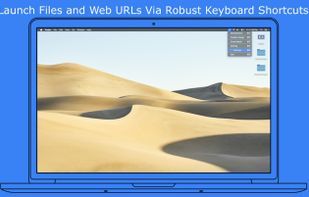


ClipCapsule is a minimalist clipboard manager for Linux. It supercharges your productivity by allowing you to manage and switch clipboard entries using only keyboard shortcuts—no mouse or GUI required.


 NetherlandsEU


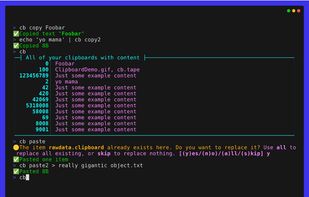
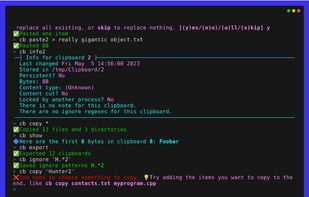
The Clipboard Project (CB for short) is the full-featured yet oh-so-easy-to-use clipboard manager for everyone.


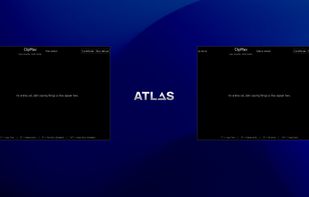
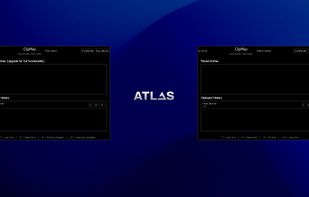
ClipMax is a next-generation clipboard manager that enhances productivity by automating, organizing, and integrating copied content with AI.
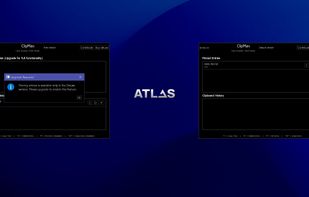


PasteIt is a clipboard manager for Windows 10/11 which keeps track of everything you copy and paste, lets you organize it with tabs of favorites.
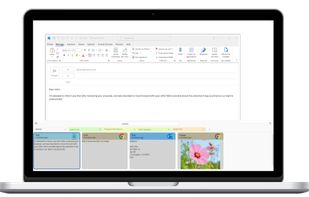



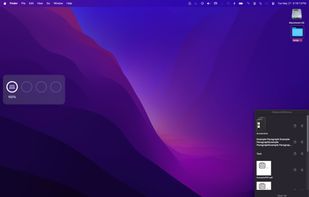
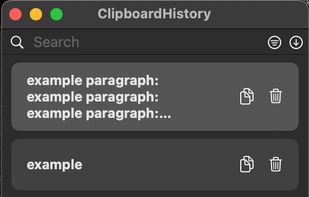
Mac clipboard history manager inspired by Windows, holding text, images, files, folders, and groups. Customize up to 50 items. Access via shortcuts and command keys. Opens at the bottom right, with a status menu bar icon. Provides comprehensive usage tips.


 Nigeria


