



Clipboard tool for macOS built around a paste queue: collect several items, then paste them back one at a time in order, with text transformations and text capture from images.
Cost / License
- Freemium
- Proprietary
Application type
Platforms
- Mac
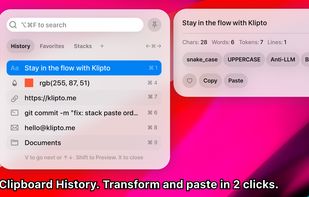




Clipboard tool for macOS built around a paste queue: collect several items, then paste them back one at a time in order, with text transformations and text capture from images.

1Clipboard is managerial clipboard software that enables you to approach clipboard at any place on any device.
 South Korea
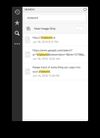


Clipboard manager extension for your browser: history of copied text, favorite items, instant paste.
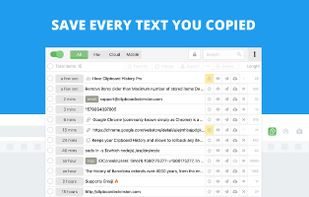





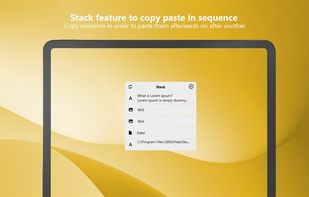
ClipDo - Clipboard Manager finally done right on Windows ClipDo stores everything you copy on PC so it's always there whenever you need it again. ClipDo makes it easy to instantly find and access any text, link, image, or file you've ever copied.
 Italy
Italy EU
EU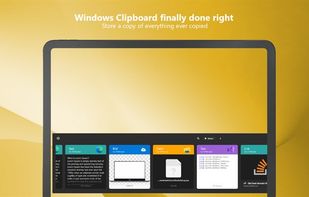


Flycut is a clean and simple clipboard manager for developers. It based on open source app called Jumpcut.
 United States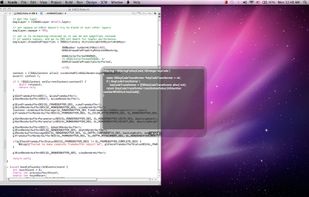


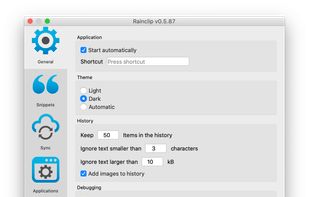
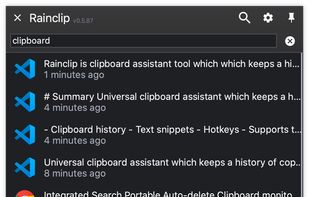
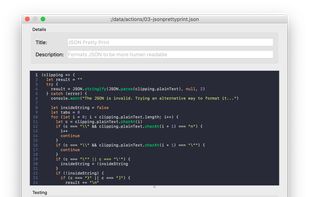
Universal clipboard assistant which keeps a history of copied texts and images and securely syncs them between computers. Keeps also your most used text snippets ready to be pasted into anywhere.
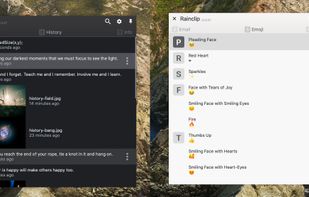


Qopy is a fixed clipboard manager designed as a simple alternative to the standard clipboard in Windows. It aims to provide a smoother, more reliable experience. Plus, it's compatible with Linux, so you can enjoy the same great features on both operating systems.
 Switzerland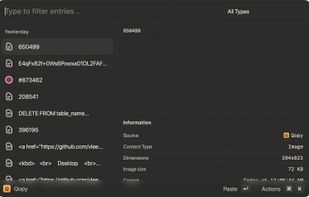



Allows viewing, editing, and even deleting individual items within the Windows clipboard.
United States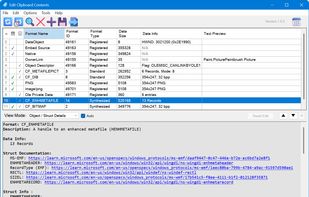

A basic clipboard manager for Wayland, with support for persisting copy buffers after an application exits.

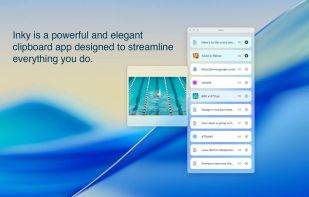
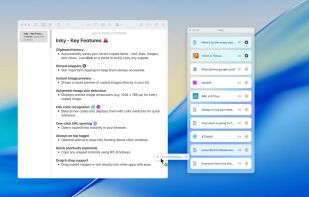
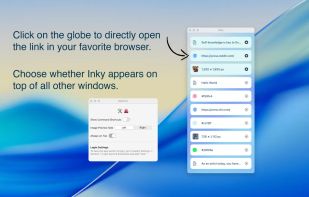
Inky is a clipboard app for designers, developers and creatives. Save text, links, images, and colors effortlessly to streamline your creative workflow.


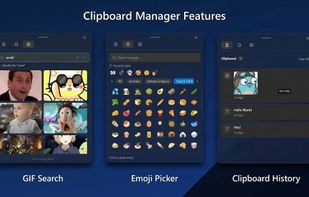
A beautiful, Windows 11-style Clipboard History Manager for Linux 💅.


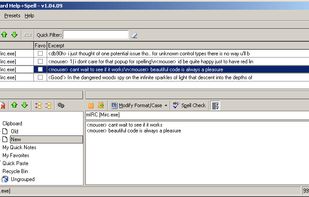
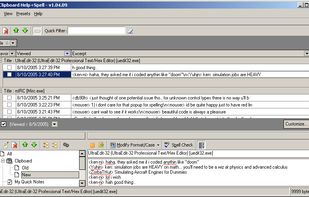
Clipboard Help+Spell is a text-based clipboard utility with the following features:
United States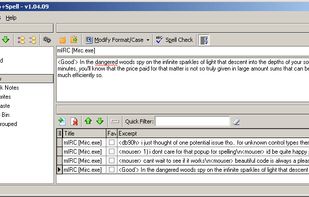



 France


