

Cost / License
- Free
- Open Source (GPL-3.0)
Application type
Platforms
- Mac
 South Korea
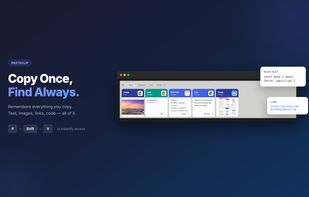


PasteBar is described as 'Free, open-source clipboard manager with unlimited history, local secure storage, advanced organization, backup, smart search, shortcuts, and workflow features' and is a popular clipboard manager in the development category. There are more than 100 alternatives to PasteBar for a variety of platforms, including Mac, Windows, iPhone, iPad and Linux apps. The best PasteBar alternative is CopyQ, which is both free and Open Source. Other great apps like PasteBar are Ditto, Rememory, UniClipboard and Vorssaint.
South Korea
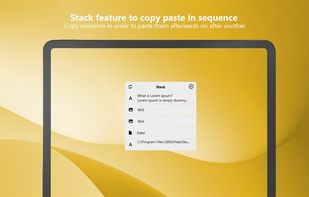
ClipDo - Clipboard Manager finally done right on Windows ClipDo stores everything you copy on PC so it's always there whenever you need it again. ClipDo makes it easy to instantly find and access any text, link, image, or file you've ever copied.
 Italy
Italy EU
EU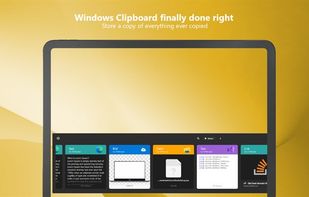


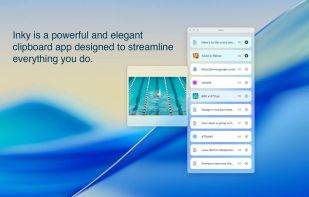
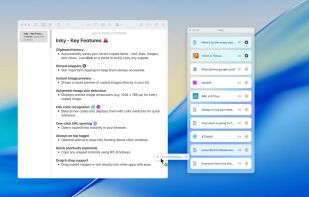
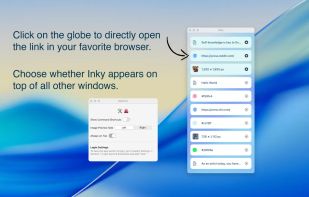
Inky is a clipboard app for designers, developers and creatives. Save text, links, images, and colors effortlessly to streamline your creative workflow.


Allows viewing, editing, and even deleting individual items within the Windows clipboard.
 United States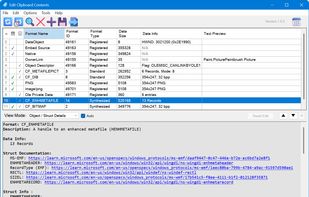


CleanBoard is a lightweight clipboard utility for macOS that removes unwanted formatting from copied text—so you can paste clean, plain text into any app with ease.
 SwedenEU

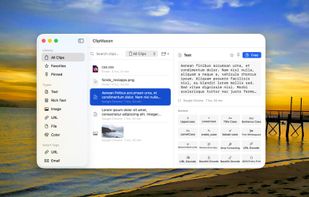
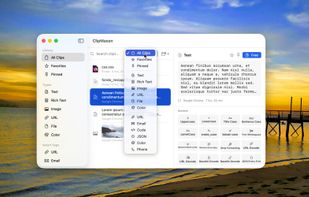
ClipMason is the clipboard manager that goes far beyond copy and paste. It automatically detects the type of content you copy — text, images, URLs, colors, files, or rich text — and offers smart contextual actions to transform it instantly.
 SpainEU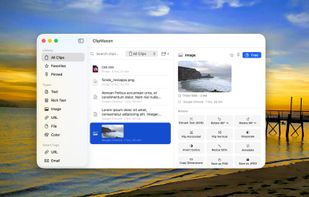

A free, end-to-end encrypted online clipboard that syncs text between your devices with a short key — no account, no install, and it works across different networks.

A keyboard-first native macOS clipboard manager with searchable screenshots and auto-collections — all local and encrypted.
 Australia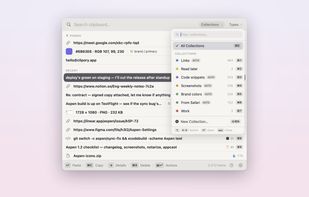
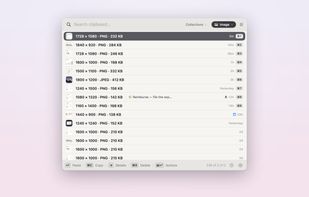
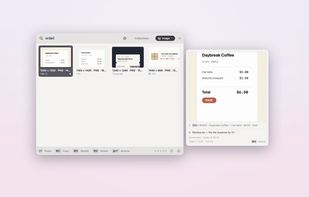
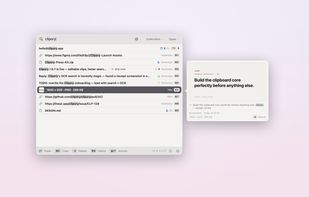


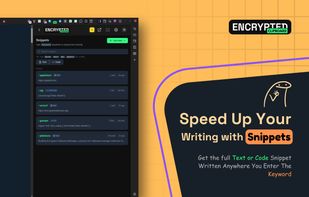
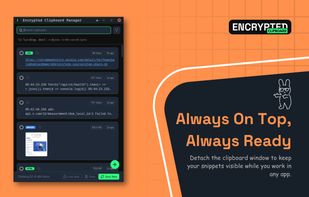
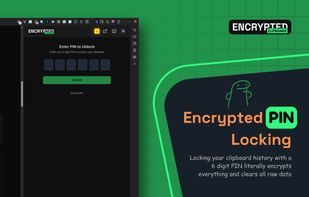
A premium, Zero-Knowledge encrypted clipboard manager for Chrome and Chromium browsers that lives in your Side Panel. Securely sync text, code, and images across all your devices with a focus on privacy and productivity.
 Bangladesh


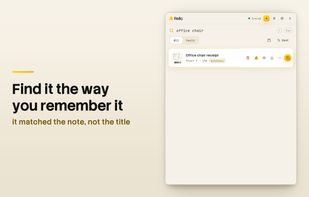
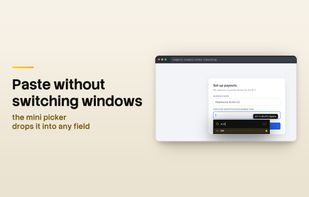
Relic keeps a permanent, searchable history of everything you copy. It runs locally first: your clipboard history lives in an end-to-end encrypted vault on your own machine, with full-text and semantic search, OCR for images, and automatic masking for values that look like...
United States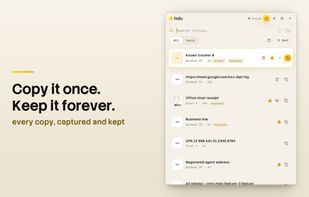

FlowShelf a free Mac app that turns your notch into a Dynamic Island and gives everything you copy, drop, or screenshot a temporary home.
Australia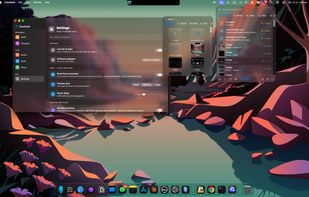
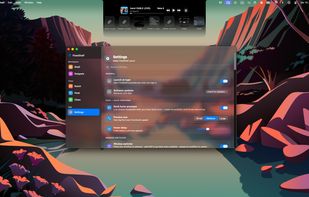
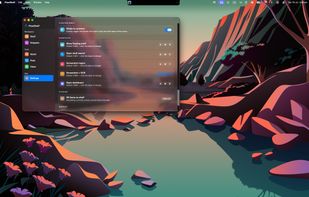


Gisti keeps everything you write, copy or capture on your Mac in one panel and lets you search it by meaning rather than by exact words. A month later you remember what something was about, not how it was worded: type "flight to Berlin" and Gisti finds the note that...
 Kazakhstan